Built for content creators
All your scripts and
footage in one place
The AI workspace for creators who are tired of scattered drafts, lost references, and forgotten ideas.
One place for everything you make.
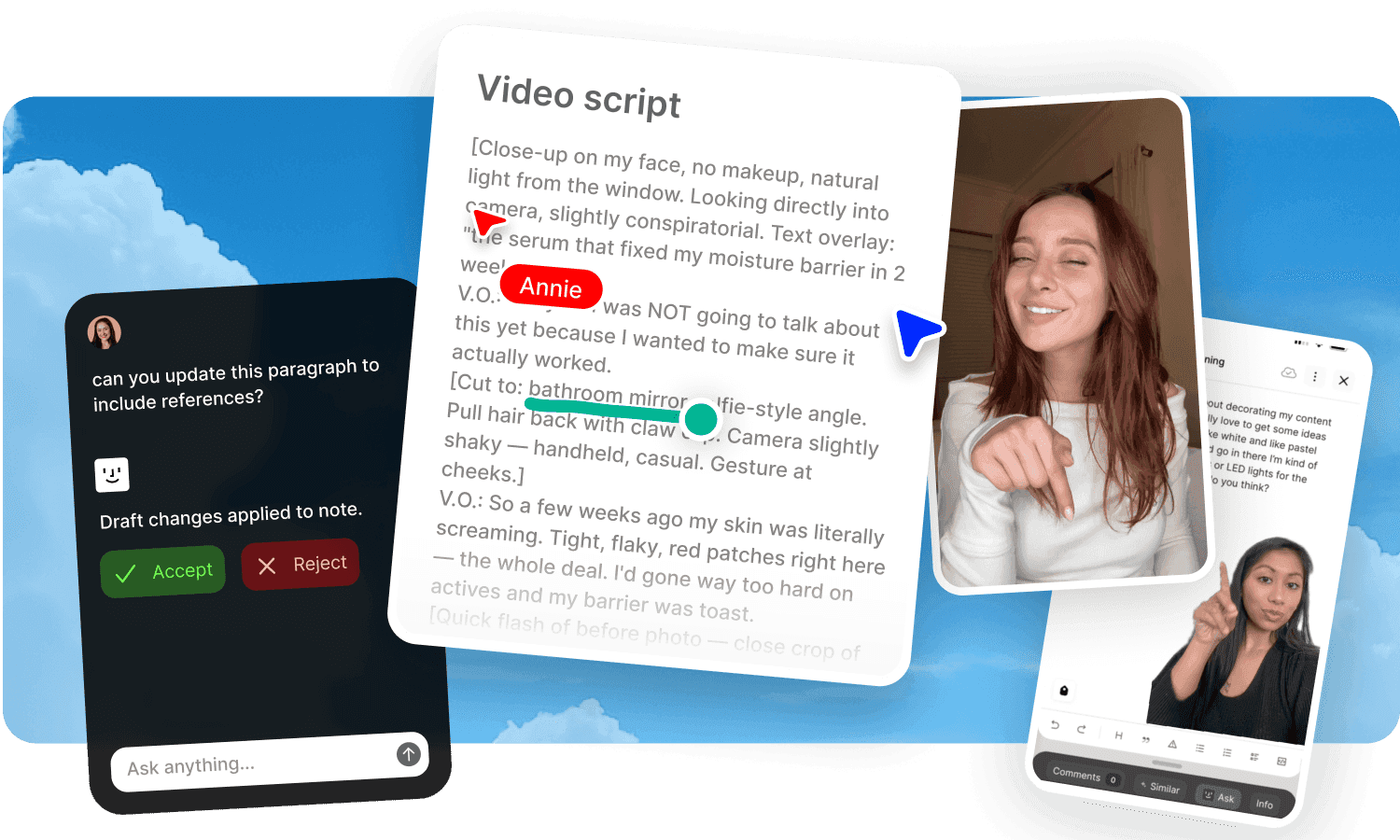
Your next video starts here.
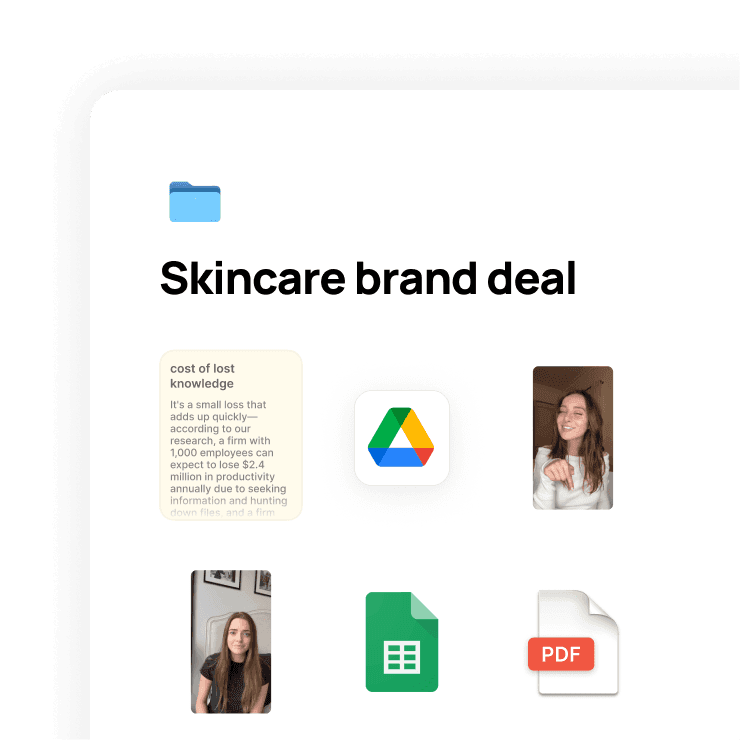
One home for every project.
Create a space for each video, series, or client. Scripts, b-roll, thumbnails, references, research.
Everything for a project lives together.
Stop switching between apps.
No more jumping between Google Docs, your camera roll, bookmarks, and Notes.
Open one Fabric space and it's all there.
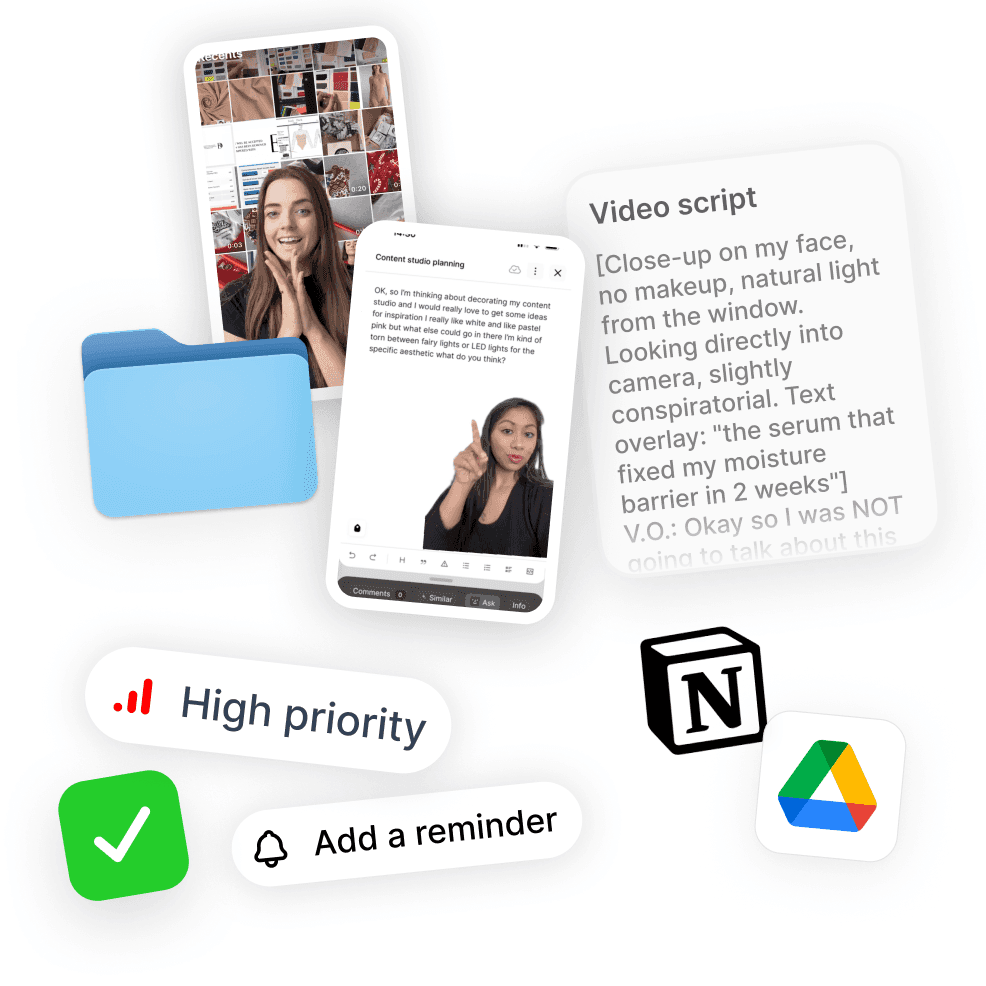
An assistant that knows your content.
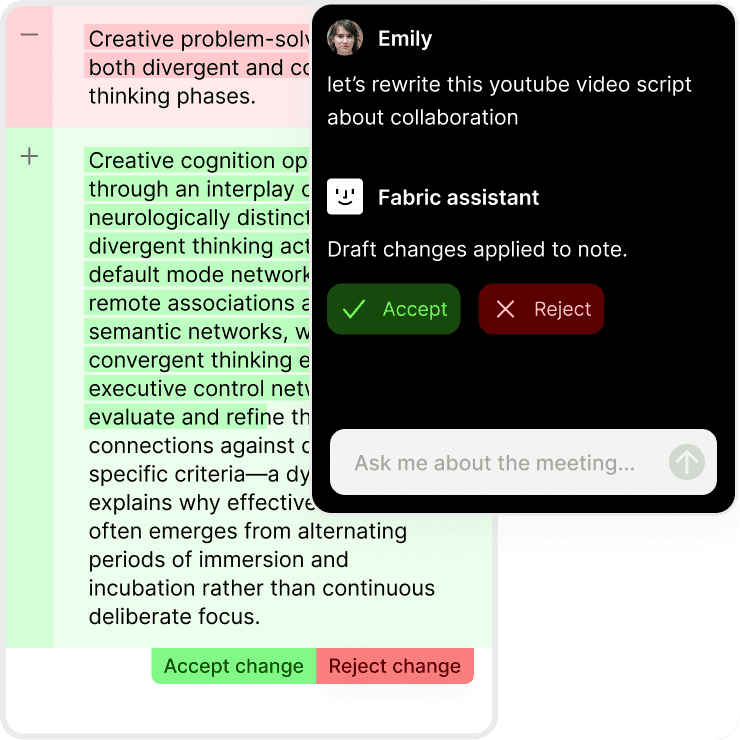
Ask it anything about your work.
Fabric's AI works with your files, not just the internet.
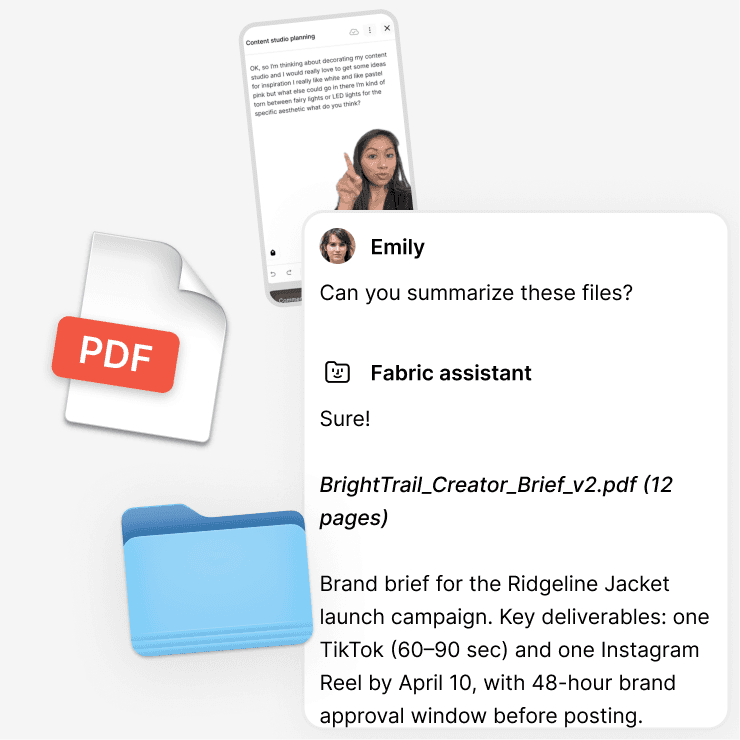
Draft hooks from your research, summarize a brand brief, rewrite a caption, or find that clip from three projects ago.
It gets better the more you use it.
The more you add to Fabric, the more your Fabric AI Assistant can do for you.
Your projects, your references, your style.
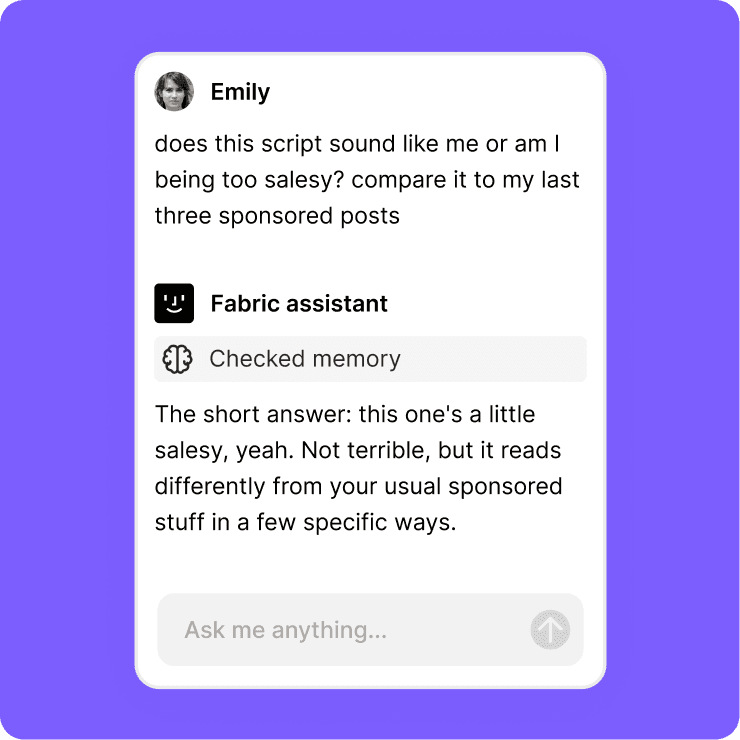
Annotate video, images, and docs.
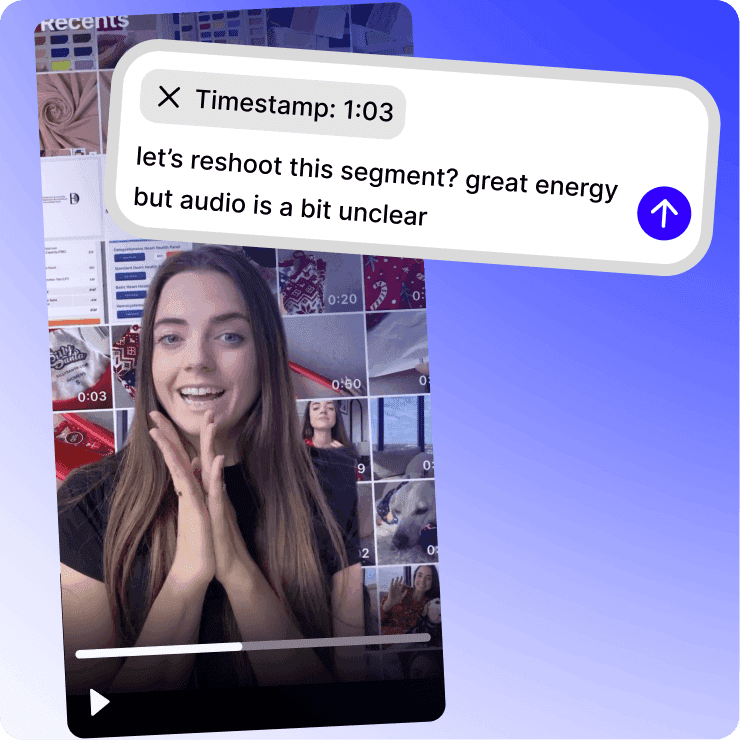
Timestamped feedback on footage.
Leave comments pinned to the exact moment in a video.
No more "at around 2 minutes in, that transition..."
Mark up anything.
Highlight sections of a brand brief.
Draw on a thumbnail.
Pin notes to a specific spot on an image.
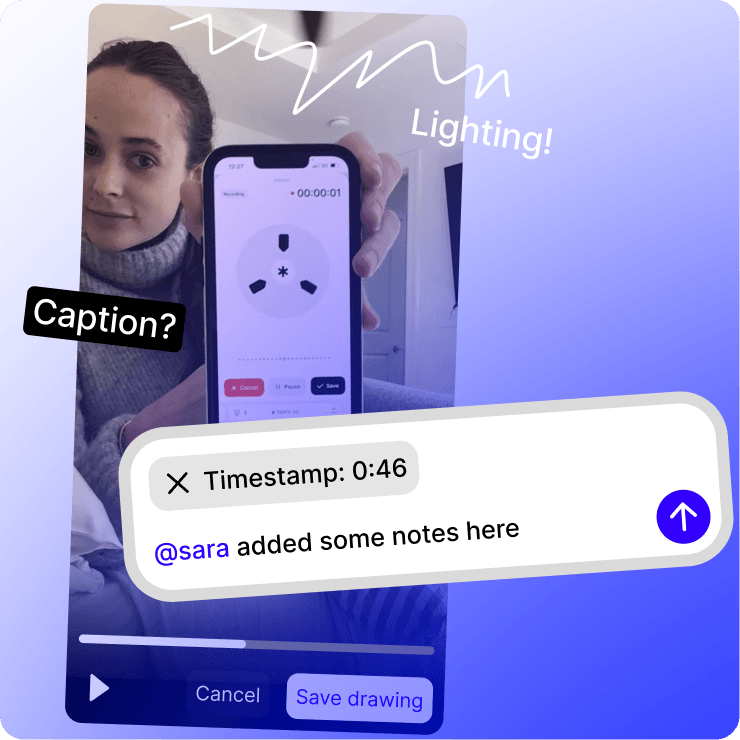
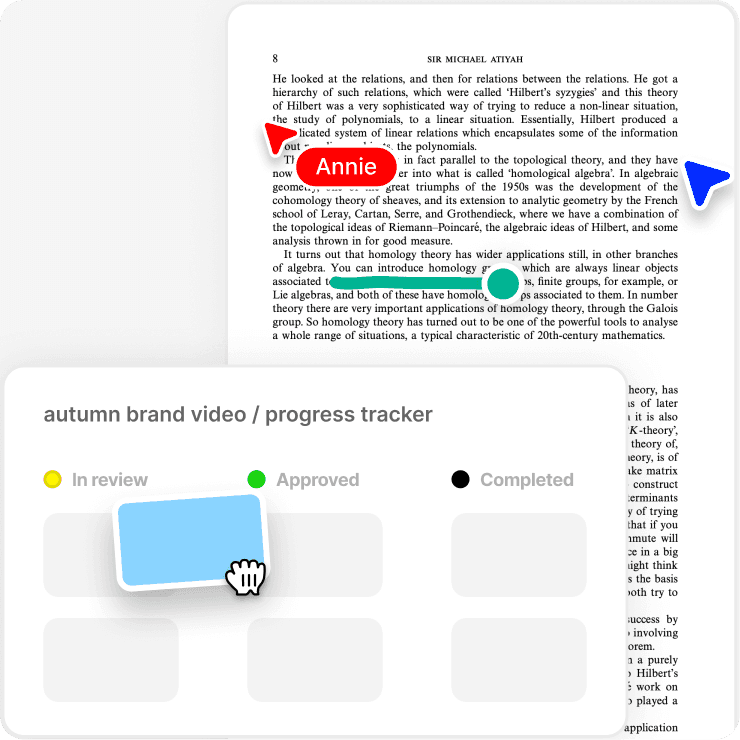
One link for all feedback.
Share with your editor or brand partner.
Everyone's notes in one place, on top of the actual content.
Publish and see who's watching.
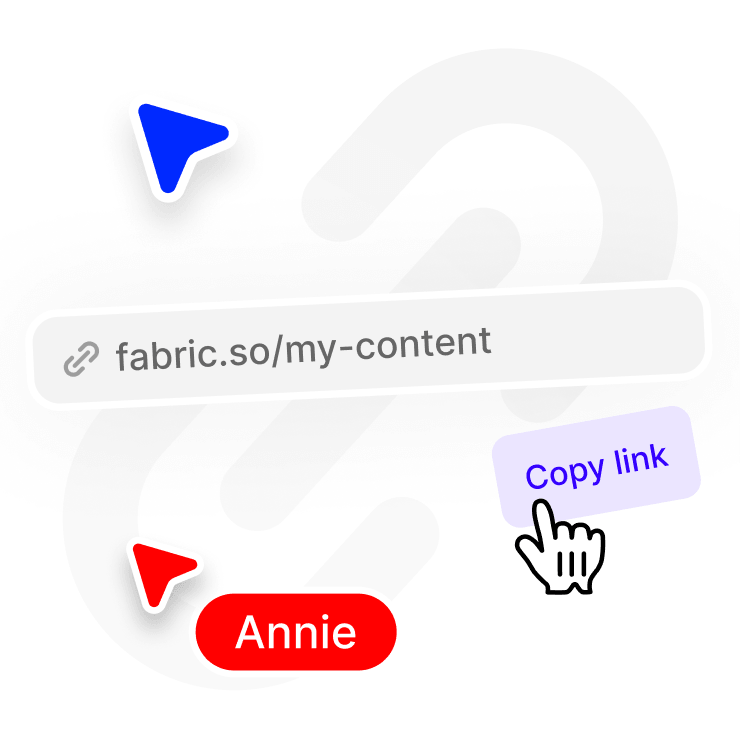
Share anything with a link.
Control who can view, download, or copy.
Send a brand partner your media kit or share a draft with your editor.
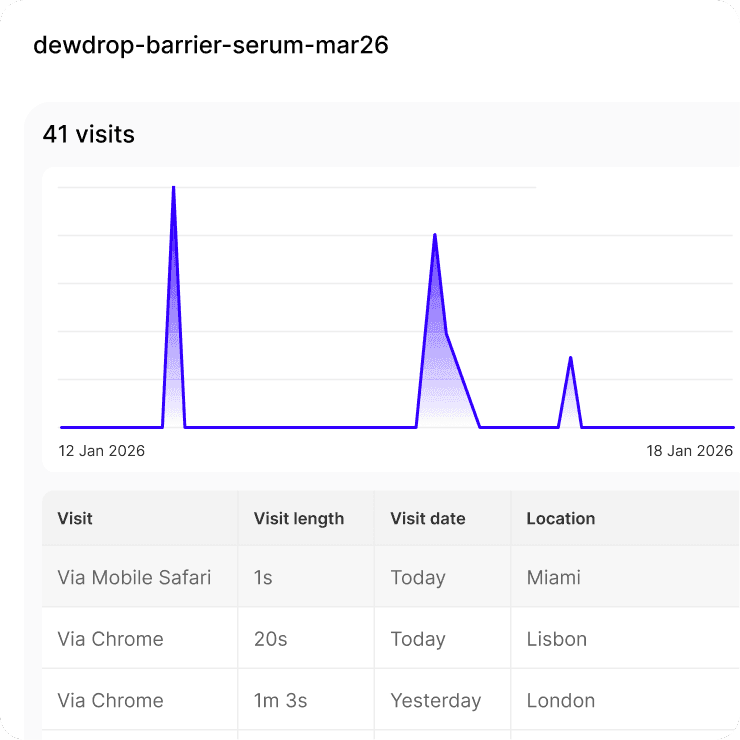
Built-in analytics.
See who opened it, when, and how long they spent.
Know exactly what's getting attention.
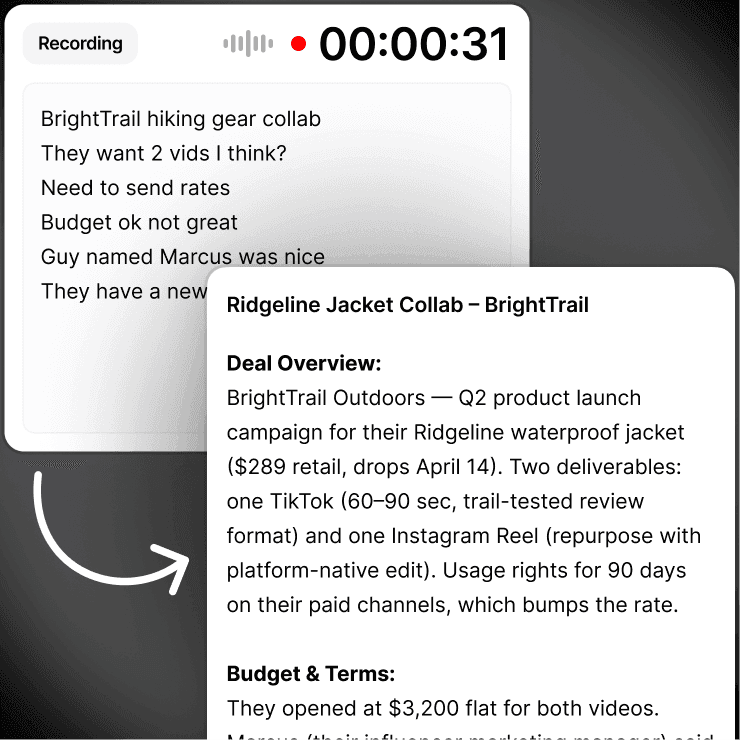
Record and transcribe client meetings.
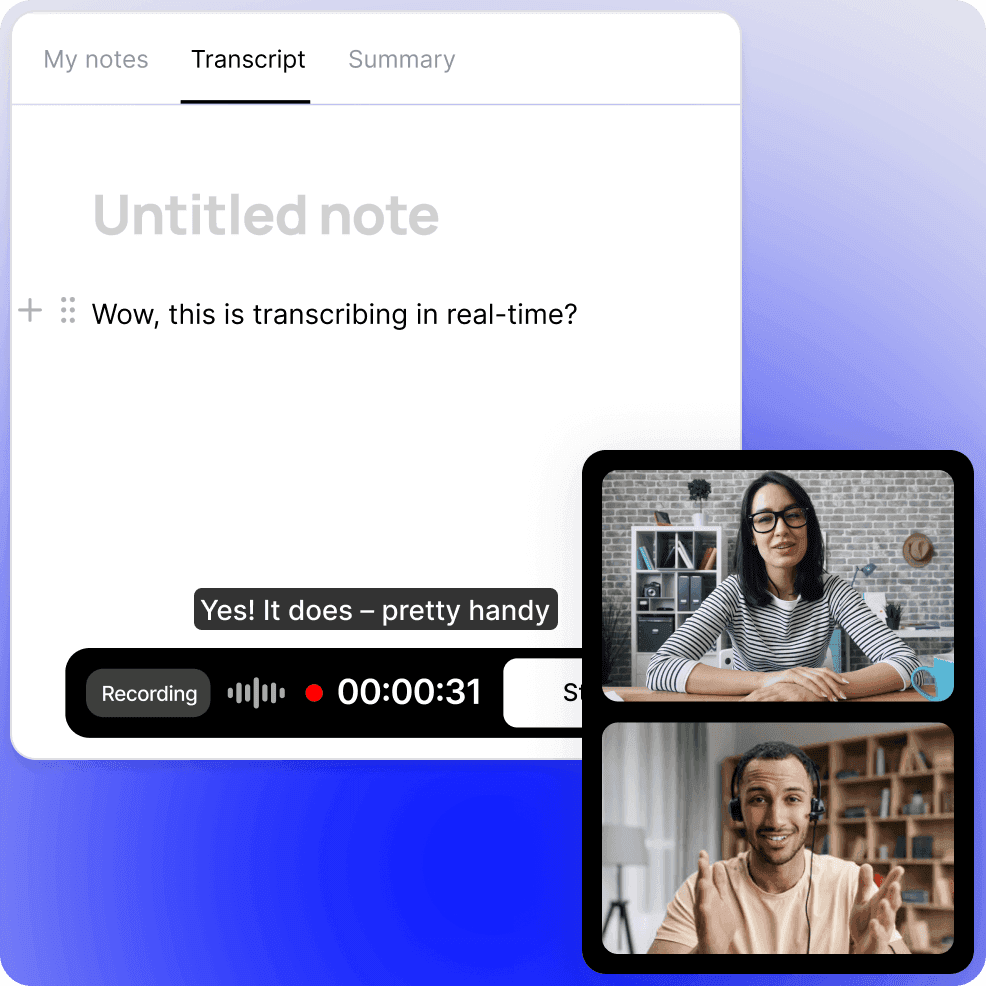
Capture ideas on the fly.
Record a brainstorm, a voiceover draft, or a client call.
Fabric transcribes it and makes it searchable.
With no meeting bot joining your call.
Meeting notes that write themselves.
Add thoughts before, during, or after recording.
Everything combines into one clean document.
Stay in the moment and sort it out later.
Email things to your AI Assistant.
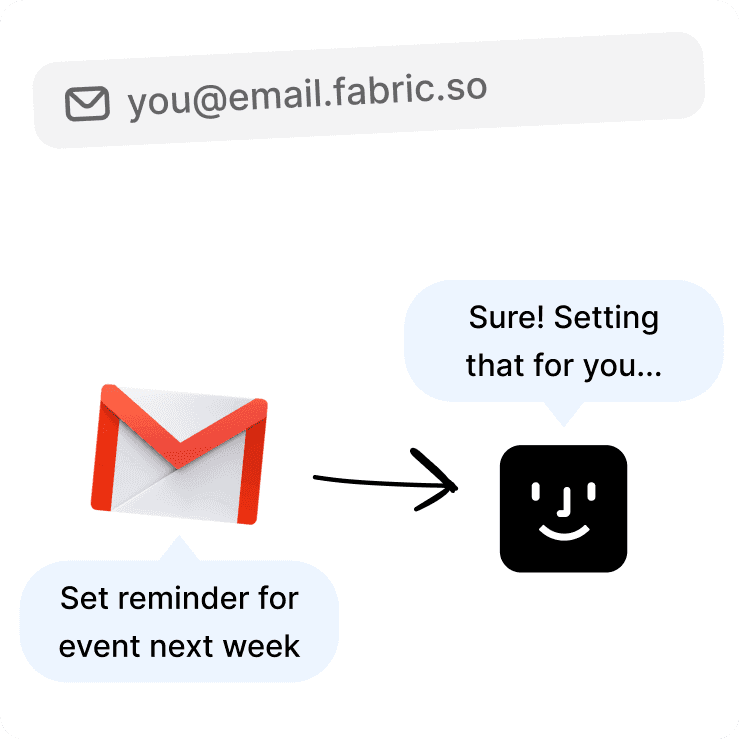
Your own Fabric email address.
Every account gets a personal address.
Forward a brand deal, an article, a competitor's post, inspiration from your inbox.
It's filed before you open the app.
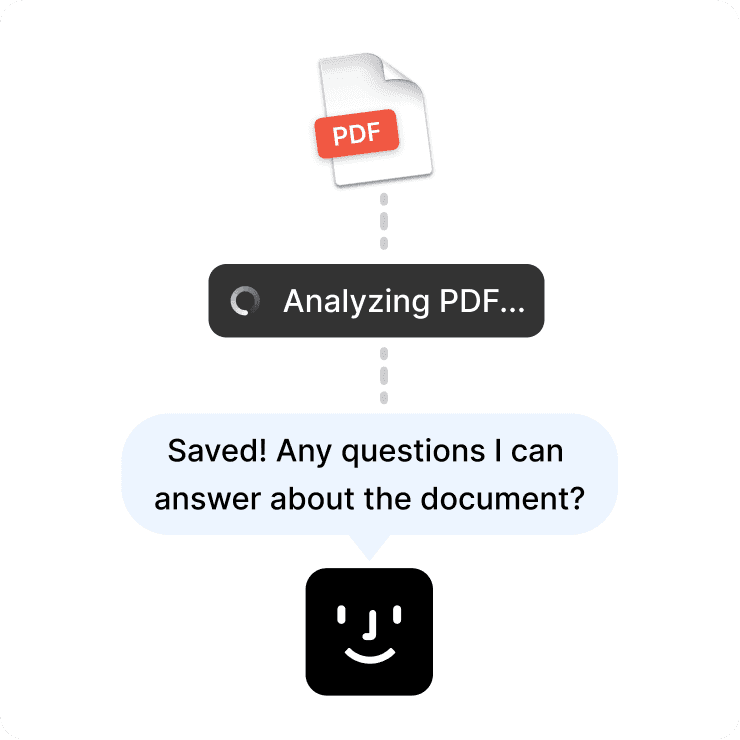
Fabric summarizes it and your AI assistant can reference it later.
Build your creative library from your inbox.
Find anything instantly.
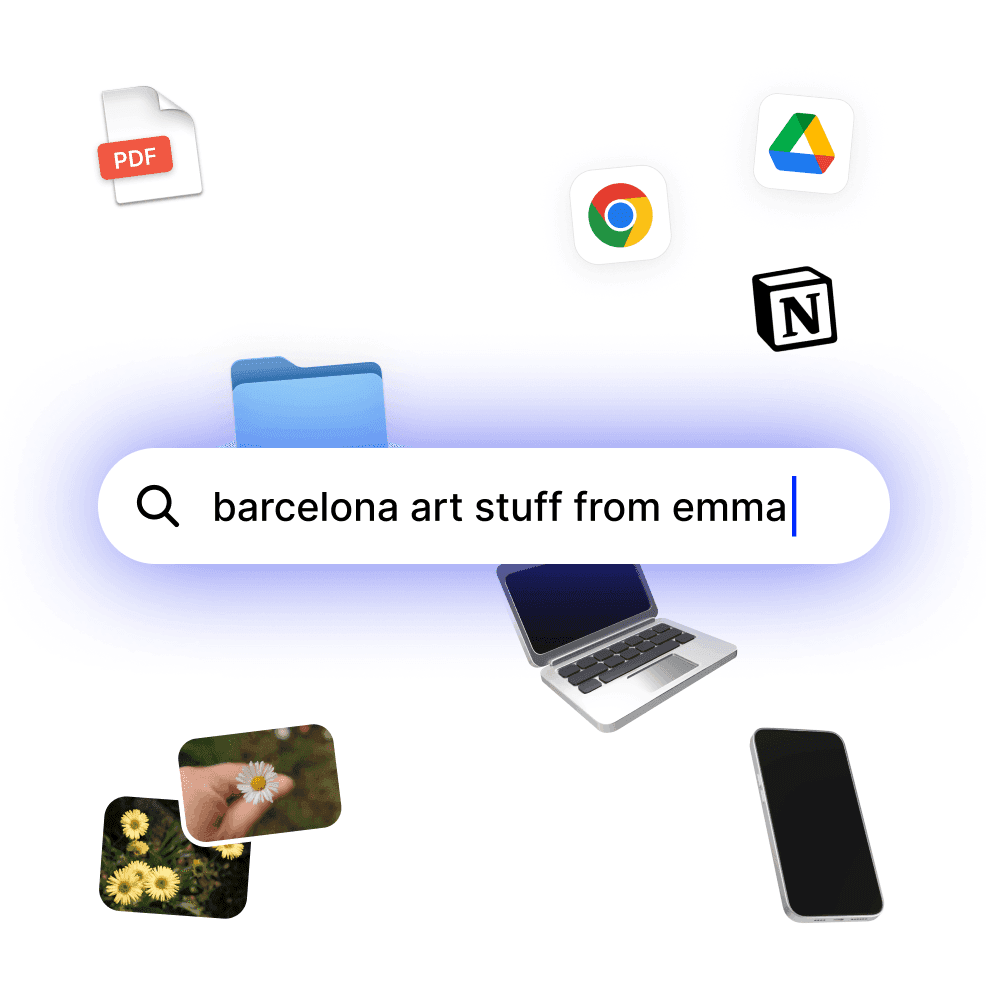
Search by meaning, not file names.
Type "that color reference from the skincare collab" and Fabric finds it.
No tags. No folders. No renaming files so you can find them later.
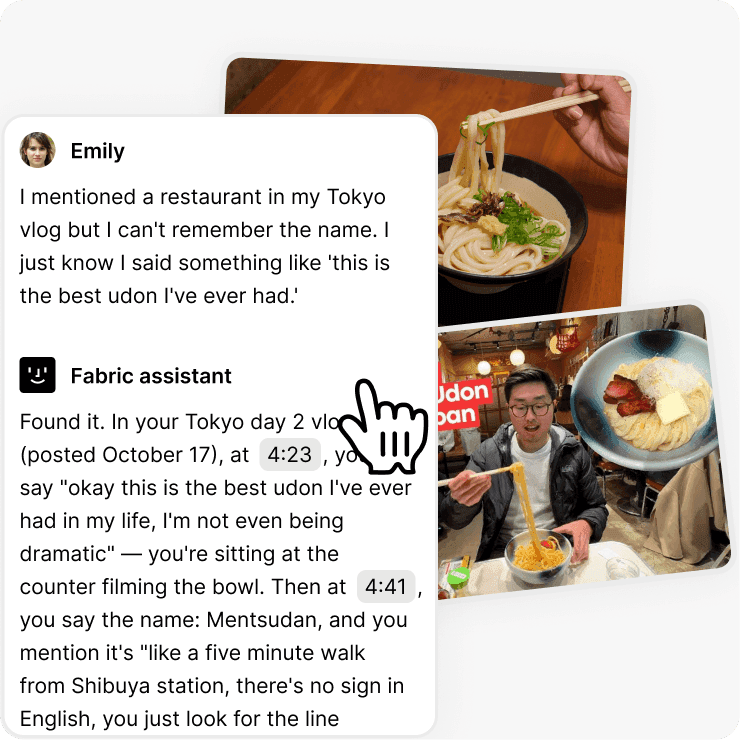
Search inside video and audio.
Fabric searches your transcripts automatically. Find the exact moment in a recording where you talked about a specific idea or topic.
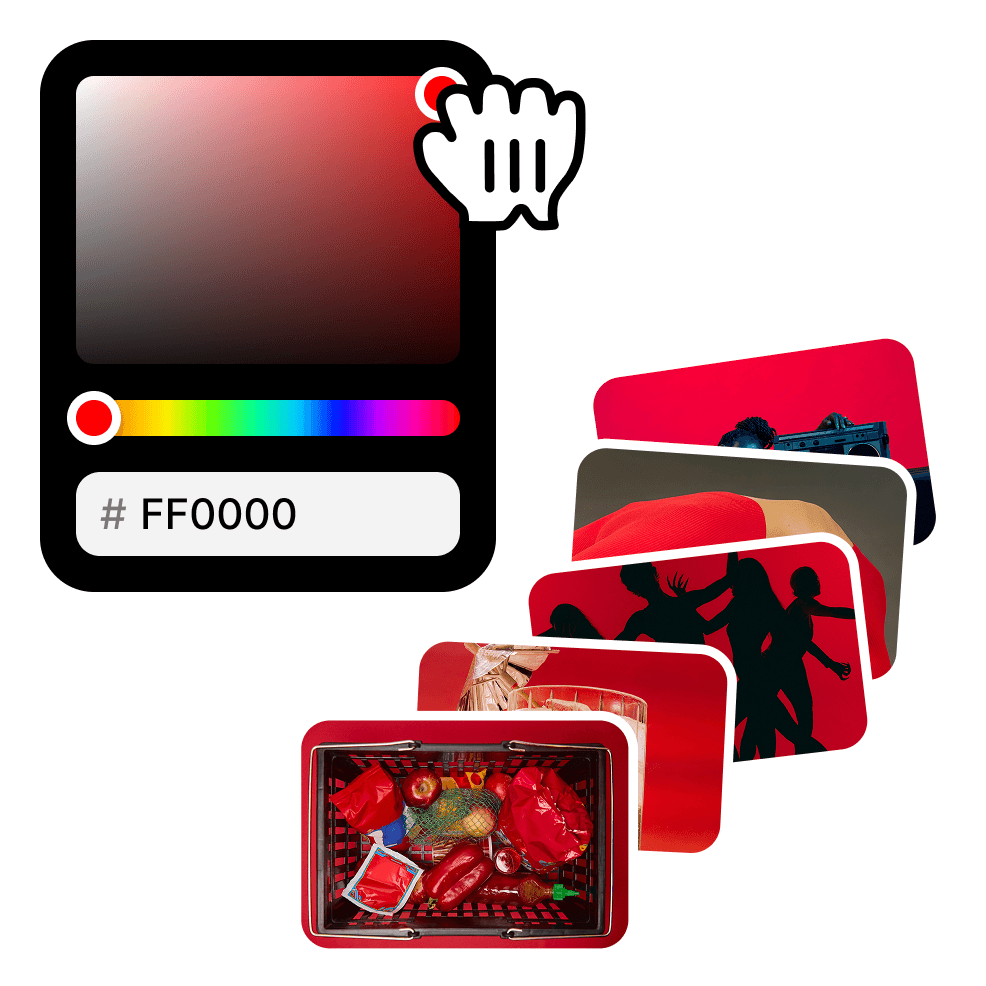
Color search.
Looking for footage or images that match a specific palette?
Search by color and find every asset that matches.
Perfect for keeping your content visually consistent.
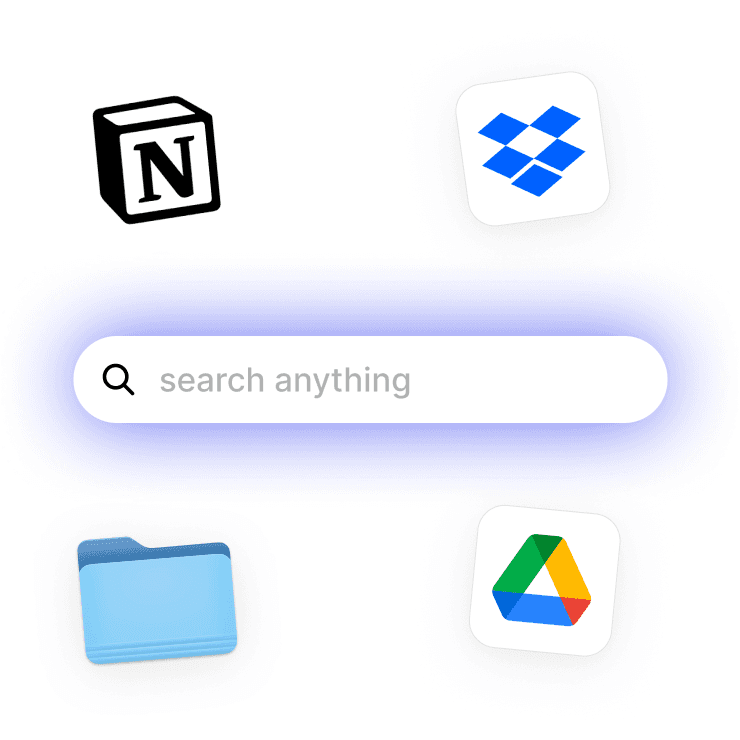
Cross-platform search.
Connected to Google Drive, Notion, or Dropbox?
Fabric searches across all of them from one place. Stop opening four apps to find one file.
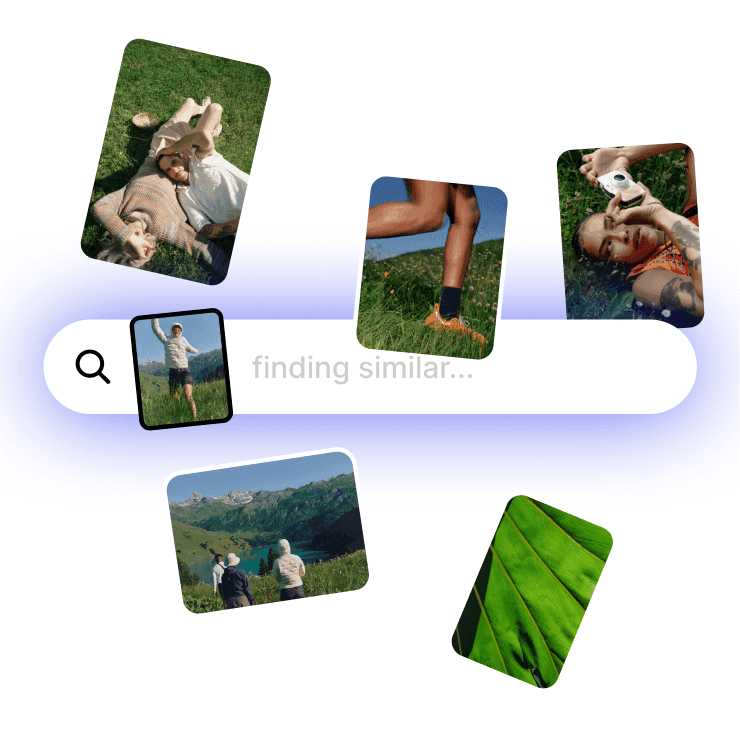
Find similar content.
Select any file and Fabric shows you related content across your whole library.
Resurface ideas, references, and assets you forgot you had.
Works with everything you use.
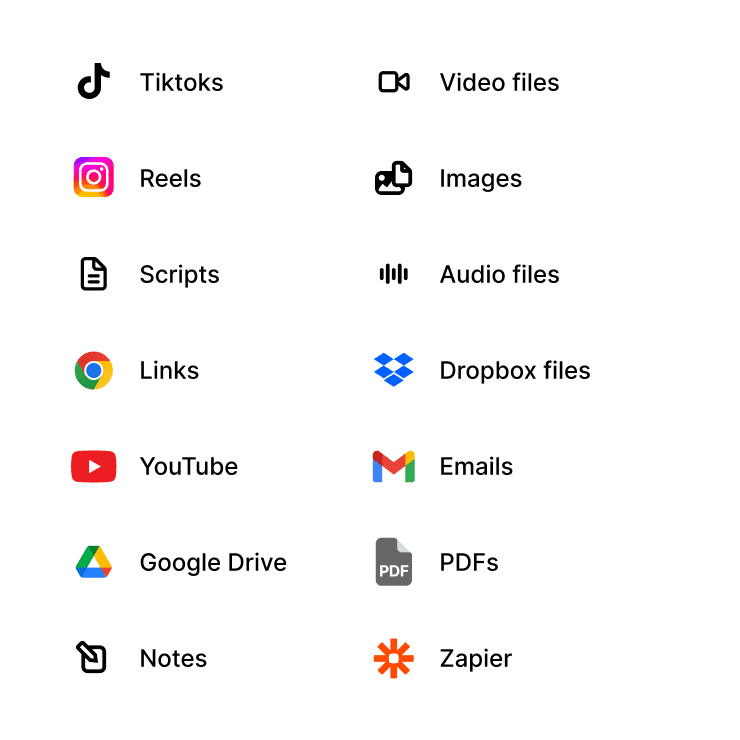
All your formats, all in one place.
Scripts, PDFs, images, video, audio, links, bookmarks, TikToks, Reels, YouTube drafts. Import from Google Drive, Notion, or Dropbox.
Drag and drop anything.
Searchable and AI-ready.
Everything becomes available to your Fabric AI Assistant the moment it lands in Fabric.
FAQs
Is Fabric free?
Yes. Fabric has a free plan that includes spaces, AI assistant access, search, and all core features. Paid plans add more storage and advanced capabilities.
Can I use Fabric on my phone?
Yes. Fabric works on iOS, Android, web, and desktop. Everything syncs across your devices automatically.
What file types does Fabric support?
Pretty much everything. Video, audio, images, PDFs, documents, links, bookmarks, TikToks, Reels, YouTube videos. If you can save it, Fabric can work with it.
How is this different from Google Drive or Dropbox?
Fabric stores your files like they do, but it also understands them. The AI assistant can read, search, summarize, and help you create based on everything in your library. It's storage that thinks.
Can I collaborate with my editor or team?
Yes. Share a space with anyone. They can view files, leave comments, annotate content, and chat with the AI assistant about shared materials. You control who sees what.