Made for law firms
Search by legal concept, not keyword
Search your entire knowledge base by legal concept, not keyword. Inside PDFs, scanned documents, and meeting transcripts simultaneously.
Self-writing matter summaries. Agents that flag deadlines and draft updates.
Legal work is search. Finding the relevant clause in a contract. Locating the precedent in a memo. Tracing the reasoning across a matter's correspondence. The knowledge exists in your firm's documents, but the search is primitive: keyword matching across filenames, or opening PDFs one at a time until you find the right one. "Exclusivity provisions in SaaS licensing agreements" returns nothing in a keyword search unless someone titled a document with those exact words. The knowledge is there. The retrieval doesn't match how lawyers actually think.
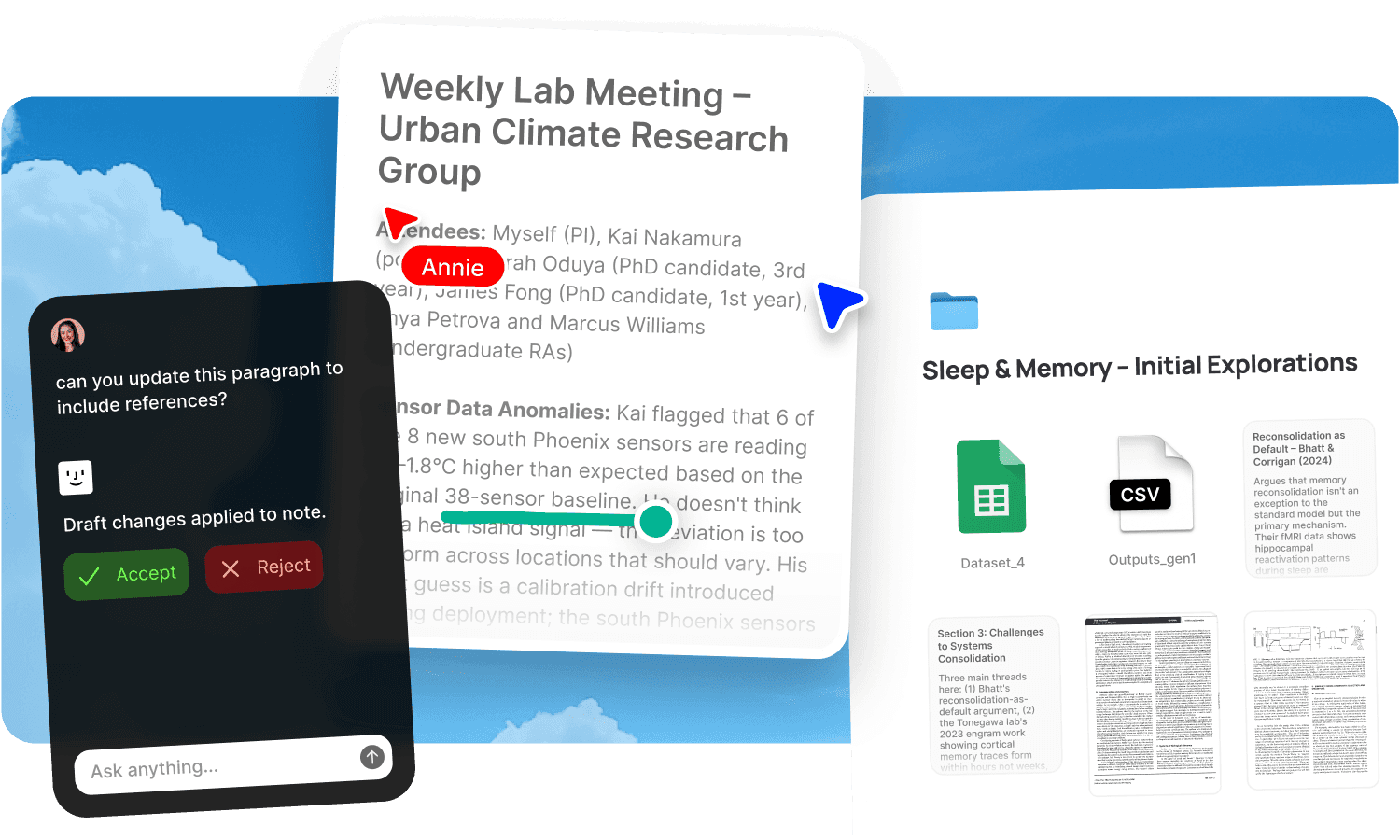
Fabric's AI search works across your entire knowledge base by legal concept, not keyword, and searches inside PDFs, scanned documents, and meeting transcripts simultaneously. Self-writing docs maintain matter summaries as new activity comes in. Agents handle administrative upkeep so associates spend time on analysis.
AI search by legal concept across everything
AI search lets anyone ask "exclusivity provisions in SaaS licensing agreements" and get results spanning contracts, memos, and recorded client discussions, linked to the exact clause or timestamp. The search works by legal concept: "duty of care in negligent misstatement" finds the relevant authorities even if the documents use different terminology.
The search reads inside every format simultaneously: Word documents, PDFs, scanned filings, email correspondence, and meeting transcripts. A provision in a contract, the reasoning in a memo, and the discussion from a client call are all findable in the same query.
The AI assistant synthesises across the firm's knowledge base. Ask it to compare liability provisions across agreements, trace the evolution of a position through correspondence, or find every matter where a specific legal issue arose. It cites the exact clause, page, or timestamp.
Self-writing matter summaries and decision logs
Self-writing docs connect to your meetings and workspace activity, and produce documentation that stays current as matters progress:
Matter summaries that update as new filings, correspondence, and discussions come in. The summary reflects the current state of the matter without anyone manually rewriting it after each development.
Decision logs tracking what was decided, when, and why across every matter. The reasoning behind strategic choices is captured from the meetings and discussions where decisions were made.
Client relationship trackers maintaining engagement history, meeting summaries, and open items for every client, assembled from calls and correspondence.
Associates stop spending time on administrative upkeep. The record maintains itself.
Agents that flag deadlines and draft updates
Agents take action on what they find:
One reads incoming correspondence, updates the matter summary, and flags deadlines that need attention. Filing dates, response windows, and limitation periods are surfaced without someone manually tracking a calendar.
Another drafts the client update email from the latest activity and leaves it ready for review. The partner reviews and sends rather than writing from scratch.
Another monitors regulatory and legislative updates and flags anything relevant to active matters.
The legal analysis stays human. The administrative machinery runs itself.
Annotations on contracts, briefs, and filings
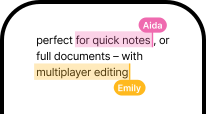
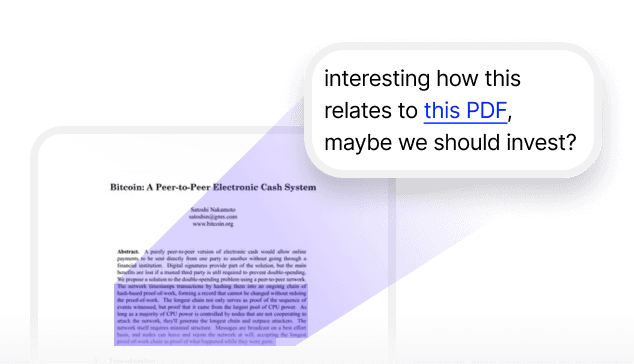
Annotations let fee earners highlight, comment, and flag directly on contracts, memos, briefs, and any other document. Pin a question to a specific clause. Note a concern about a provision. Mark a section for cross-reference with another agreement.
The annotations are searchable across the firm's entire knowledge base. A note written on a contract six months ago is findable by searching what it says, not by remembering which document it was on. The marginal thinking becomes part of the retrievable record.
Secure sharing and data rooms
Publish any document or collection with password protection and link analytics. Share due diligence materials with controlled access and see when counterparties have reviewed them. Create individually named tracking links per recipient.
For full due diligence workflows, see data rooms. For per-client engagement management, see client work and deliverables.
Associates ramp faster
When a new associate joins or takes over a matter, the full history is searchable: every document, every decision, every piece of correspondence, every meeting transcript. They ask the AI assistant "what's the current position on the indemnity cap" and get a cited answer from the latest negotiation, not a colleague's recollection.
Self-writing onboarding docs stay current as the firm's processes evolve. For structuring onboarding, see onboarding new team members.
Who at the firm uses Fabric
Lawyers search across contracts, precedents, and matter history. Consultants in advisory roles manage engagement context. Founders and investors on the other side of transactions share materials via data rooms.
For individual lawyer workflows, see Fabric for lawyers. For managing research papers and legal commentary, see research papers.
Get started
Give your firm AI search by legal concept across every contract, memo, and transcript. Try Fabric free. See pricing for teams.
FAQs
Can Fabric search by legal concept, not just keyword?
Yes. AI search searches by meaning. "Exclusivity provisions in SaaS licensing agreements" finds the relevant clauses even if the documents don't use those exact words.
Can it search inside PDFs and scanned documents?
Yes. The search reads inside PDFs, scanned filings, Word documents, emails, and meeting transcripts simultaneously. A scanned contract is as searchable as a digital one.
Do matter summaries update automatically?
Yes. Self-writing docs update matter summaries as new filings, correspondence, and discussions come in. The summary reflects the current state without manual rewriting.
Can agents flag deadlines?
Yes. Agents read incoming correspondence, update the matter summary, and flag deadlines that need attention: filing dates, response windows, and limitation periods.
Can agents draft client update emails?
Yes. An agent drafts the update from the latest matter activity and leaves it ready for the partner to review and send.
Can I annotate contracts and have annotations be searchable?
Yes. Annotations let you highlight and comment on any document. Your annotations are searchable by what they say across the firm's entire knowledge base.
Can we set up a data room for due diligence?
Yes. Publish document collections with password protection and link analytics. See the full data room workflow.
Can new associates search the full matter history?
Yes. Every document, decision, and discussion is searchable from day one. New associates ask questions and get cited answers from the actual record.
Does the decision log capture reasoning, not just outcomes?
Yes. The decision log captures the reasoning from meetings and discussions where decisions were made, not just the outcome.
What tools does Fabric connect to?
Fabric connects to Google Drive, Dropbox, Notion, Gmail, Slack, and meeting tools. See connections for the full list.
Is our data secure and confidential?
Yes. Fabric uses AES-256 encryption and is CASA Tier 2 compliant. Your data is never used to train AI models. Client matters are isolated in separate spaces.
How is this different from a legal DMS?
A traditional DMS organises by metadata and folder hierarchy. Fabric searches by legal concept inside every document, produces self-writing matter summaries and decision logs, and gives you agents that flag deadlines and draft client updates. The difference is between filing documents and having a knowledge base that understands what's inside them.