Made for Tab Hoarders
Fabric for tab hoarders
Save anything from the web with one click, search across everything later by meaning, and finally close those tabs.
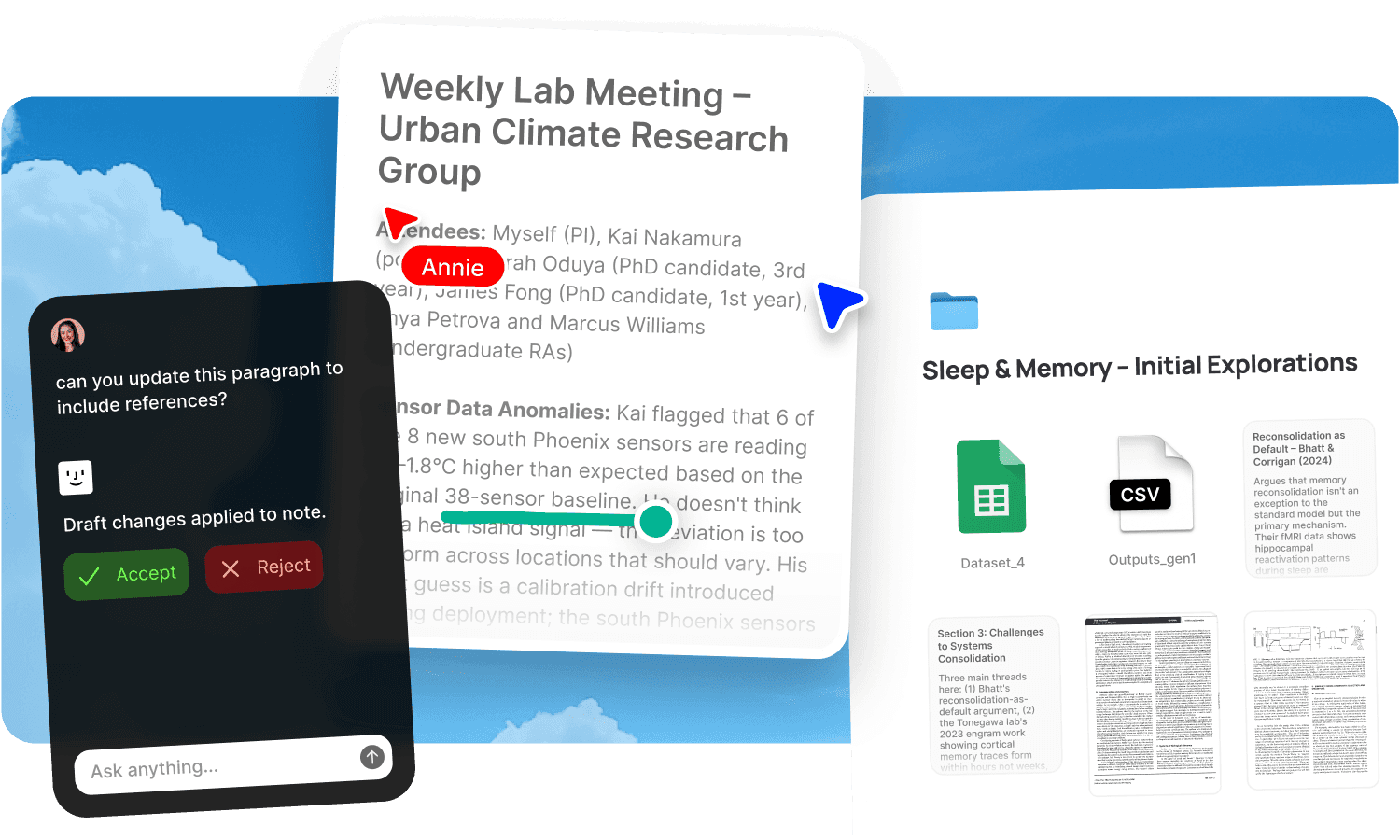
You have too many tabs open right now. You know it. Some are articles you want to read. Some are references you might need. Some are things you were going to buy. Some you've forgotten entirely but are afraid to close because you might need them and you won't remember what they were. The tabs are a to-do list, a reading list, a research archive, and a memory prosthetic, all in the worst possible format. They slow your browser, drain your battery, and when the browser crashes or you restart your machine, half of them disappear and you'll never know what you lost. Bookmarks don't help because you'll never open the bookmarks folder. Read-it-later apps don't help because they become another backlog you feel guilty about. The tabs stay open because closing them feels like losing something, and your brain would rather slow down your entire computer than risk that.
Fabric is where tabs go to be remembered. Save anything from the web with one click, close the tab, and find it later by searching for what it was about. The tab anxiety ends because the content is captured, searchable, and permanent.
One click to save, one search to find
The reason tabs stay open is that closing them means losing them. Bookmarks don't solve this because bookmarks are just another list you'll never look at. The fix is a system where saving is as fast as keeping the tab open, and finding is faster than scrolling through a hundred tabs.
The web clipper saves any page to Fabric with one click. The article, the product page, the recipe, the reference, the thread. One click and it's in your library. Close the tab. It's safe.
When you need it later, AI search finds it by meaning. You don't need to remember the URL, the title, or when you saved it. Describe what you're looking for: "that article about sleep and productivity" or "the shoes I was looking at with the white sole" or "the thread about database indexing strategies." Fabric finds it across everything you've saved, however long ago.
Everything you save becomes searchable, forever
The difference between Fabric and a bookmark folder is that Fabric reads what you save. It understands the content of every page, article, image, and document. Your saves don't sit in a list you'll never open. They join a searchable library that grows more useful the more you add to it.
The AI assistant works from your saved material. Ask it "what was that article about remote team communication" and it finds the article and can summarise it. Ask "what products was I comparing for running shoes" and it pulls together the pages you saved. The assistant is the librarian for the library you've been accidentally building in your browser tabs.
Annotate the web lets you highlight and comment on any page directly in your browser. The annotations persist across sessions and devices, so the thinking you did while reading is captured alongside the content. When you search later, your annotations are findable too.
Read when you're ready, not when you find it
Half the tabs you're hoarding are things you want to read but don't have time for right now. They stay open as a visual reminder, which doesn't work because there are forty-seven of them and you've stopped looking.
Save them to Fabric and read them when you're ready. The reader gives you a clean, distraction-free reading experience for saved articles, with read time estimates and progress tracking. Your reading list lives in Fabric rather than in your tab bar, and it's searchable by topic, not just by order saved.
Subscribe to sources you read regularly with RSS feeds so new content arrives in your workspace automatically. Forward newsletters and interesting emails to email-to-note. The inputs that would normally become more open tabs flow into your library instead.
The tab bar becomes empty. The library becomes deep.
The shift is simple. Instead of keeping tabs open because you might need them, you save them to Fabric and close them. Instead of scrolling through a hundred tabs looking for the right one, you search. Instead of losing everything in a browser crash, you have a permanent, searchable library of everything you've ever found interesting, useful, or worth keeping.
Over time, the library compounds. The article you saved six months ago is findable when it's suddenly relevant. The reference you clipped last year surfaces when you're working on something related. The things you find on the web stop being ephemeral and start becoming part of a personal knowledge system that grows with you.
For the full approach, see second brain and reading and learning.
A tab hoarder's day in Fabric
Morning. You open your browser. There are three tabs left from yesterday that you saved to Fabric last night. You close them. The tab bar is clean.
Mid-morning. You find an interesting article while researching something for work. One click on the web clipper. Saved. Tab closed. You'll read it later or search for it when it's relevant. Either way, it's not your problem right now.
Lunch. You're comparing products. You save five product pages to Fabric. Each one is captured with its content searchable. You close all five tabs and eat lunch without your laptop fan spinning.
Afternoon. You need that article about database indexing you saved two weeks ago. You search "database indexing strategies" and it's there in seconds. No scrolling, no bookmark archaeology, no "which tab was that in."
Evening. You have twenty minutes to read. You open the reader and pick an article from your saved library. You annotate a few key points. They're searchable alongside the article.
Result. Your browser has four tabs open. Your Fabric library has four hundred saves. Everything is findable. Nothing is lost.
Get started
Save everything, close everything, find anything. Try Fabric free.
Get the web clipper to start saving with one click. Comparing tools? See why people choose Fabric as the best web clipper, the best read-it-later app, and the best Pocket alternative.
FAQs
How do I save a tab to Fabric?
Install the web clipper browser extension. Click it on any page and the content is saved to your Fabric library. One click. Close the tab.
Can I find a saved page by describing it rather than remembering the URL?
Yes. AI search finds saved pages by meaning. Describe what the page was about in plain language and Fabric finds it, regardless of when you saved it or what the page was titled.
Is this different from bookmarks?
Yes. Bookmarks save a URL. Fabric saves the content and makes it searchable by meaning. You find saved pages by describing what they were about, not by scrolling through a list of links you'll never revisit. The content is also preserved even if the original page goes offline.
Is this different from a read-it-later app like Pocket?
Pocket saves articles to a reading list. Fabric saves anything from the web into a searchable, AI-powered library that also holds your notes, documents, voice memos, and everything else. The saved page doesn't sit in a backlog. It joins a growing library that's searchable by meaning, with an AI that can summarise, connect, and help you use what you've saved.
Can I annotate web pages?
Yes. Annotate the web lets you highlight and comment on any page directly in your browser. Annotations persist across sessions and devices and are searchable alongside the saved content.
Does Fabric have a reader mode?
Yes. The reader gives you a clean, distraction-free reading experience for saved articles, with read time estimates and progress that syncs across devices.
Can I save more than just articles?
Yes. The web clipper saves any page: articles, product pages, recipes, documentation, social media posts, forum threads, images. All of it is searchable by content.
Can I subscribe to blogs and newsletters in Fabric?
Yes. Subscribe to sources with RSS feeds. Forward newsletters to email-to-note. Content arrives in your library without you opening more tabs.
Can the AI summarise things I've saved?
Yes. The AI assistant can summarise any saved article, pull together multiple saves on a topic, or answer questions about your saved content.
What happens if the original page goes offline?
Fabric captures the content when you save it. The saved version is in your library regardless of whether the original URL stays live.
Can I save tabs on my phone too?
Yes. The mobile app lets you share any link to Fabric from your phone's share sheet. Same one-step capture as the desktop web clipper.
Does my saved content stay searchable forever?
Yes. Everything you save stays in your library permanently, fully searchable. A page saved two years ago is as findable as one saved today.
Is my saved content private?
Yes. Your library is encrypted and only visible to you unless you choose to share something. Fabric uses AES-256 encryption and is CASA Tier 2 compliant.