Built for designers
The home for your
creative universe
A beautiful visual explorer and place to think,
for all your projects, inspiration and ideas.
Turn creative chaos into clarity.
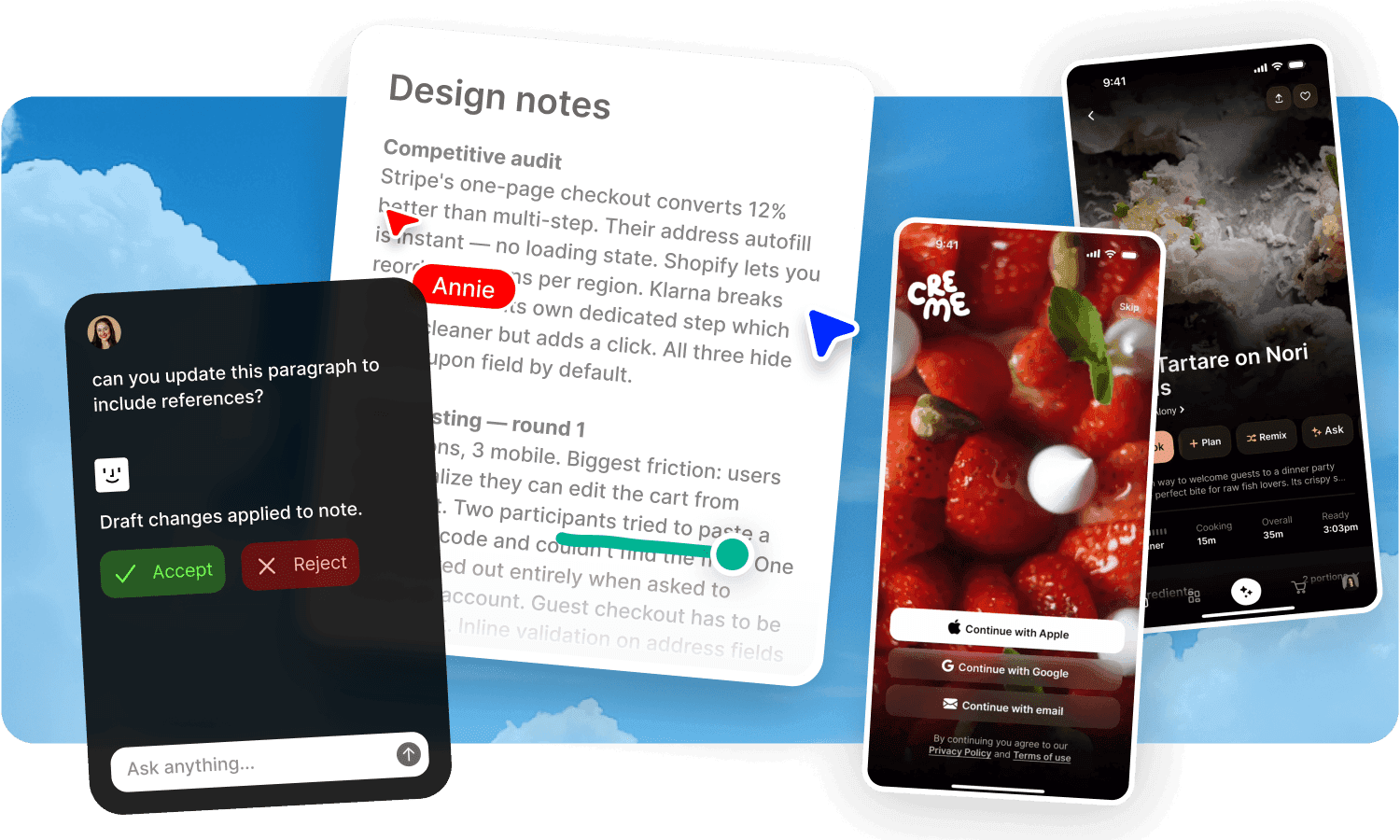
A home for visual inspiration.
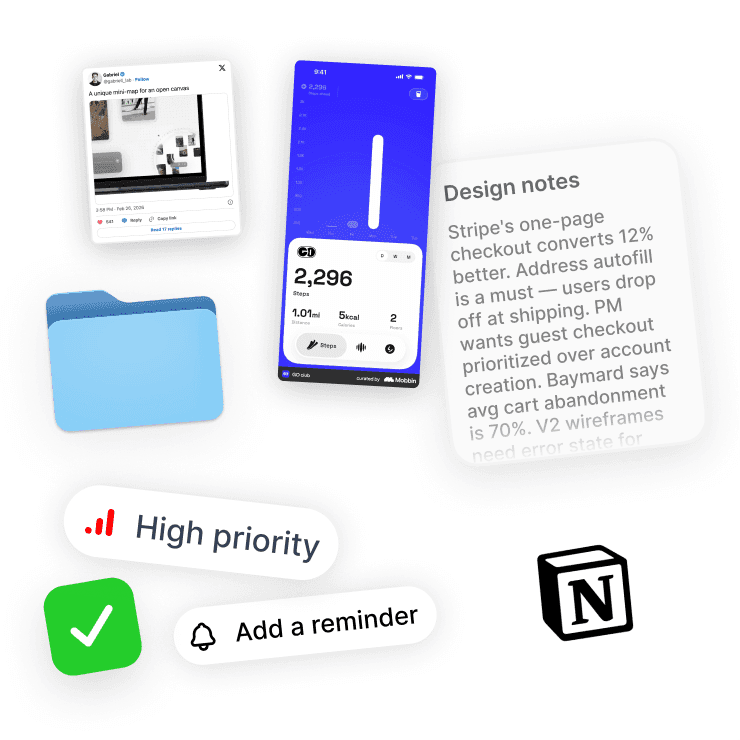
Save anything, from anywhere.
Clip images from the web, save screenshots, drop in mood boards, pin references from Mobbin, Twitter or Instagram.
Everything lands in one searchable library.
Explore by vibe, not by folder.
Browse your inspiration visually.
Fabric surfaces connections between references you saved weeks apart.
Your library gets more useful the bigger it gets.
A place to think.
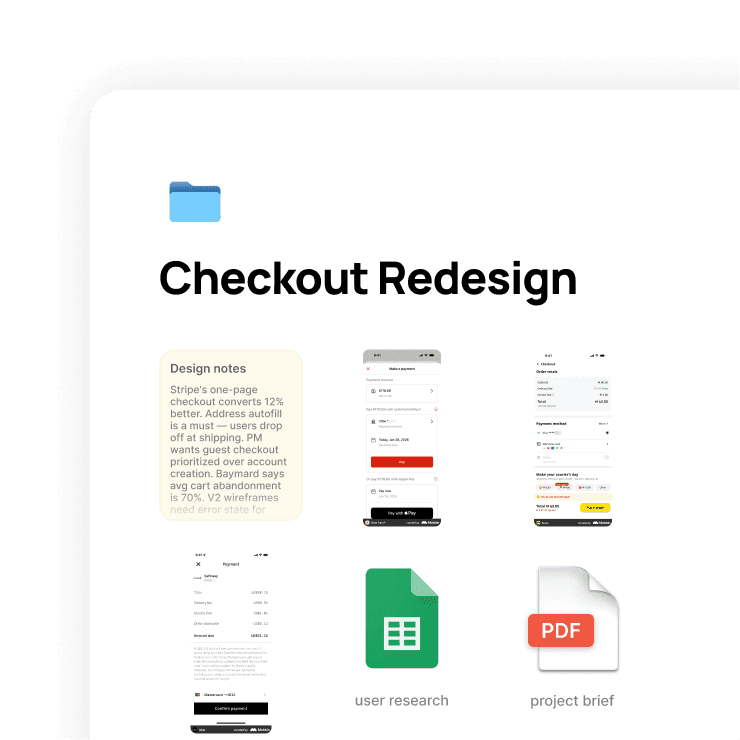
Work through ideas in one space.
Sketches, notes, references, feedback, early drafts.
Keep everything for a project together from first thought to final delivery.
Write alongside your visuals.
Use the editor to capture thinking, rationale, and direction right next to the work itself.
No more context lost between tools.
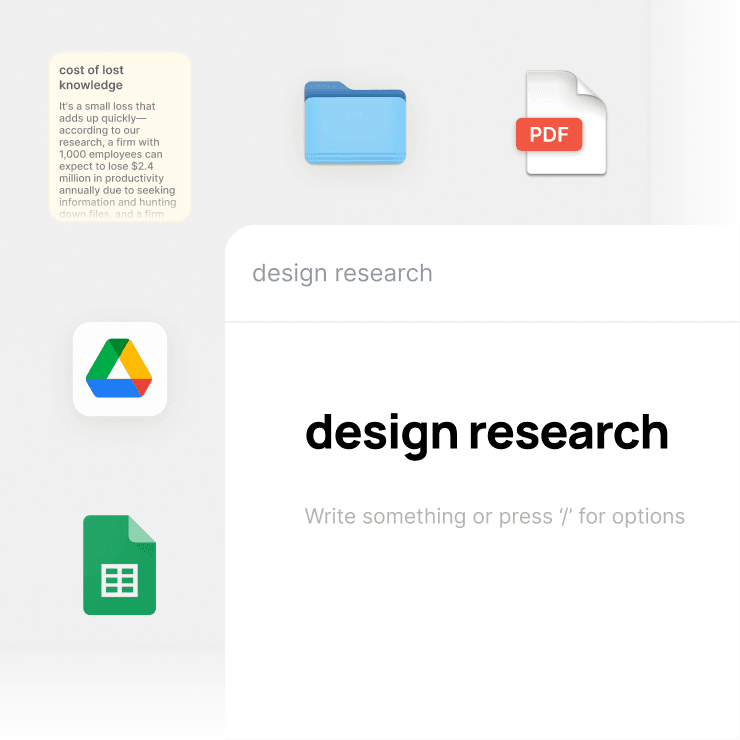
Find anything visually.
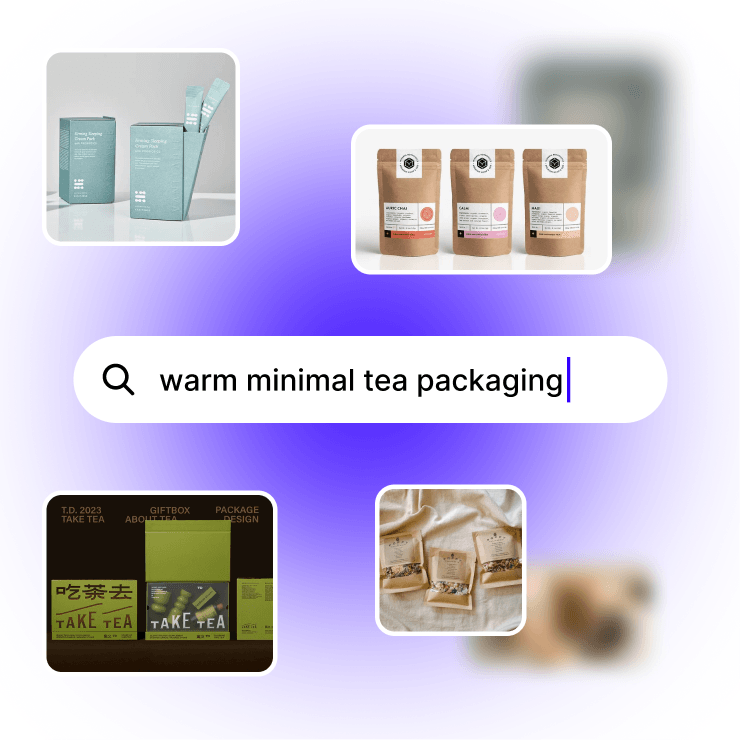
Search by meaning, not file names.
Type "warm minimalist packaging from the tea brand project" and Fabric finds it.
No tagging. No folder diving.
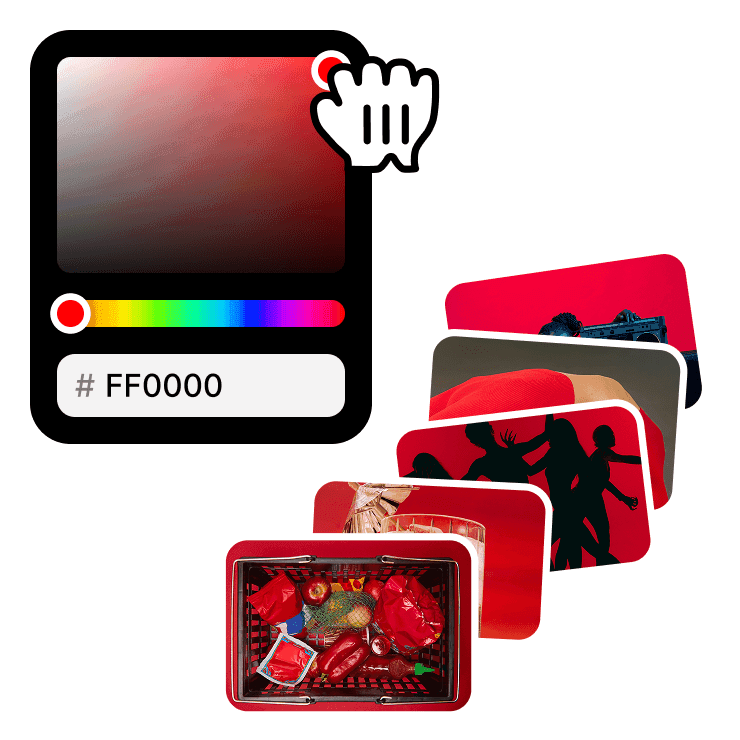
Search by color.
Looking for assets that match a specific palette?
Search by hex or pick a color and find every image, file, or reference that matches.
Keep your work visually consistent across projects.
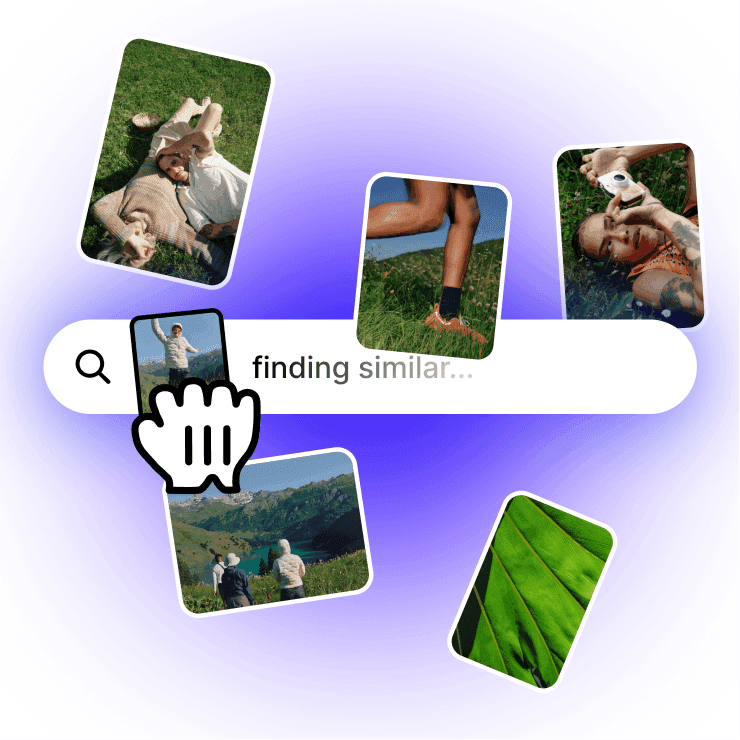
Visual search.
Drop in a reference image and Fabric finds similar content across your entire library.
Find that texture, pattern, or layout you saved months ago.
Search inside documents.
Find the exact page in a PDF, the right slide in a deck, or a specific line in a brief.
Fabric searches the content, not just the file name.
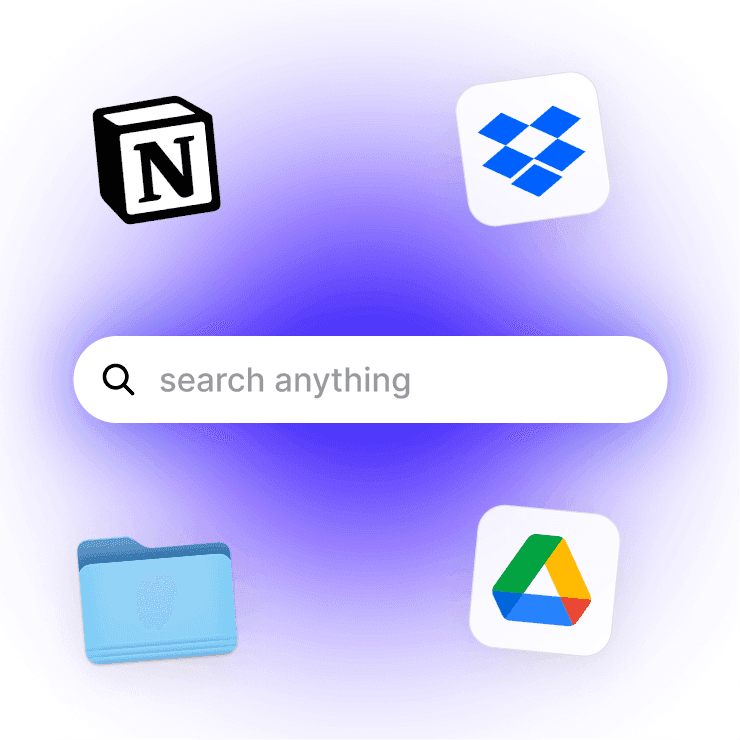
Cross-platform search.
Connected to Google Drive, Figma, Notion, or Dropbox?
Fabric searches across all of them from one place.
Share work and collect feedback.
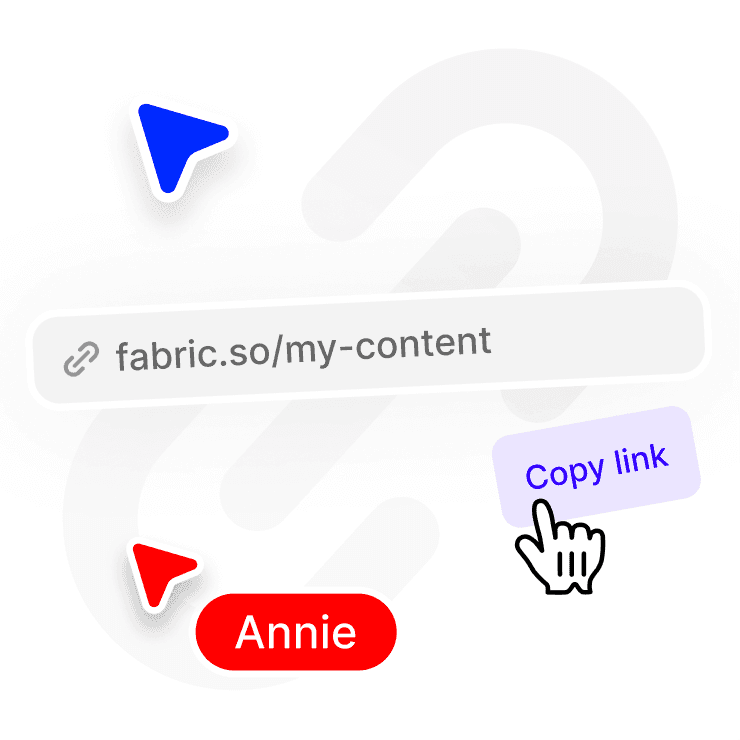
Share anything with a link.
Send a mood board to a client, a draft to your creative director, or a set of options to the team.
Control who can view, download, or copy.
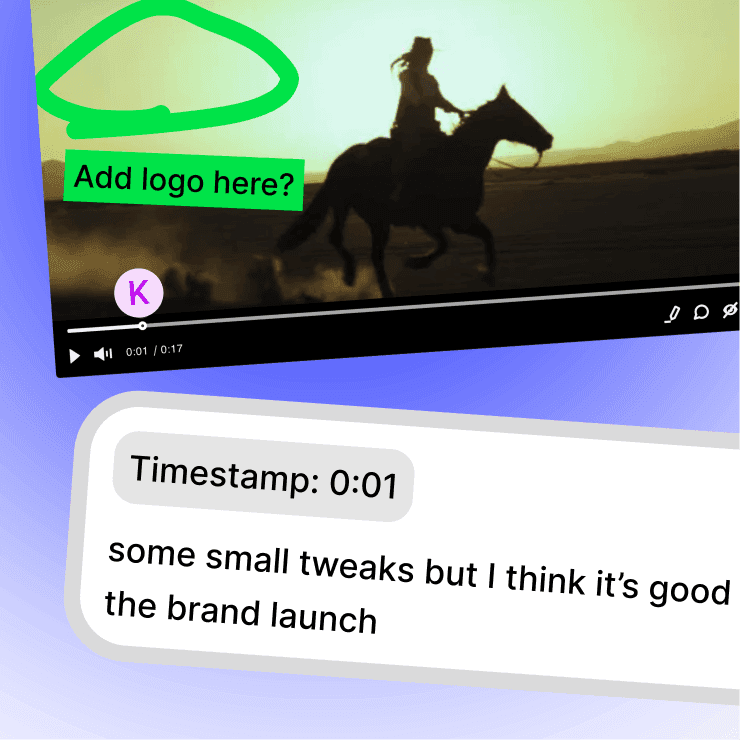
Annotate directly on the work.
Clients and collaborators leave feedback pinned to the exact spot on an image, page, or frame.
No more vague emails about "the thing on the left."
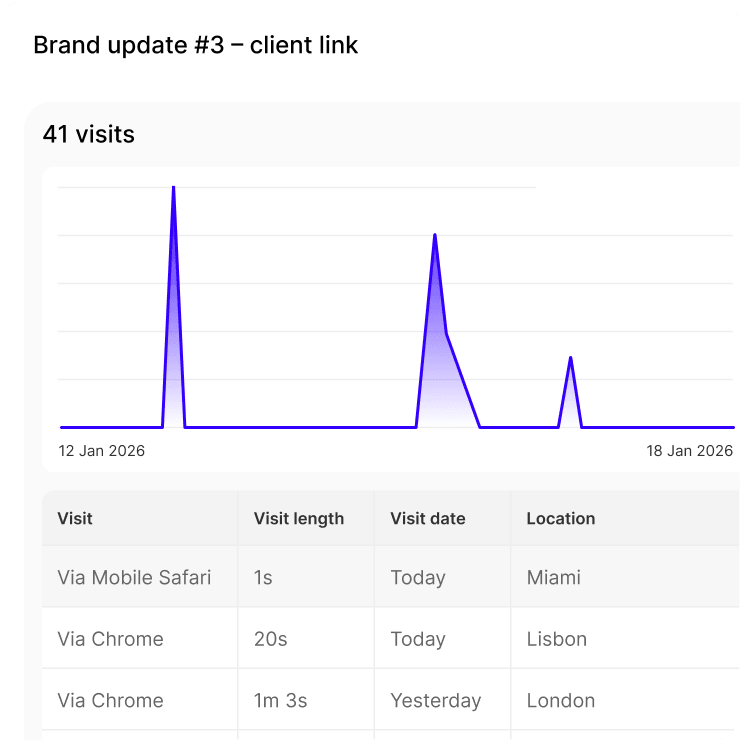
Built-in analytics.
See who opened your link, when, and how long they spent on each page.
Know what's getting attention before the review meeting.
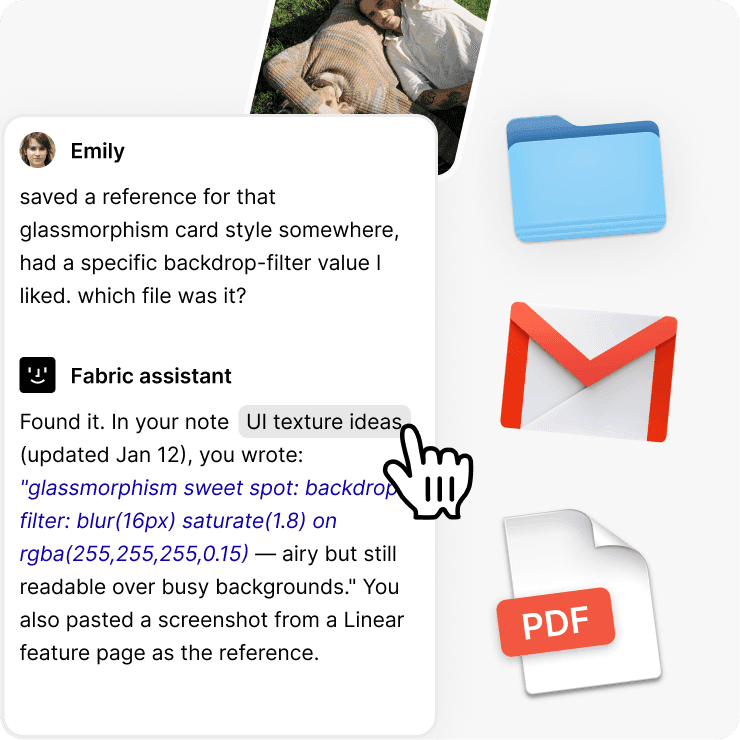
An assistant that knows your work.
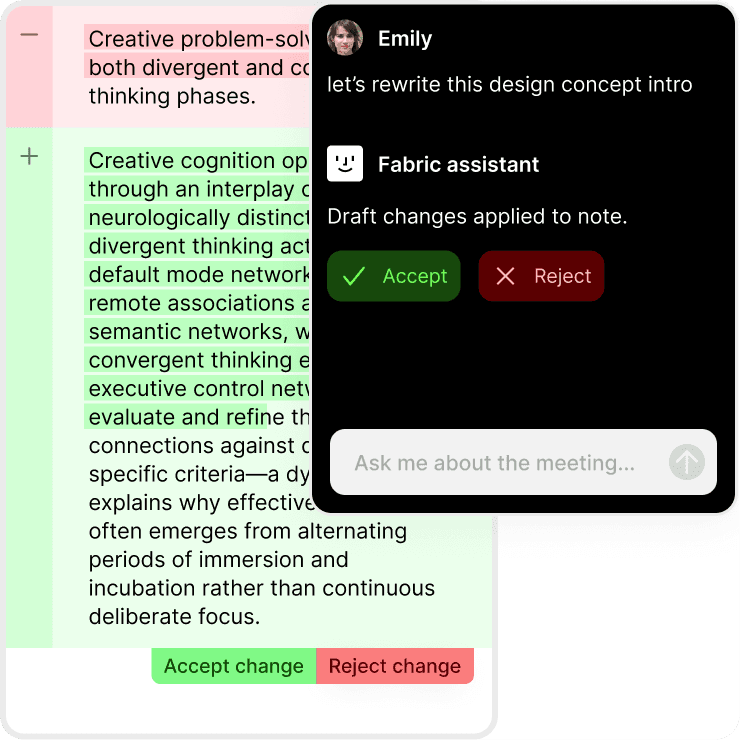
Ask it anything about your projects.
Fabric's AI works with your files, not just the internet.
Summarize a brief, pull up references from an old project, draft a project description, or find that asset a client mentioned three emails ago.
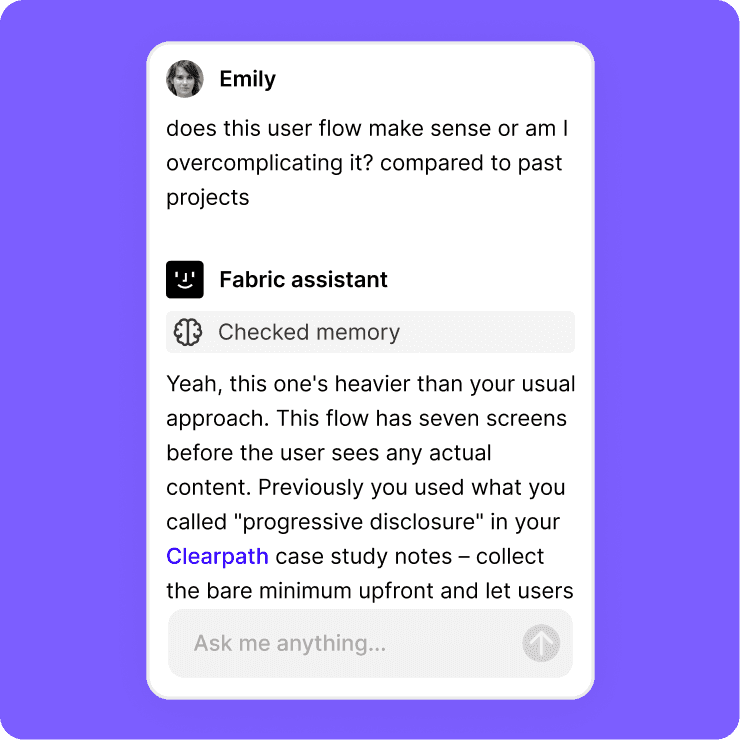
It gets better the more you use it.
With powerful memory, the more you add to Fabric, the more your assistant can do for you. Your projects, your references, your style.
Email things to your assistant.
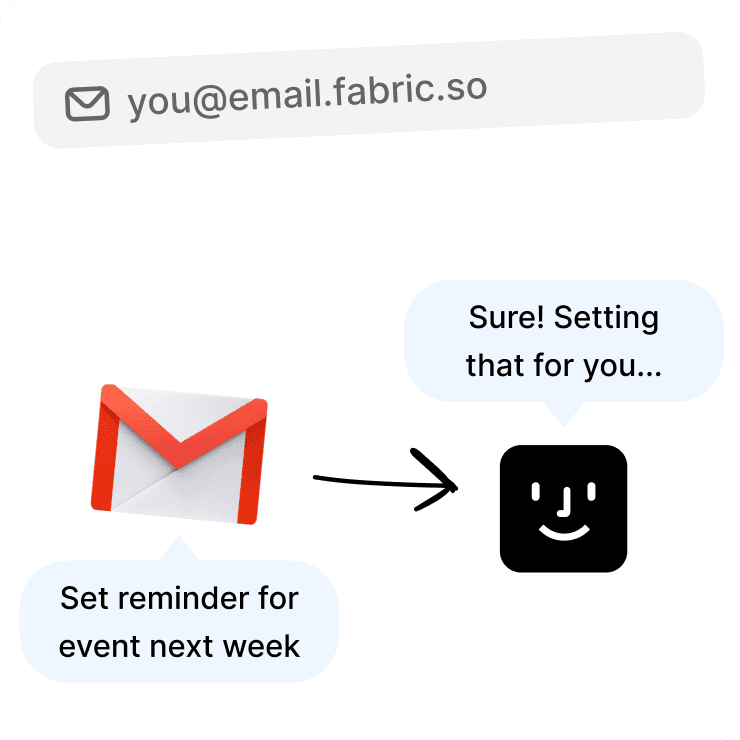
Your own Fabric email address.
Every account gets a personal address.
Forward a client brief, a reference from a colleague, or inspiration that landed in your inbox.
It's filed before you open the app.
Fabric summarizes it and your AI assistant can reference it later.
Build your design library from your inbox.
Record and transcribe.
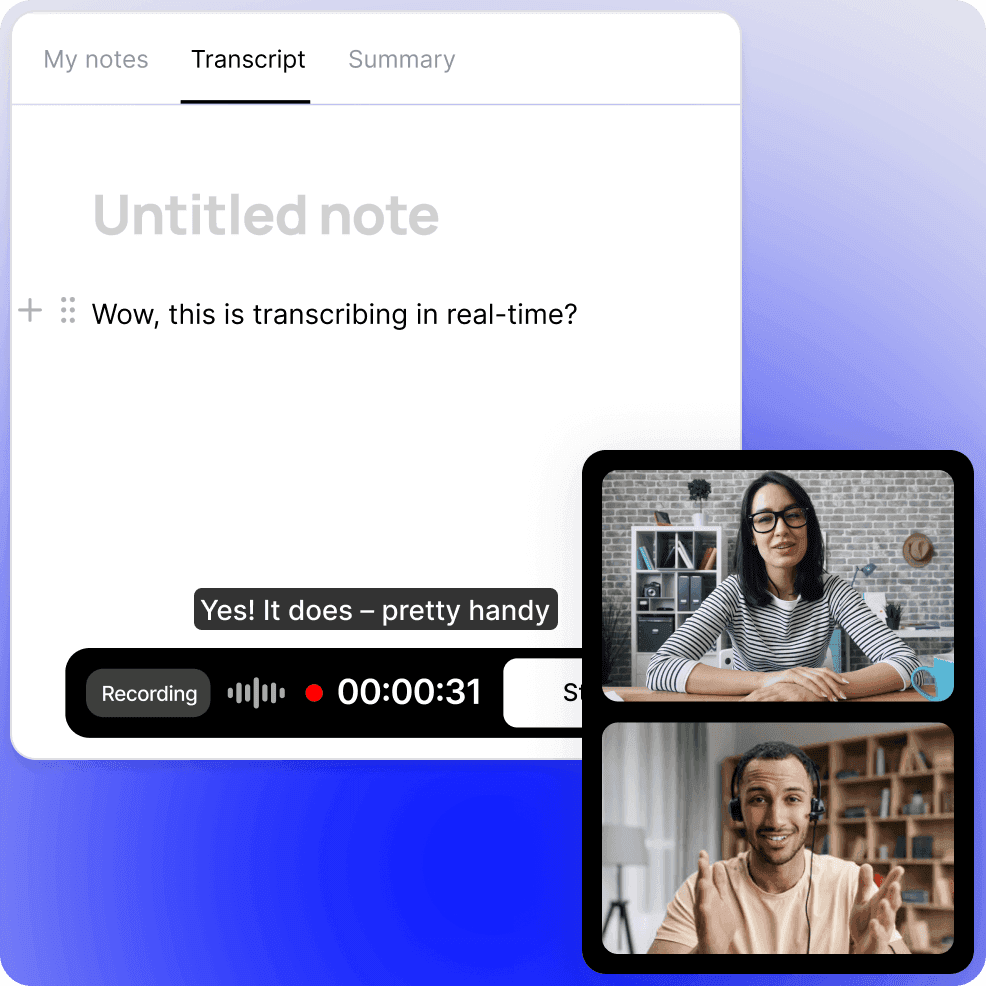
Capture a client call or creative review.
Record any conversation. Fabric transcribes it and makes it searchable.
Never lose a piece of direction or feedback again.
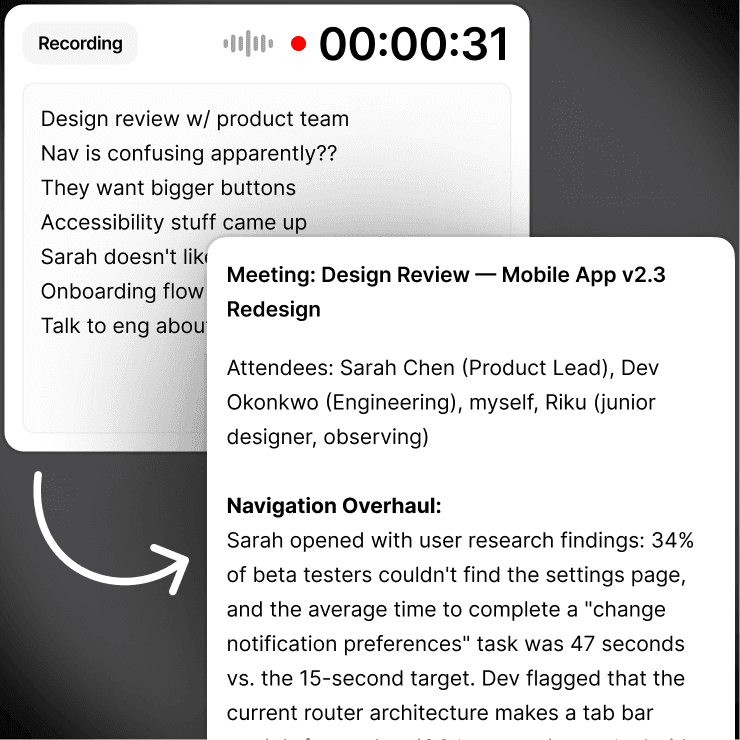
Notes that write themselves.
Add your own thoughts before, during, or after.
Everything combines into one clean document.
Stay present in the conversation.
Works with everything you use
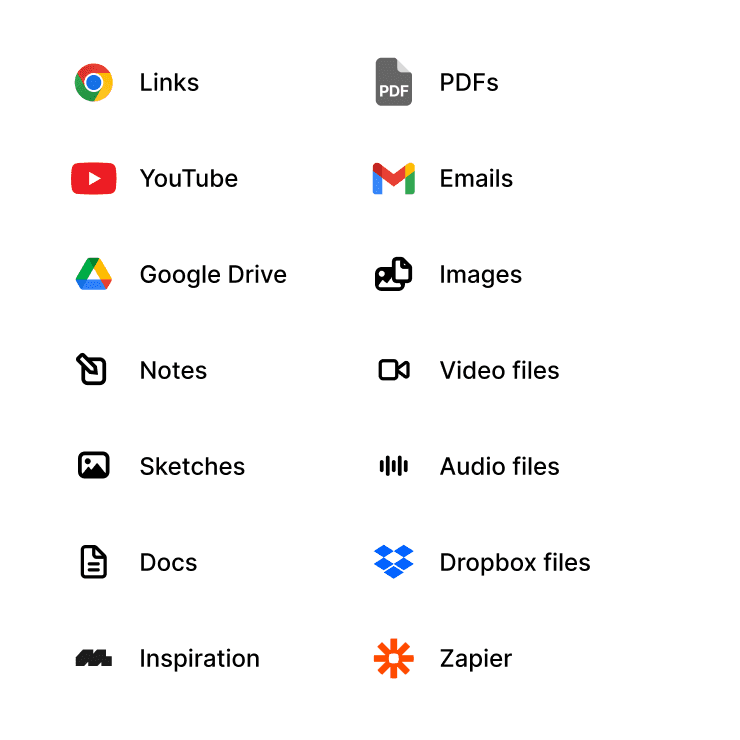
All your formats, all in one place.
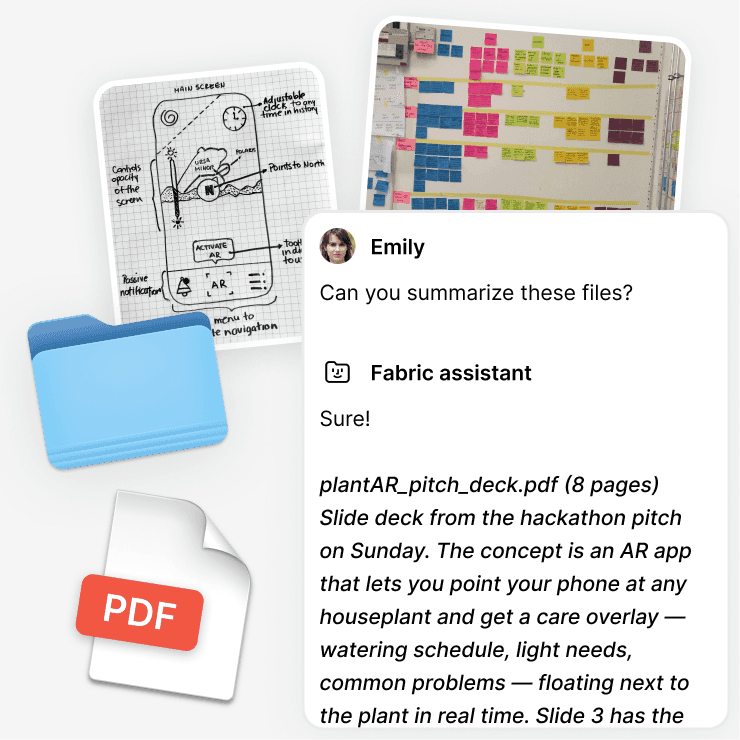
PSDs, PDFs, images, video, sketches, links, bookmarks, Figma files, presentations. Import from Google Drive, Notion, or Dropbox.
Drag and drop anything.
Searchable and AI-ready.
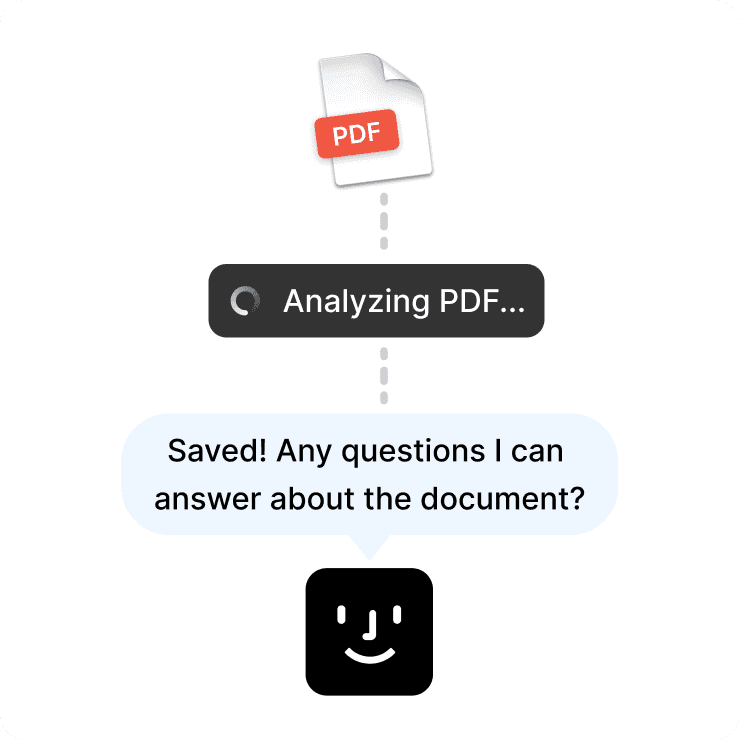
Everything becomes available to your Fabric AI Assistant the moment it lands in Fabric.
FAQs
Is Fabric free?
Yes. Fabric has a free plan that includes spaces, AI assistant access, search, and all core features. Paid plans add more storage and advanced capabilities.
Can I use Fabric on my phone?
Yes. Fabric works on iOS, Android, web, and desktop. Everything syncs across your devices automatically.
How is this different from Pinterest or Are.na?
Those are great for collecting inspiration, but Fabric goes further. Your AI assistant understands everything you save, you can search by color or visual similarity, annotate and share with clients, and keep all your project files together in one workspace.
Can my clients leave feedback without signing up?
Yes. Share a link and collaborators can view and comment on your work directly.
Does Fabric support design file formats?
Yes. Images, PDFs, PSDs, vectors, video, and more. You can also connect Figma, Google Drive, and Dropbox so everything is searchable from one place.