Made for agencies
Full client context before every conversation
Every client is a different world.
Fabric gives each one a searchable space with self-writing relationship trackers, AI search across the full history, and agents that handle the operational overhead.
Every client is a different world: different voice, different stakeholders, different history, different sensitivities. The account manager who's been on the account for a year carries all of it in their head. The junior exec filling in for a meeting carries none of it. The context that makes client work good, what was promised, what was delivered, what the client's real concerns are, lives in call recordings, Slack threads, email chains, and someone's memory. When a new person takes over an account, they get a week of Slack archaeology and a "just ask Sarah" that doesn't scale.
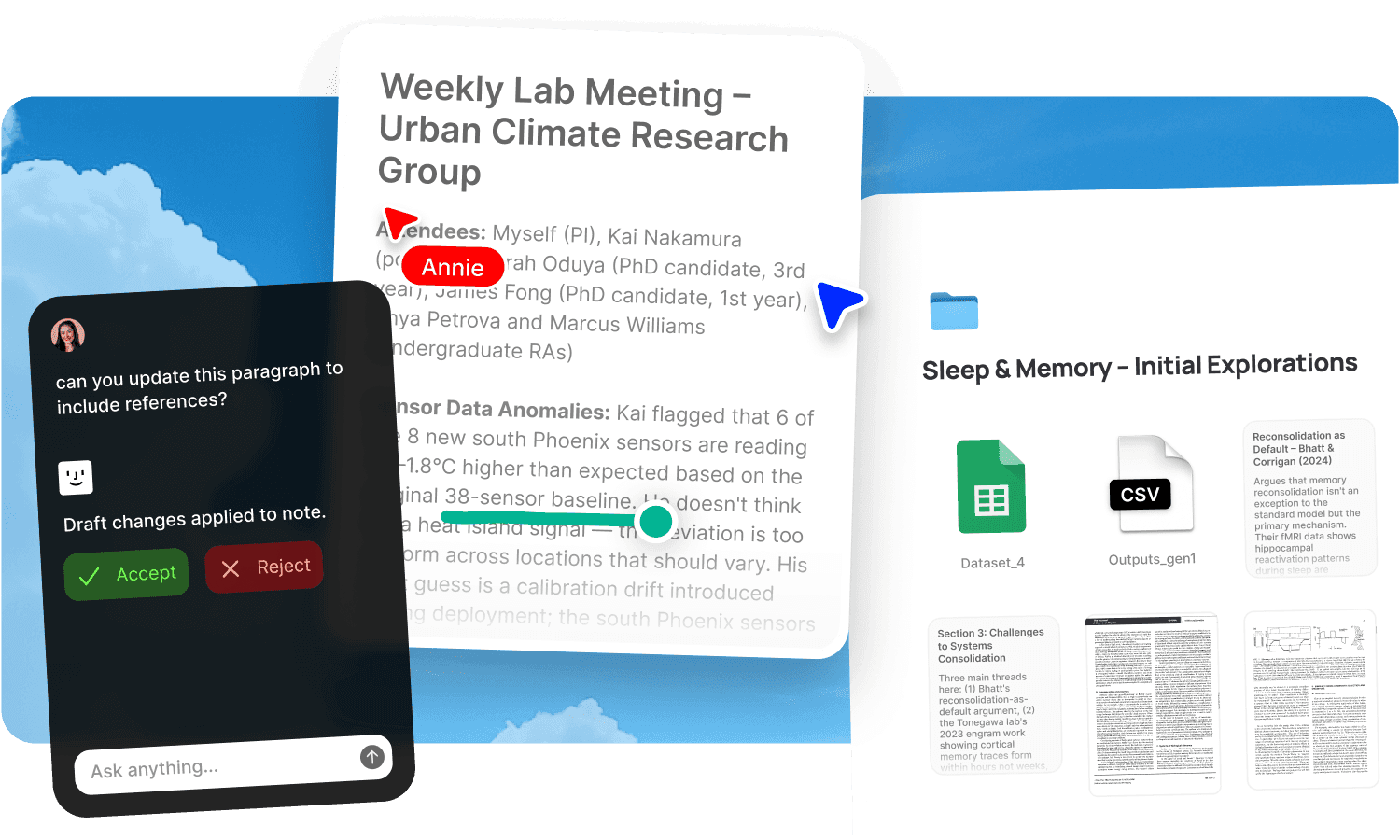
Fabric gives each client their own searchable space, with self-writing docs that maintain the relationship record automatically, AI search that answers any question about any client with cited sources, and agents that handle the operational overhead of running multiple accounts. Whether you're a design studio, a video production house, a marketing agency, or a photography business, the client context problem is the same. The solution is one workspace per client where everything is findable.
Self-writing client relationship trackers
Self-writing docs produce client relationship trackers for every account: deal history, meeting summaries, decisions, deliverables, and open items, all assembled from client calls, messages, and team channels. Full context before every conversation without anyone updating a CRM or writing a status report.
A decision log captures what was agreed, when, and why, assembled from the meetings and channels where client decisions happen. When a client says "that's not what we discussed," the record is there.
A changelog tracks deliverables, milestones, and project activity across accounts so leadership has visibility without scheduling another round of status updates.
The docs reflect the actual relationship. Not what someone remembered to write in a status update last Friday.
AI search with cited answers across every client
AI search works across all client spaces. When a junior account exec needs to know "what did we promise on the Q3 deliverables call" they get the answer with a timestamped link to the recording. When the creative director asks "what's this client's feedback pattern on typography," the AI pulls from every meeting transcript and annotation in the client space.
The search works by meaning across every content type: meeting transcripts, emails, documents, Slack threads, briefs, and deliverables. The AI assistant synthesises across sources, so "summarise the client's concerns from the last three meetings" produces a cited answer in seconds.
Agents that draft, extract, and coordinate
Agents handle the operational overhead that multiplies with every client:
One reads the client call transcript, extracts action items, and creates tasks in your project tracker with the right assignees and deadlines.
Another drafts the follow-up email in the account manager's voice and leaves it in their drafts, ready to send. The tone matches. The context is there. The AM reviews and hits send.
Another generates the weekly status report from project activity and drops it in the client channel. No more Friday afternoon scramble to write updates for eight accounts.
The client relationships stay human. The administrative machinery doesn't have to be.
Account handoffs without Slack archaeology
When someone new takes over an account, they don't need a week of reading old threads and hoping they've found everything. They search the client space, read the self-written relationship tracker, and they're briefed. The AI assistant answers any question about the account with cited sources from the full history. "What's been the biggest challenge with this client" draws from every meeting, every email, every note.
Self-writing onboarding docs stay current as accounts evolve, so the handoff material reflects the actual state of the relationship, not a snapshot from six months ago.
Creative ops across every client
For agencies doing creative work, the full creative operations arc lives in the client space. The research (competitor screenshots, reference images, saved articles pulled in via web clipper and RSS feeds), the brief (written in the markdown editor with real-time collaboration), the moodboard (arranged spatially on the canvas with live Figma embeds, YouTube videos, and Spotify tracks), and the working assets in any file format, all in one space per client.
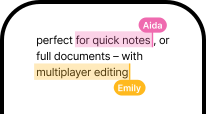
AI search finds visual assets by colour, composition, and subject. Similar search finds visually related creative across clients and campaigns. Smart organization handles filing with AI-generated tags and colour recognition. The explorer surfaces connections across the agency's full visual library.
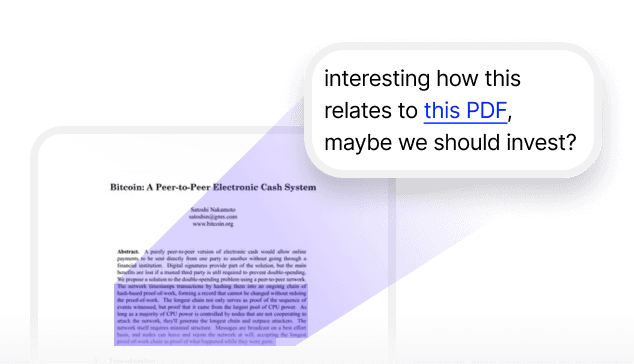
Annotations let clients pin feedback to exact spots on deliverables, including drawing on images and timestamped comments on video. Kanban columns track each asset through stages. For the full review workflow, see review and approval and design feedback.
The creative knowledge compounds across accounts. The moodboard from the last campaign informs the next one. The client feedback patterns across projects are searchable. The reference you saved six months ago surfaces when the AI recognises it's relevant to the brief you're working on now.
Tracked sharing with per-recipient analytics
Publish deliverables, proposals, and presentations with password protection and link analytics. Create individually named tracking links per client stakeholder. Know who's opened the deliverable and how long they spent on each page. Update the file and the link serves the current version.
When the client says "I haven't had a chance to look at it," the analytics tell you whether that's true.
Fabric for your type of agency
Every agency type has its own workflow, its own content types, and its own version of the client context problem. Fabric adapts to each:
Design agencies: UI/UX · Graphic design · Motion design · Product design · Industrial design · Packaging design · Print design · Illustration · 3D design
Branding agencies: Brand identity · Brand strategy
Web design agencies: Framer · Webflow · WordPress · Shopify · Squarespace · Ecommerce · SaaS
Photography agencies: Wedding · Commercial · Real estate · Product · Portrait · Fashion
Video production: Corporate video · Music videos · Commercials · Documentary · Wedding video
Social media agencies: TikTok · Instagram · Content creation
Marketing agencies: SEO · Performance marketing · Content marketing · Email marketing
Who at the agency uses Fabric
Designers manage assets and references for design projects. Video editors and videographers collect references and share cuts for review. Content creators plan with content planning workflows. Marketers track competitive research across clients. Consultants manage advisory engagements alongside creative accounts. Freelancers plugging into agency projects get client context immediately. Photographers manage archives and client galleries.
For agency owners specifically, see Fabric for agency owners. For per-client project management, see client work and deliverables. For managing the team's asset library, see digital asset management.
Get started
Give your agency full client context before every conversation, without anyone maintaining a CRM. Try Fabric free. See pricing for teams.
Comparing tools? See the best creative ops platform comparison, how Fabric compares to Air, and the best Google Drive alternative for agencies.
FAQs
Does the client tracker write itself?
Yes. Self-writing docs produce client relationship trackers from client calls, messages, and team channels. Deal history, meeting summaries, and open items are maintained automatically.
Can anyone search across a client's full history?
Yes. AI search reads inside every meeting transcript, document, email, and Slack thread in the client space. Ask a question and get cited answers linked to the exact source.
Can agents draft follow-up emails?
Yes. Agents draft the follow-up in the account manager's voice from the meeting transcript and leave it in their drafts, ready to review and send.
Can agents create tasks from client calls?
Yes. An agent reads the call transcript, extracts action items, and creates tasks in your project tracker with assignees and deadlines.
Can agents generate weekly status reports?
Yes. An agent assembles the weekly status from project activity and drops it in the client channel. No manual report writing.
Can new people take over an account without a handoff week?
Yes. The full client history is searchable. The self-writing relationship tracker provides the summary. The AI answers any question about the account with cited sources.
Can we search for visual assets by colour?
Yes. Search by colour name, description, or picker. Similar search finds visually related creative across your library.
Can clients leave feedback on deliverables?
Yes. Annotations let clients pin comments to exact spots on any file, draw on images, and leave timestamped comments on video.
Can we share deliverables with per-person tracking?
Yes. Publish with link analytics and create named tracking links per stakeholder. See who's viewed what and for how long.
Does the creative knowledge compound across clients?
Yes. Every reference, moodboard, feedback pattern, and project decision becomes part of a searchable library that spans all clients. Smart organization and the explorer make the library richer as it grows.
What tools does Fabric connect to?
Fabric connects to Slack, Google Drive, Dropbox, Notion, Gmail, and meeting tools. See connections for the full list.
Is client data secure and separated?
Yes. Each client has their own space. Fabric uses AES-256 encryption and is CASA Tier 2 compliant. Your data is never used to train AI models.
How is this different from a CRM?
A CRM tracks deal status and contact information. Fabric holds the substance: meeting transcripts, deliverables, feedback, creative assets, and the full context of every conversation. Self-writing docs maintain the relationship record automatically. The difference is between a pipeline entry and a searchable history of everything that's happened with the client.
Explore how different agencies use Fabric
Design agencies
Branding agencies
Web design agencies
Video production agencies
Social media agencies