Made for Sales
Fabric for sales professionals
Every call, email, deck, and proposal searchable per deal. AI that prepares you for the next conversation.
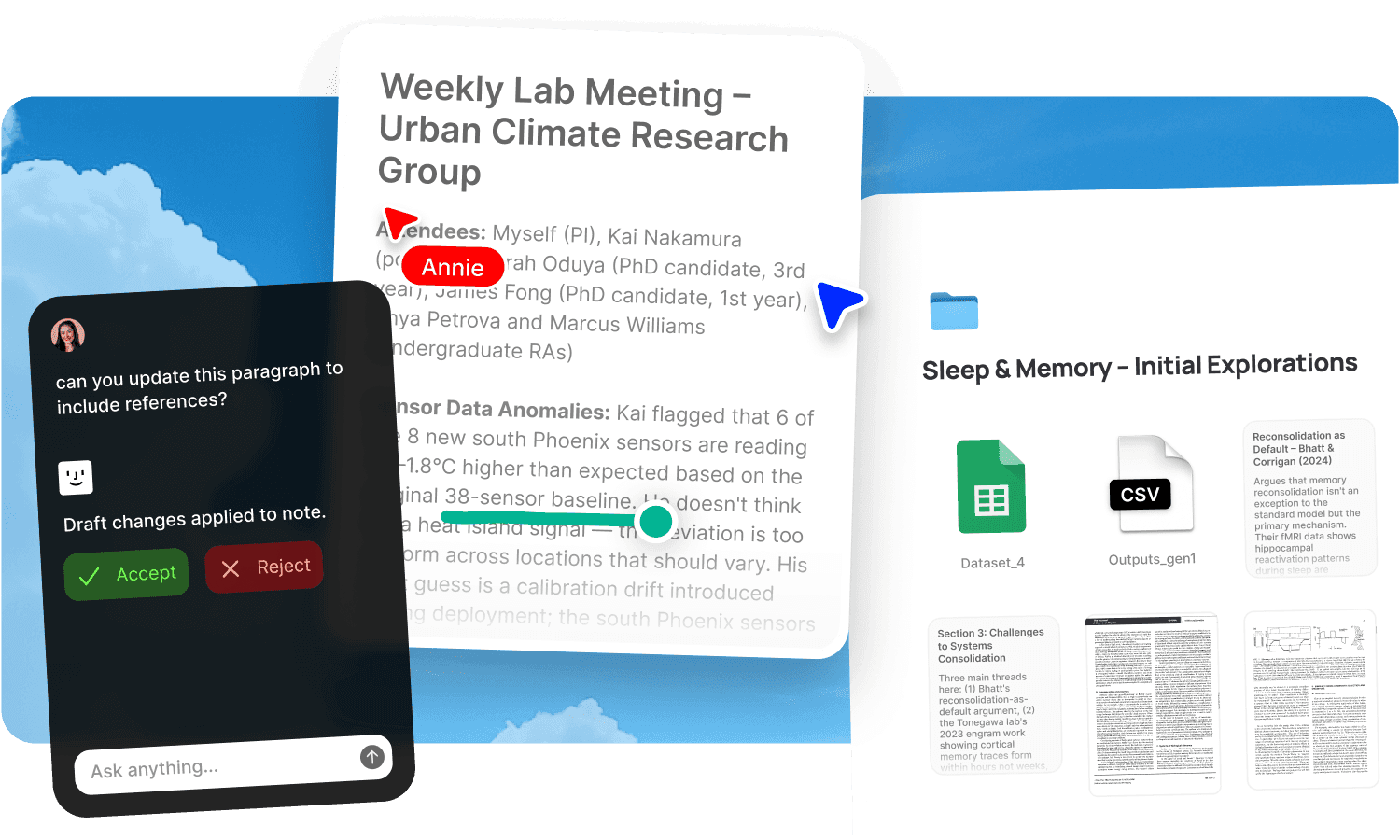
A salesperson's real advantage is context. Knowing what a prospect said on the last call. Remembering which objection came up and how you handled it. Finding the case study that matches their industry. Pulling up the proposal you sent and knowing whether they actually read it. The best reps carry this context naturally, but it gets harder with every deal in the pipeline. Notes from calls blur together. Emails sink into the inbox. The deck you customised for one prospect is on your desktop somewhere. And when a prospect goes quiet for three weeks and then reappears, the context from the previous conversation is gone unless you wrote excellent notes, which you didn't, because you were already on the next call.
Fabric gives salespeople one searchable workspace where every call, email, deck, proposal, and note is findable per deal, with an AI that prepares you for the next conversation using everything from the last one.
Full deal context, always findable
Every deal generates its own body of material: call recordings, notes, emails, proposals, decks, contracts, and internal memos. In most setups, this scatters across a CRM (which holds status but no substance), an email inbox, a note app, a shared drive, and your memory.
Fabric gives each deal its own space. Everything related to the prospect lives together: the discovery call transcript, the demo follow-up, the proposal, the pricing discussion, the objection handling notes. When you pick up a deal after a gap, the full context is one search away.
AI search reads inside every document, transcript, and note. Ask "what did [prospect] say about their budget timeline" and find the answer from the call three weeks ago, even though you didn't write it down specifically. The AI assistant can summarise where a deal stands, list outstanding commitments, or prepare you for a call by pulling together everything from previous conversations.
Prepared for every call
The difference between a good sales call and a great one is preparation. But preparation takes time, and with a full pipeline, you're often walking into calls with whatever you can remember from a quick glance at your CRM.
Before any call, ask the AI assistant to brief you. It pulls together what was discussed in previous meetings, what you promised, what the prospect's concerns were, and what's outstanding. The briefing takes seconds and draws on transcripts, notes, and emails from the full deal history.
Record every call with AI voice notes. The transcript lands in the deal space, searchable alongside your notes. When the prospect mentions something from a previous conversation, you can find the original context. When your manager asks how a deal is progressing, the evidence is there, not just your summary.
Forward prospect emails to email-to-note and they join the deal space. The email thread, the call transcripts, and your notes live together rather than in three separate places.
Tracked sharing that tells you what to do next
Sending a deck or a proposal by email attachment is sending it into a void. You don't know if they opened it, which pages they read, or whether they forwarded it. Your follow-up is a guess.
Publish any deck, proposal, case study, or document collection as a tracked link with password protection. Link analytics show you when the prospect opened it, how long they spent, which documents they viewed, and whether they came back. Create individually named tracking links for different stakeholders in the same deal and see who's engaged and who hasn't looked.
This changes the follow-up. "I noticed you spent some time on the enterprise case study" is a different conversation from "just checking in." The analytics turn silent deals into readable signals. For the full workflow, see sales collateral.
A visual pipeline with real context behind it
A CRM pipeline shows deal stages. It doesn't show what's actually happening inside each deal. Fabric's kanban boards give you a visual pipeline where each card is a full deal space, not a CRM entry. Click into any deal and you're in the complete context: transcripts, notes, proposals, emails, and tasks.
Tasks and reminders track follow-ups per deal. "Send the revised proposal by Friday" or "schedule the technical deep-dive" lives alongside the deal materials, not in a separate to-do app. When a task is due, the context it relates to is right there.
For the full pattern, see the CRM use case.
Use cases for sales professionals
The workflows salespeople run in Fabric: managing deals with per-prospect spaces following the CRM pattern, sharing sales collateral with tracked engagement, capturing meeting notes from every call with transcription, tracking competitive research to handle objections, and managing client work post-close when the deal becomes an account.
A salesperson's day in Fabric
Morning. You have a discovery call in an hour. You ask the AI assistant to brief you on the prospect: their company, the initial outreach, and the questions they asked in the intro call. The briefing draws from the transcript and your notes. You walk in prepared.
The call. You record it with voice notes. The prospect raises a concern about implementation timelines. After the call, you search your library for "implementation timeline case study" and find one from a similar customer. You send it via a tracked link.
Mid-afternoon. You check analytics on the proposal you sent yesterday. The economic buyer viewed it twice and spent twelve minutes on the pricing section. The technical lead hasn't opened it. You follow up with the technical lead specifically.
Late afternoon. A prospect you haven't heard from in three weeks emails back. You search the deal space for your last conversation. The AI summarises: the deal stalled on a question about data residency. You forward the email to email-to-note and pick up the thread with context.
End of day. You review the kanban pipeline. Three deals need follow-up. You create tasks for each and check what's due tomorrow.
Get started
Keep the full context of every deal searchable and stop walking into calls underprepared. Try Fabric free.
For team-level sales workflow, see Fabric for startups. For the tracked sharing workflow, see sales collateral. For lightweight pipeline management, see the CRM use case.
FAQs
Can the AI prepare me for a sales call using past conversations?
Yes. Ask the AI assistant to brief you before any call. It pulls together what was discussed in previous meetings, what you promised, and what's outstanding, from transcripts, notes, and emails in the deal space.
Can I record and transcribe sales calls?
Yes. AI voice notes capture and transcribe any call. The transcript becomes a searchable part of the deal record. No meeting bot required.
Can I track when a prospect opens my deck or proposal?
Yes. Publish with link analytics. See when the prospect opened the link, how long they spent, which documents they viewed, and whether they returned. Create named tracking links per stakeholder.
Can I password-protect proposals and pricing?
Yes. Add password protection to any published link so only the intended recipient can access the material.
Can I search across all my deals at once?
Yes. AI search works within a single deal space or across your entire library. Find a specific objection, a pricing discussion, or a competitive comparison from any deal.
Can I see my pipeline visually?
Yes. Kanban boards let you organise deals by stage. Each card links to the full deal space with all the context behind it.
Can I forward prospect emails into a deal space?
Yes. Forward any email to your email-to-note address and it becomes a searchable part of the deal record alongside call transcripts and notes.
Can I track follow-ups per deal?
Yes. Tasks and reminders live in the deal space alongside the materials they relate to. Nothing falls through the cracks between "I should send that" and doing it.
Can the AI find the right case study for a specific prospect?
Yes. Search your collateral library by industry, use case, or objection. The AI assistant can recommend the most relevant case study based on the prospect's context.
Can I use Fabric alongside my CRM?
Yes. Fabric isn't a CRM replacement. It's the knowledge layer alongside one. Your CRM tracks deal status and contact information. Fabric holds the substance: call transcripts, proposals, research, and the full context that makes a deal entry meaningful.
How is this different from a CRM with call recording?
A CRM with call recording stores transcripts per deal. Fabric makes everything searchable by meaning across deals, adds an AI that synthesises and prepares you for calls, and includes tracked sharing with per-recipient analytics. The difference is between storing call logs and having an AI that uses them to make you better prepared.
Is my deal data secure?
Yes. Fabric uses AES-256 encryption, is CASA Tier 2 compliant, and does not use your data to train AI models. Deal materials and prospect conversations are private by default.