Built for developers
Git for your code.
Fabric for everything else.
A searchable library for everything that isn't code.
Capture notes from the terminal, sync your GitHub stars, and give your coding agents persistent memory through MCP.
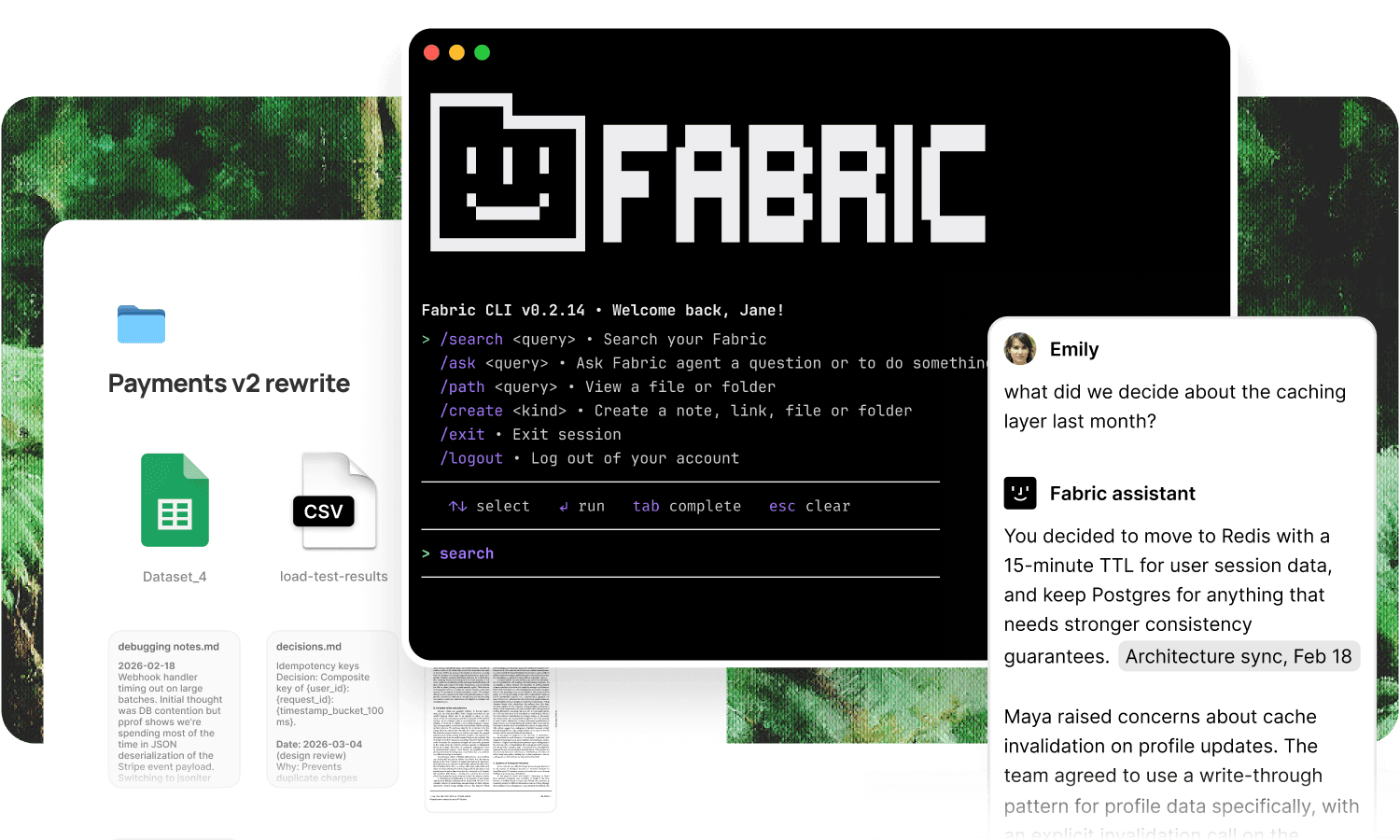
Make notes from your terminal.
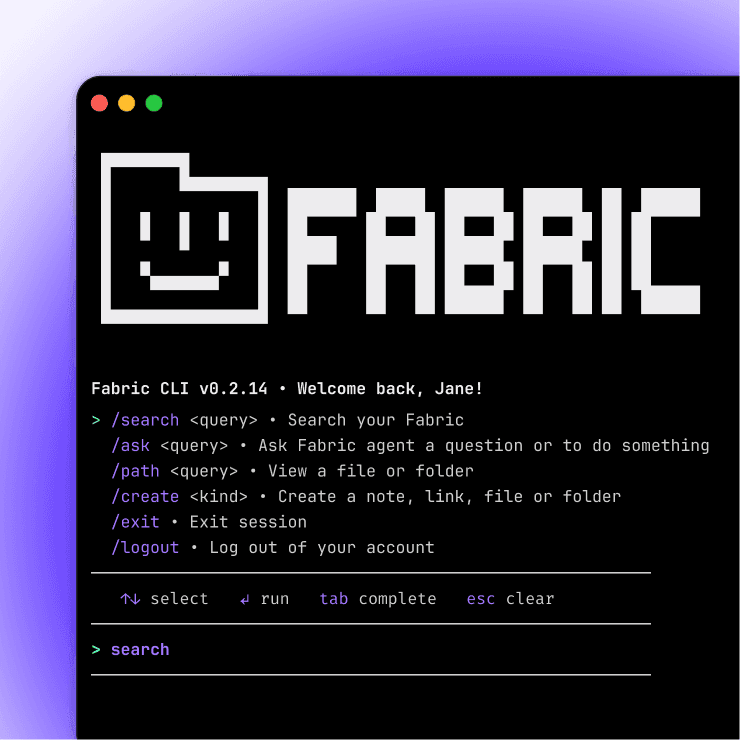
Your terminal, connected to everything.
The Fabric CLI lives where you already work.
Capture, search, and recall without leaving the shell.
Query in plain language.
fabric search "that postgres migration issue from last week" and get the answer in your terminal.
No browser tab, no context switch.
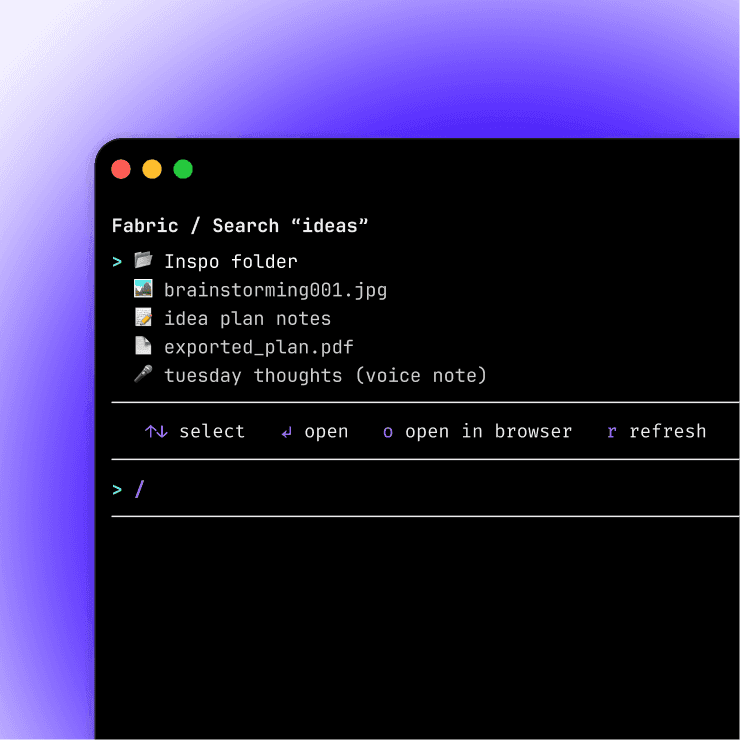
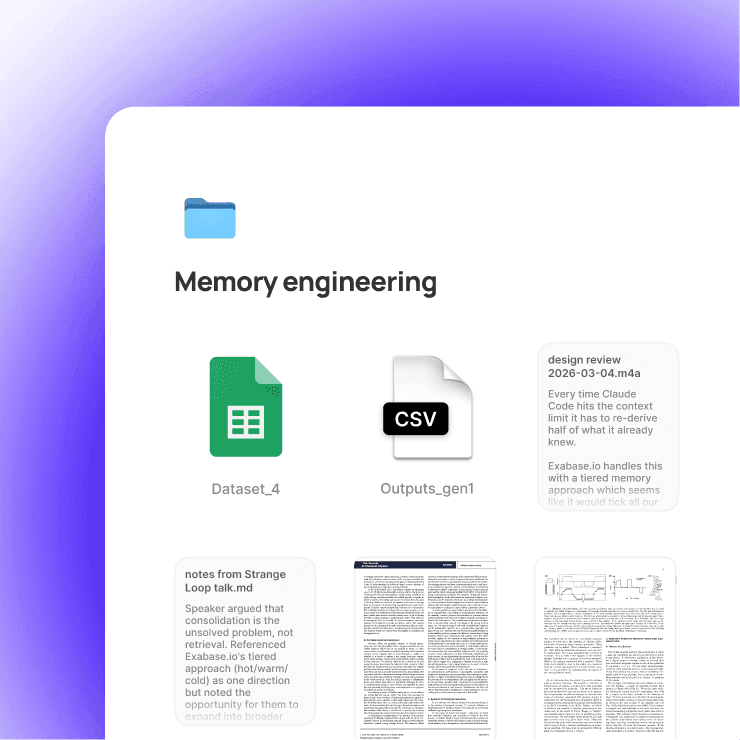
Open anything in the Fabric app.
Want to see more?
You can view any document, chat with your Fabric assistant on mobile, web or desktop – with the Fabric app.
Portable memory for your coding agents.
Memory that travels with you.
Each coding agent has its own context, locked inside its own tool.
Fabric gives you one shared memory layer that every agent can access through the CLI or MCP.
Switch tools without losing what you've built up.
MCP server.
Fabric turns your library into a personal MCP server.
Any agent or IDE that speaks MCP can search, read, and write without custom integration.
Capture from anywhere.
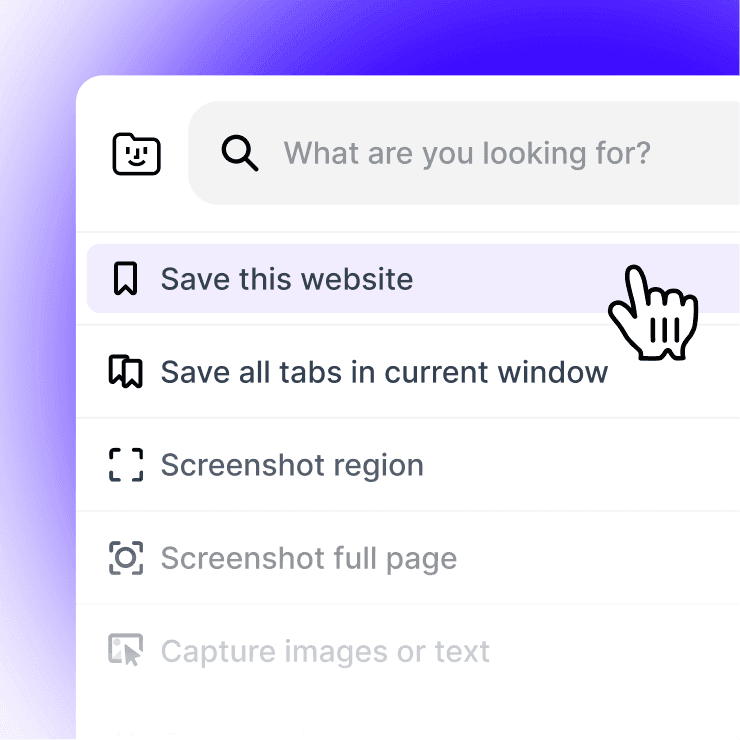
Web clipper.
Save docs, Stack Overflow threads, blog posts, and anything else from the browser.
One click and it's in Fabric, searchable and available to your agents.
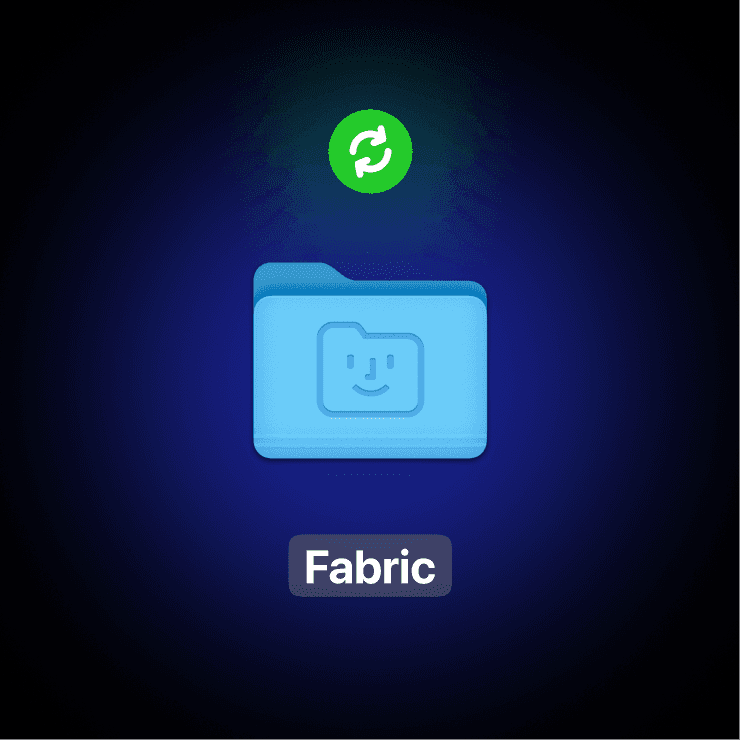
Desktop folder sync.
Point Fabric at your downloads folder, your screenshots folder, or any working directory. PDFs, images, diagrams, and notes get pulled in automatically.
Raycast integration.
Capture and search from Raycast without breaking flow.
Muscle memory, not context switching.
GitHub stars, finally useful.
Your star list becomes a library.
Connect GitHub and every repo you've starred syncs into Fabric.
Auto-updated, AI-aware, and searchable.
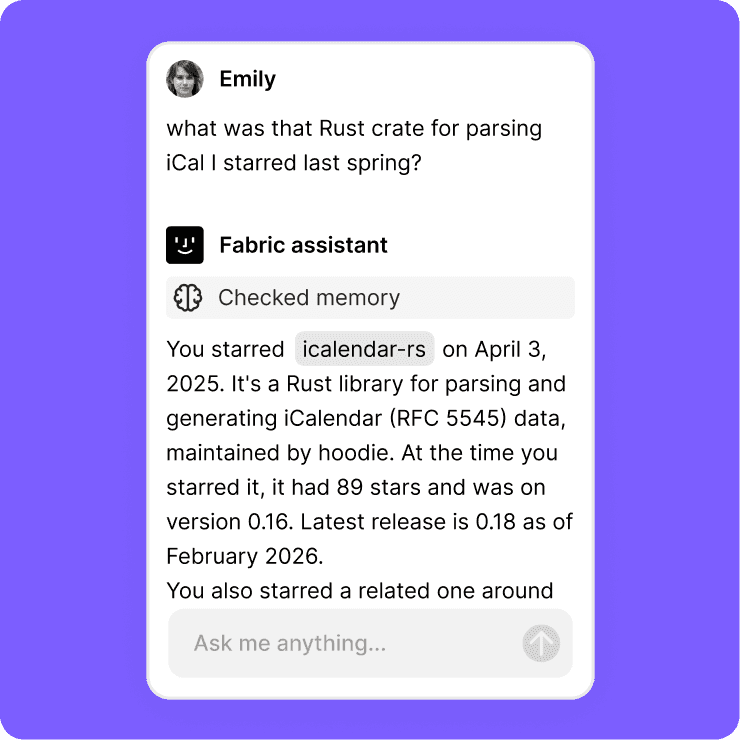
Ask questions across your stars.
"What was that Rust crate for parsing iCal I starred last spring?"
Get the answer. No more scrolling through hundreds of dead bookmarks.
Find anything instantly.
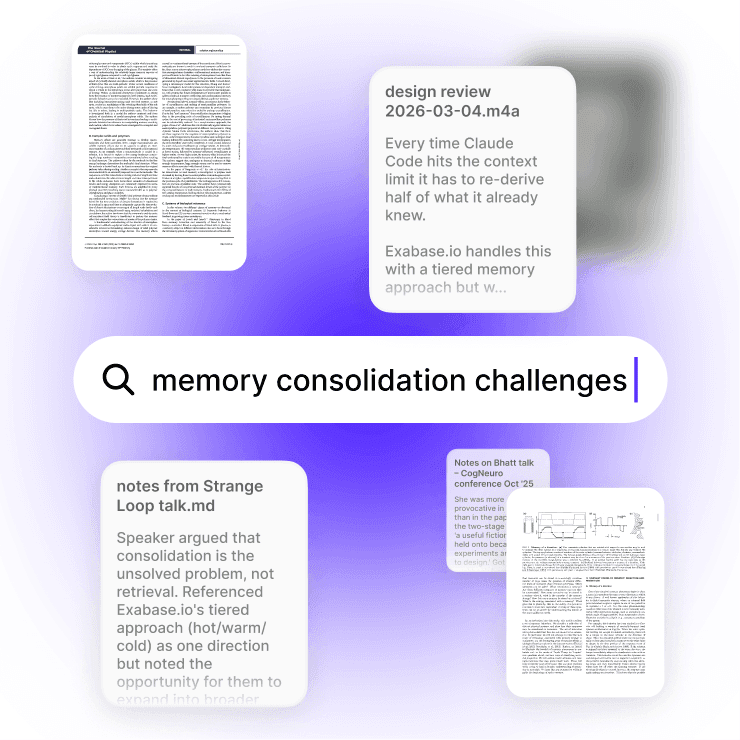
Search by meaning, not file names.
Find the diagram about consensus protocols you saved last quarter.
Locate the screenshot of that error message from three weeks ago.
Pull up that Gist you can't remember the URL for.
Search inside documents.
Find the exact page, paragraph, or section in any PDF or doc.
Jump directly to the relevant part.
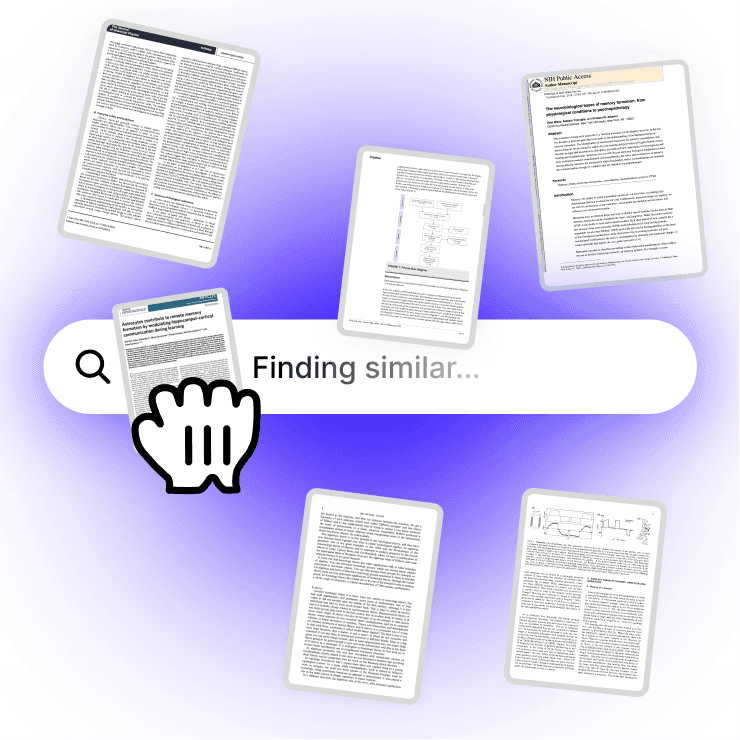
Search inside screenshots and diagrams.
Your screenshots folder is full of error messages and architecture diagrams.
Fabric makes all of them searchable.
Drop in a similar image to find related ones.
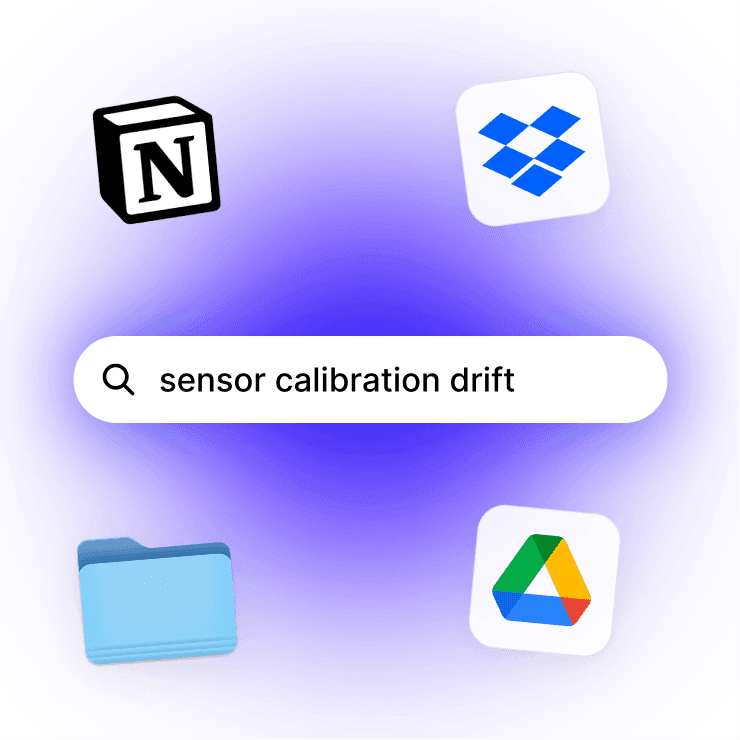
Cross-platform search.
Connected to Google Drive, Notion, or Dropbox?
Fabric searches across all of them from one place.
An assistant that knows your stack.
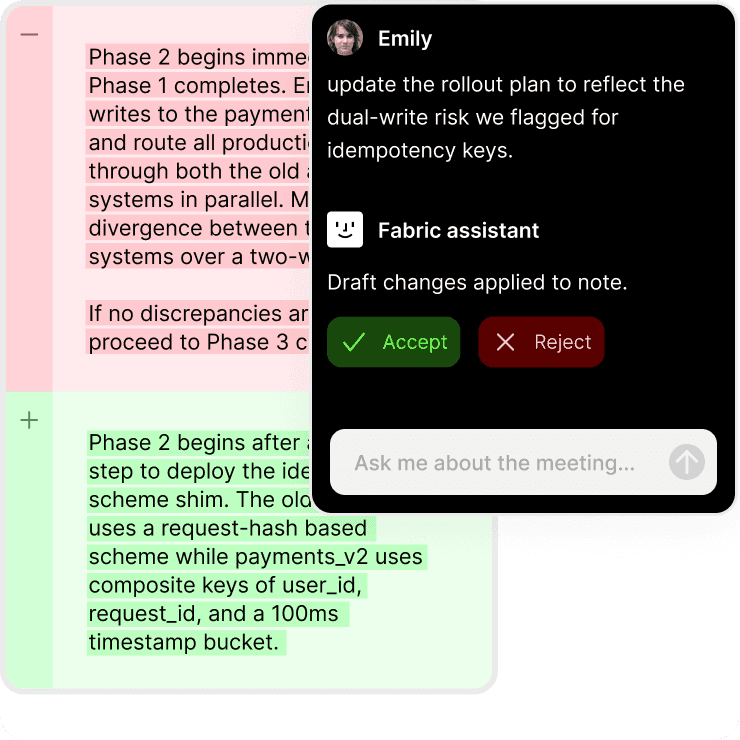
Ask it anything about your work.
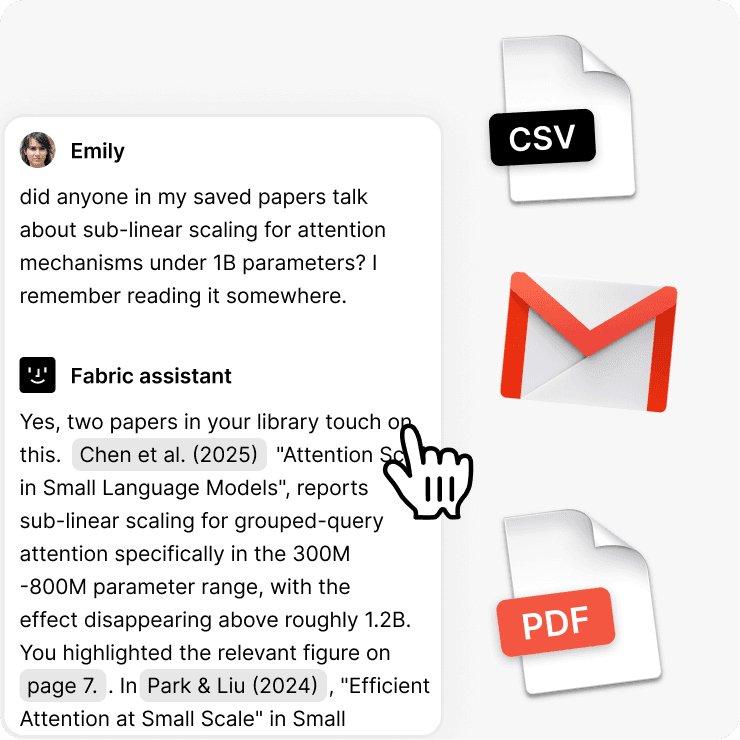
Fabric's AI works with your files, not just the internet.
Summarize a design doc, compare two architecture proposals, pull up the last time you debugged something similar, or draft a PR description from your notes.
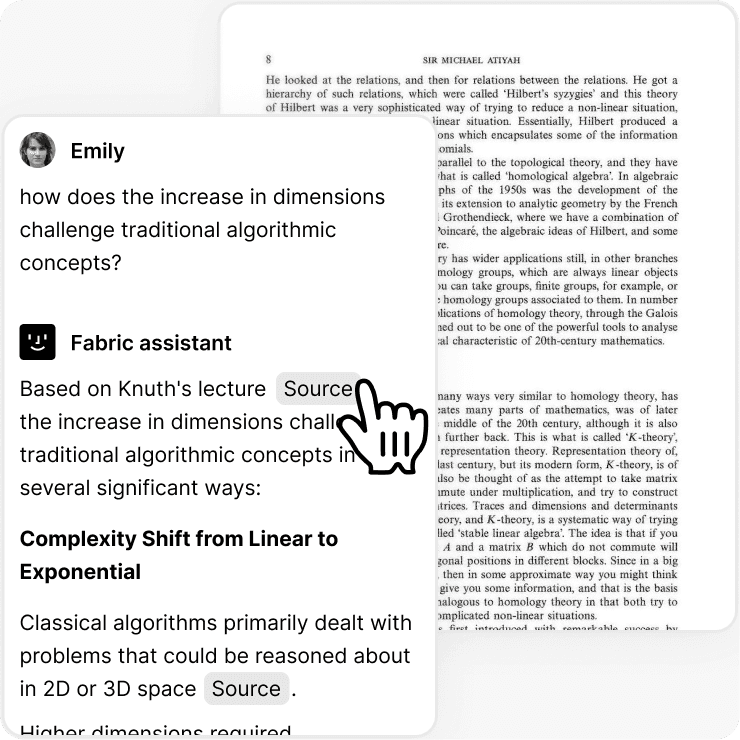
Referenced answers.
Every response points back to the source.
Click through to the exact passage. Verify, check context, go deeper.
Meeting notes, without the bot.
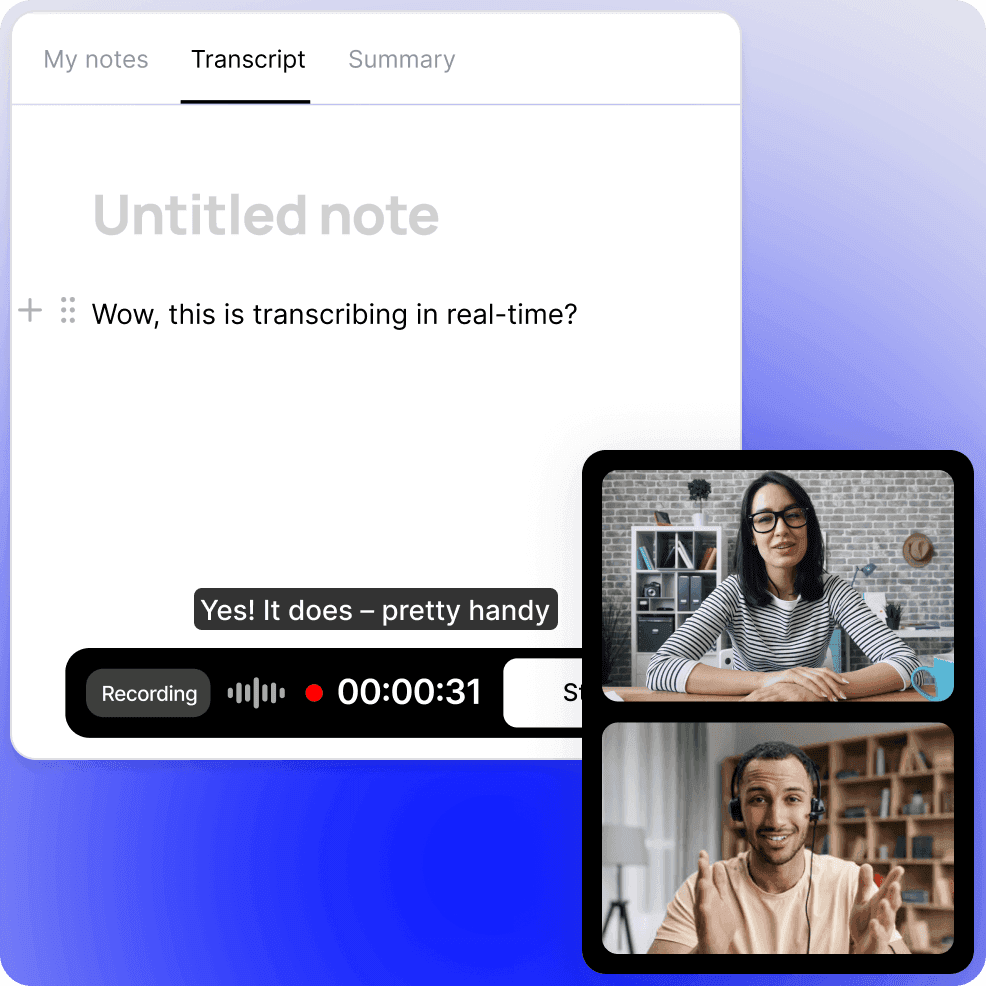
Record and transcribe any meeting.
Standups, design reviews, architecture discussions, customer calls.
Fabric transcribes everything and makes it searchable.
No bot joining your call, no awkward recording notices.
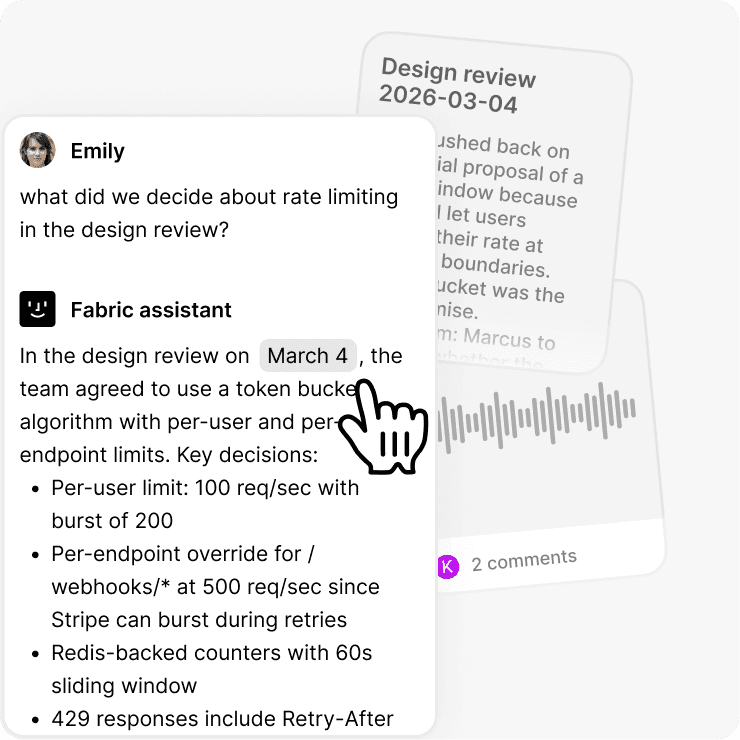
Find what was decided.
Search across every meeting you've recorded.
"What did we decide about rate limiting in the design review?"
Pull up the exact moment, with full context.
Email things to your Fabric Assistant.
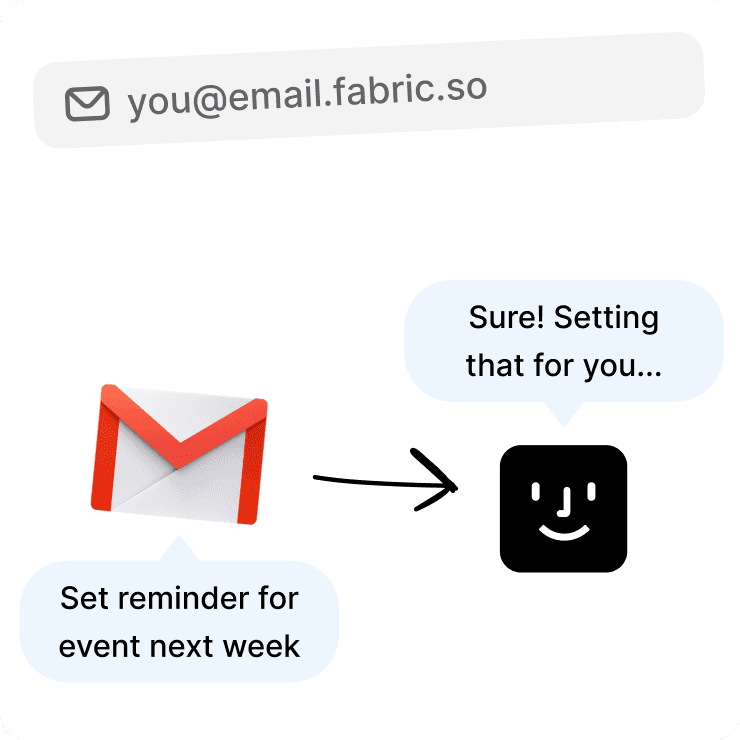
Your own Fabric email address.
Every account gets a personal address.
Every account gets a personal address. Forward release notes, newsletters, long email threads with context buried in them.
It's filed before you open the app.
Fabric summarizes it and your AI assistant can reference it later. Build your reference library from your inbox.
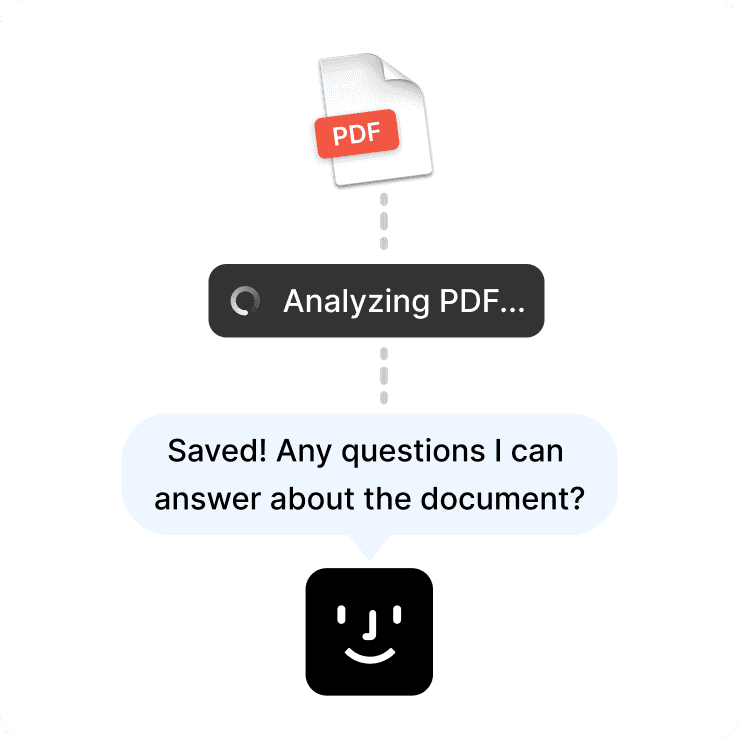
Build your own.
Documented API.
Read, write, and search your library programmatically.
Wire Fabric into your dev environment, build a custom workflow, or plug it into whatever you're already running.
Encrypted and private.
Your stuff, locked down.
AES-256 at rest. TLS in transit. CASA Tier 2 compliant.
Password-protected files and folders for sensitive material.
Works with everything you use.
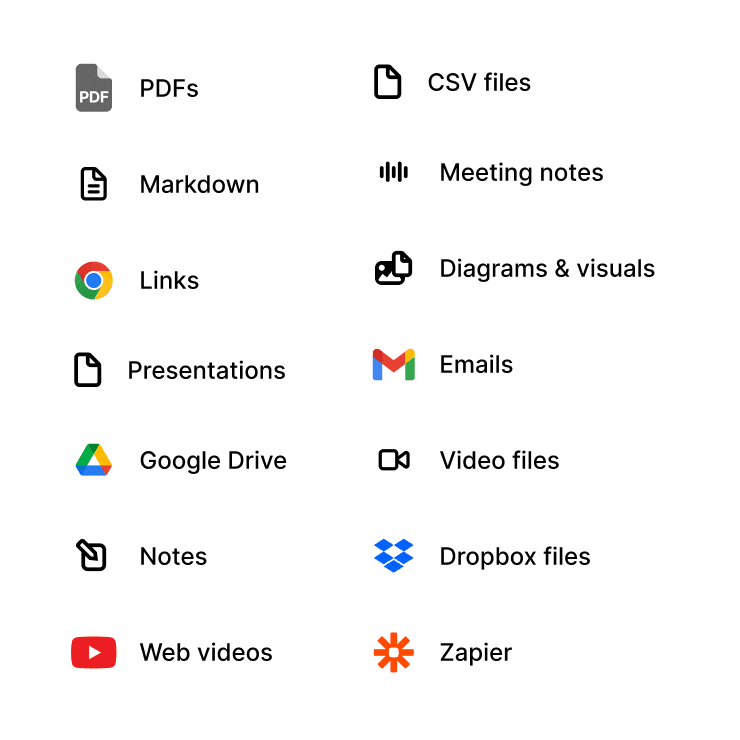
All your formats, all in one place.
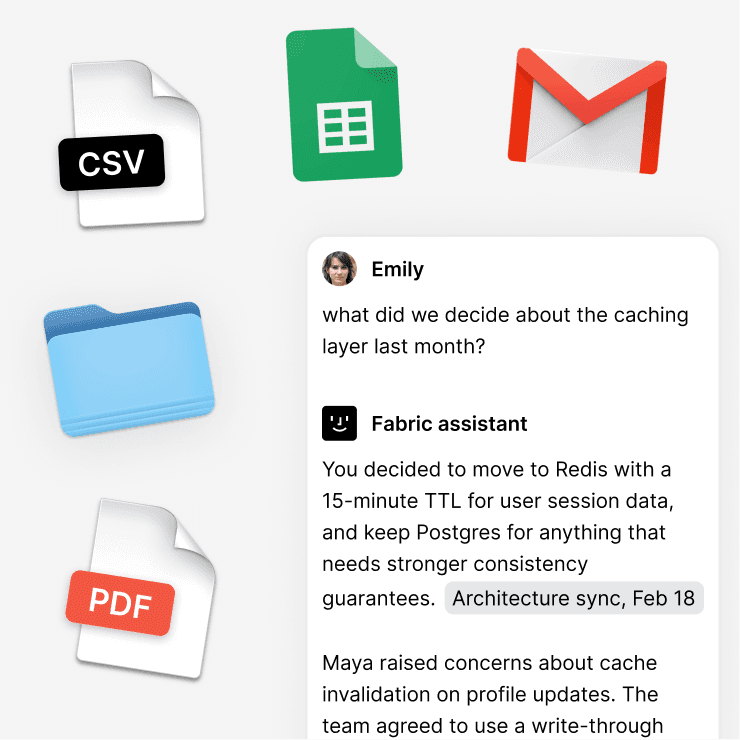
PDFs, markdown, images, code snippets, diagrams, screenshots, links, bookmarks, emails. Import from Google Drive, Notion, or Dropbox. Drag and drop anything.
Drag and drop anything.
Searchable and agent-ready.
Everything becomes available to Fabric's assistant, your CLI, and any MCP-connected tool the moment it lands.
FAQs
Is Fabric free?
Yes. Fabric has a limited free plan that includes spaces, AI assistant access, search, the CLI, and all core features. Paid plans add more storage and advanced capabilities.
How does the MCP server work?
Fabric gives you a personal MCP server for your Fabric library. Connect Claude Code, Cursor, or another MCP-aware tool and your agents can read and write to your Fabric knowledge base as part of their context.
Can I use Fabric with my existing tools?
Yes. CLI, MCP server, web clipper, Raycast, Gmail, desktop folder sync, GitHub stars, and a documented API. Fabric is designed to sit underneath your existing stack, not replace it.
Can I use Fabric with Claude Code, Cursor, and other coding agents?
Yes. Through the CLI or MCP server, your agents get persistent memory across sessions and tools. One shared knowledge layer behind every agent you use.
Does Fabric have an API?
Yes. Fabric has a documented API for reading, writing, and searching your library. Build custom integrations, automate workflows, or wire it into whatever you're already running.
Can I capture from the terminal?
Yes. The Fabric CLI lets you pipe output, save snippets, search your library, and capture from the shell without breaking flow.
Does Fabric sync my GitHub stars?
Yes. Connect GitHub and every repo you've starred gets pulled into Fabric automatically. Your star list becomes a searchable, AI-aware library.
Is my data encrypted?
Yes. AES-256 at rest, TLS in transit, CASA Tier 2 compliant. Password-protected files and folders available for sensitive material.