Made for Customer Service
Fabric for customer service
Documentation, past resolutions, and product knowledge in one searchable place. AI that finds the right answer instantly.
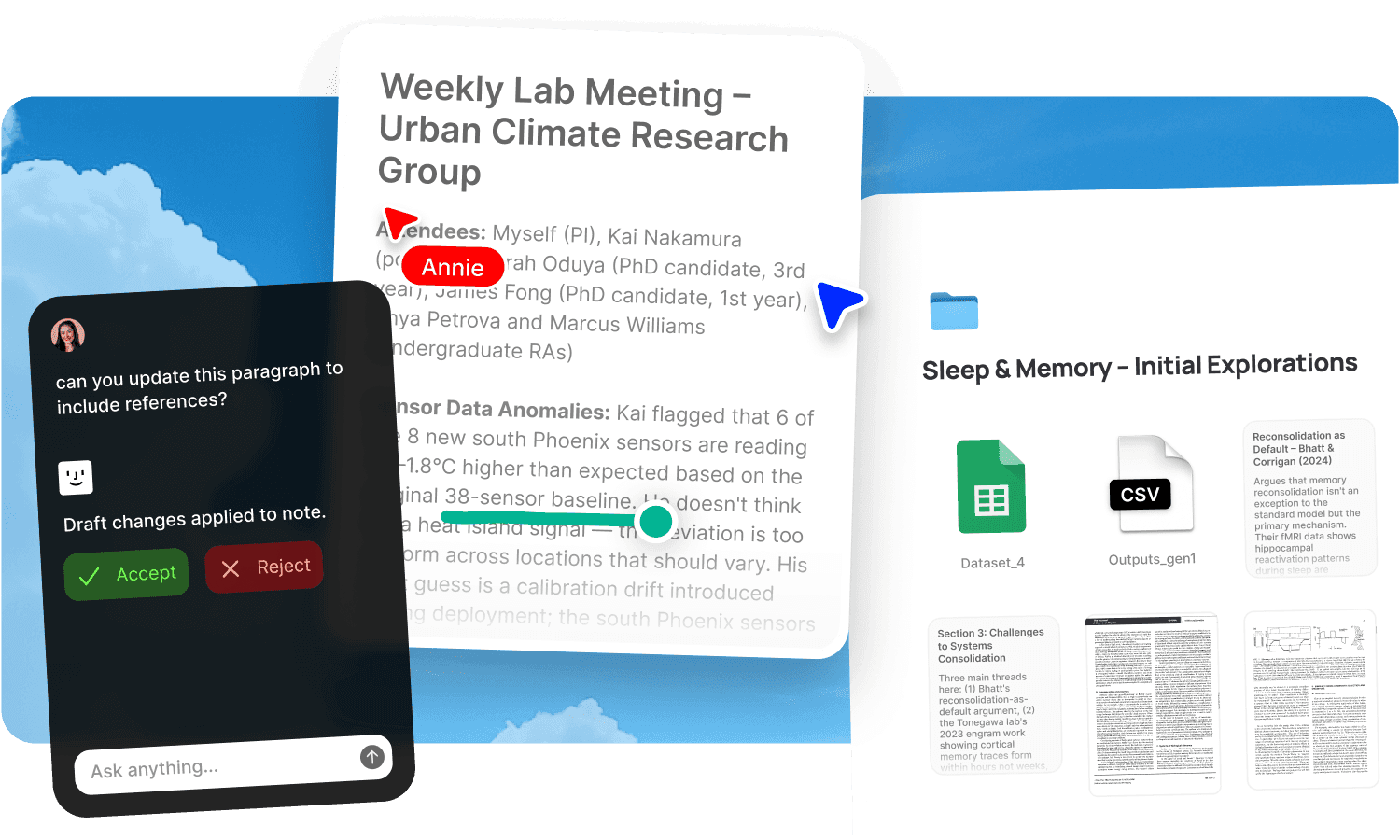
A support agent's worst moment is the pause. The customer has asked a question. The answer exists somewhere: in a help doc, in a Slack message from engineering, in the notes from last week's product update, in a ticket someone else resolved three months ago. But finding it means searching three tools, messaging a colleague, or putting the customer on hold while you dig. The knowledge is there. The access isn't. And every time an agent can't find the answer quickly, the customer waits, the ticket takes longer, and the team looks less competent than it is. The problem isn't that support agents don't know enough. It's that the knowledge they need is spread across too many places for anyone to search quickly.
Fabric gives customer service teams a searchable knowledge base where documentation, past resolutions, product updates, and internal notes are all findable by meaning, with an AI that answers questions from the team's actual material.
Find the right answer in seconds
Support agents answer the same kinds of questions repeatedly, but each variation is slightly different, and the answer depends on which product version, which plan, which edge case. The knowledge base, if one exists, might cover the standard cases. The non-standard ones live in Slack threads, resolved tickets, and the memories of senior agents.
Fabric's AI search reads inside every document, note, guide, and past resolution and searches by meaning. Ask "how to reset two-factor authentication for a team plan user" and find the relevant help article, the internal note about the edge case, and the resolution notes from a similar ticket, together. The search doesn't need exact keywords. It understands what you're looking for.
The AI assistant goes further. Ask it the question directly and it answers from the knowledge base, citing the source documents. For common questions, the assistant produces the answer faster than searching and reading. For uncommon ones, it surfaces the closest relevant material so the agent has a starting point.
Stay current with product changes
Support teams are constantly catching up. The product ships a change, and within hours a customer asks about it. If the documentation hasn't been updated, or if the agent missed the internal announcement, the customer gets a wrong or uncertain answer.
Forward product update emails and release notes to email-to-note and they join the knowledge base, searchable alongside existing documentation. Record product briefings with AI voice notes and the transcript is searchable. Subscribe to internal product channels via RSS feeds so updates flow into the workspace automatically.
When an agent searches for a feature, the results include both the documentation and the latest update notes. The knowledge base reflects what the product actually does today, not what it did when the help article was last edited.
Use agents to automate recurring knowledge tasks: scheduled digests of recent product changes, summaries of the week's resolved tickets, or alerts when documentation needs updating.
Learn from every resolved ticket
Every resolved ticket is a piece of knowledge. The customer had a problem, the agent found a solution, and the resolution is documented in the ticket. In most setups, that knowledge dies in the ticketing system, unsearchable by the next agent who encounters the same problem.
Capture resolution notes in Fabric alongside the documentation. When a tricky issue is resolved, write a quick note in notes and docs explaining what worked and why. Over time, the knowledge base grows from two sources: the official documentation and the collective experience of the team. Both are searchable together.
The AI assistant draws on both. An agent facing an unusual issue can ask the assistant and get answers grounded in official docs and past resolutions. The team's experience compounds into an institutional resource rather than evaporating with each ticket.
Onboard new agents faster
New support agents face a steep learning curve: the product, the processes, the common issues, the edge cases, the internal terminology. In most teams, onboarding means shadowing a senior agent for weeks and hoping to absorb enough to go solo.
A searchable Fabric workspace changes the onboarding equation. New agents search for answers from day one. They ask the AI assistant questions and get responses grounded in the team's actual knowledge base: documentation, resolution notes, process guides, and product updates. The knowledge transfer happens through the system, not through one senior agent's availability.
For the full onboarding workflow, see onboarding new team members. For the standing knowledge base, see team wiki.
Use cases for customer service teams
The workflows support teams run in Fabric: building a team wiki of documentation, processes, and resolution guides, onboarding new agents with a searchable knowledge base, capturing meeting notes from product briefings and team syncs, maintaining project documentation for process changes and escalation paths, and building a personal reading library of product knowledge that deepens over time.
A support team's day in Fabric
Morning. A new product feature shipped overnight. The product manager forwarded the release notes to email-to-note. An agent searching for the feature finds both the existing documentation and the release notes with the latest changes.
Mid-morning. A customer asks about an edge case with billing on a downgraded plan. The agent searches "billing after downgrade mid-cycle" and finds a resolution note from a colleague who handled the same scenario last month, plus the relevant section of the billing documentation. She resolves the ticket in three minutes.
Lunch. The team lead records a product briefing for an upcoming launch using voice notes. The transcript joins the workspace. When agents get questions about the new feature next week, the briefing content is searchable.
Afternoon. A new agent on her second week encounters an issue she hasn't seen before. She asks the AI assistant directly. It answers with a step-by-step resolution, citing the internal guide and a past resolution note. She resolves the ticket without interrupting a senior colleague.
End of day. An agent resolved a particularly tricky issue. She writes a quick note in notes and docs explaining what worked and tags it with the product area. The next agent who faces the same issue will find it.
Get started
Give your support team a knowledge base where every answer is searchable and every resolved ticket makes the team smarter. Try Fabric free.
See pricing for teams. For building the underlying knowledge base, see the team wiki use case. For onboarding new agents, see onboarding new team members.
FAQs
Can the AI answer support questions directly from our knowledge base?
Yes. The AI assistant answers questions using your team's actual documentation, resolution notes, and product updates. It cites the source documents so agents can verify the answer.
Can agents search across documentation and past resolutions at once?
Yes. AI search reads inside every document, note, and resolution in the workspace and searches by meaning. Official docs and team experience are searchable together.
Can we capture resolution notes from tricky tickets?
Yes. Write resolution notes in notes and docs after resolving unusual or complex issues. They become part of the searchable knowledge base alongside official documentation.
Can we keep the knowledge base current with product changes?
Yes. Forward release notes and product updates to email-to-note. Record product briefings with voice notes. Subscribe to internal channels via RSS feeds. New information is searchable alongside existing documentation.
Can we automate knowledge base maintenance?
Yes. Agents can run scheduled tasks: digest recent product changes, flag documentation that may be outdated, or summarise the week's resolved tickets.
Can new agents use the knowledge base from day one?
Yes. New agents search the workspace and ask the AI assistant questions. The answers draw on the full knowledge base: documentation, resolution notes, process guides, and product updates. See onboarding.
Can we record and transcribe product briefings?
Yes. AI voice notes capture and transcribe any briefing or meeting. The transcript is searchable by content, so agents can find what was said about a specific feature.
Can we annotate documentation with internal notes?
Yes. Annotate any document with clarifications, caveats, or tips. Those annotations are searchable alongside the document content.
Can we collaborate on knowledge base articles?
Yes. Notes and docs support real-time collaboration with threaded comments and @mentions. The team can write and update documentation together.
How is this different from a help desk's built-in knowledge base?
Most help desk knowledge bases are static article collections that require manual maintenance. Fabric adds AI search by meaning across all content types (docs, notes, emails, transcripts, resolution notes), an AI assistant that answers questions directly from the material, and the ability to hold informal knowledge (past resolutions, briefing transcripts, Slack captures) alongside formal documentation. The combination of official and experiential knowledge is what makes it useful for non-standard questions.
Can we use Fabric alongside our existing help desk?
Yes. Fabric isn't a ticketing system. It's the knowledge layer behind one. Your help desk tracks tickets. Fabric holds the knowledge that helps agents resolve them. They work side by side.
Is our internal documentation secure?
Yes. Fabric uses AES-256 encryption and is CASA Tier 2 compliant. The knowledge base is private to your team by default. Published resources can be password-protected for controlled external access.
Can we import existing documentation?
Yes. Fabric connects to Google Drive, Dropbox, and Notion. Bring in existing help articles, process docs, and guides without rewriting them.