Made for architecture studios
Every project's full history, searchable
Site surveys, planning submissions, client briefs, meeting notes, regulatory requirements, drawing sets.
The full project history, searchable by anyone on the team.
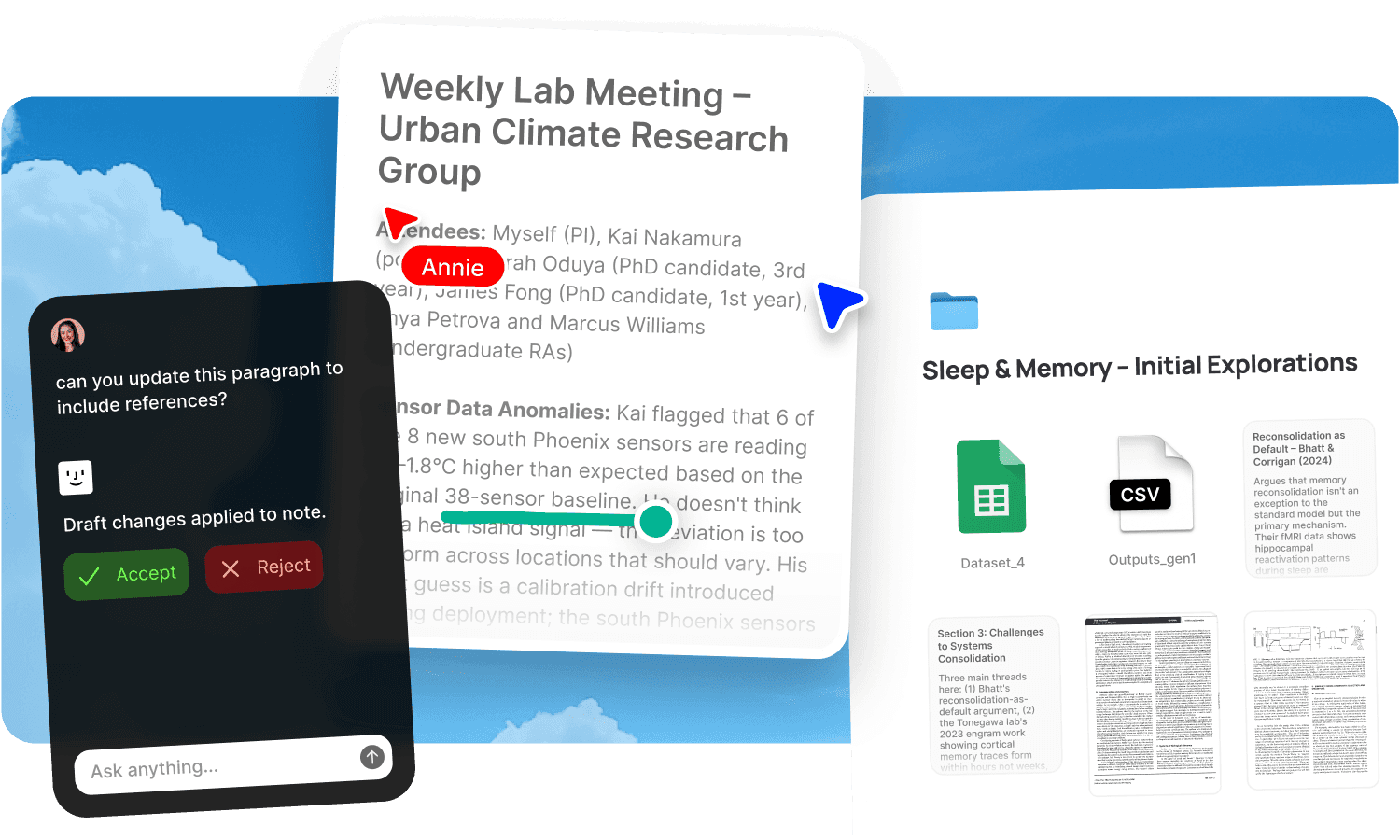
Architecture projects generate massive documentation: site surveys, planning submissions, client briefs, meeting notes, regulatory requirements, drawing sets, contractor correspondence, material specifications, consultant reports. Each project accumulates hundreds of documents over months or years, and the information someone needs is always in the one they can't find. The fire safety requirements from the council feedback are in a PDF somewhere. The decision about the cladding material was made on a call three weeks ago. The annotation a colleague left on the site survey is in whatever app they used. Finding any of it means opening documents one at a time and hoping you recognise the right one.
Fabric holds the full project history and makes everything searchable by meaning. Self-writing docs keep project documentation current as information flows in. Agents handle cross-project coordination so architects stay on the design work.
AI search across every project document
AI search lets anyone find what they need instantly: "fire safety requirements from the council feedback" pulls the relevant clause from a planning response PDF, the timestamp from a client call, and the annotation a colleague left on the site survey. One query, multiple sources, cited answers.
The search reads inside every format: PDFs, drawings, scanned documents, emails, meeting transcripts, and photographs. It searches by meaning, so "acoustic performance requirements for the shared wall" finds the relevant planning condition even if the document calls it "sound insulation" or "party wall specification."
The AI assistant synthesises across the project record. Ask it to pull together every requirement from the planning authority's response, summarise what was discussed about materials across the last three client meetings, or find every document that addresses a specific regulatory condition. It cites the exact source.
Self-writing project documentation
Self-writing docs connect to your meetings and workspace activity, and keep project documentation current as information flows in from contractors, planners, and clients:
Project summaries that update as new correspondence, decisions, and submissions come in. The summary reflects the current state of the project without anyone rewriting it after each meeting.
Decision logs capturing design decisions, material choices, and scope changes as they're discussed. When a client asks "why did we change the fenestration strategy," the reasoning is already documented with context from the meeting where it was discussed.
Client relationship trackers maintaining meeting summaries, decisions, deliverables, and open items for every project client, assembled from calls and correspondence.
The documentation stays current because it's assembled from your team's ongoing work, not from someone stopping to write a project report.
Agents that coordinate across projects
Agents handle the cross-project coordination that multiplies as the studio takes on more work:
One reads meeting notes and creates the follow-up tasks for each team member with deadlines and assignees.
Another monitors planning authority updates and flags anything relevant to active projects, surfaced to the team without anyone manually checking council portals.
Another drafts the client progress update from the week's activity, ready for review and sending.
The design thinking stays with the architects. The project administration runs in the background.
Visual search across project libraries
Architecture work is inherently visual. AI search reads text inside photographs, scanned documents, and annotated drawings. A site photo showing the existing condition is searchable by what's in it. A scanned planning document is searchable by its content.
Similar search finds visually related material across projects: drop in a material sample photo and find everything similar across your library. Search by colour to find references in a specific palette. The explorer surfaces visual connections across the studio's project history.
For building precedent boards and material palettes, the canvas lets you arrange references, drawings, and photos spatially with real-time collaboration. See moodboards and inspiration.
Annotations on drawings, surveys, and documents
Annotations let team members and consultants pin comments to exact spots on drawings, site surveys, photographs, and documents. Draw directly on images to mark areas of concern. The annotations are searchable across the studio's full knowledge base, so a note left on a site survey months ago is findable when the same issue arises on another project.
For formal review workflows with external consultants and clients, see review and approval and design feedback.
Secure sharing with clients and consultants
Publish drawings, reports, and project documentation with password protection and link analytics. Share a set of drawings with the planning authority and track access. Send project updates to clients with controlled visibility. Update a document and the link serves the current version.
For managing the full lifecycle of project deliverables, see client work and deliverables.
Who at the studio uses Fabric
Designers manage references and project assets for design projects. Consultants contributing to projects access the full project context. Freelancers joining a project team get the history immediately. Product managers overseeing project delivery track project documentation.
For the studio's visual asset library, see digital asset management. For spatial design thinking, see brainstorming and ideation.
Get started
Give your studio a searchable record of every project's full history. Try Fabric free. See pricing for teams.
FAQs
Can anyone search across all project documents by meaning?
Yes. AI search reads inside every document type, including PDFs, scanned files, drawings, emails, and meeting transcripts, and searches by meaning. One query finds results across the full project record.
Do project summaries update automatically?
Yes. Self-writing docs keep project documentation current from meetings, correspondence, and workspace activity. The summary reflects the current state without manual rewriting.
Can agents flag planning authority updates?
Yes. Agents monitor relevant sources and flag updates to active projects without anyone manually checking.
Can agents create tasks from meeting notes?
Yes. An agent reads the meeting notes, creates follow-up tasks for each team member, and assigns deadlines.
Can I search site photos by what's in them?
Yes. AI search reads text and content inside photographs. A site photo is searchable by what it shows. Similar search finds visually related photos across projects.
Can we annotate drawings and site surveys?
Yes. Annotations let anyone pin comments to exact spots on drawings, photographs, and documents. Draw directly on images. Annotations are searchable across the studio.
Can we share drawings with tracking?
Yes. Publish with password protection and link analytics. Track who's accessed the material and when.
Does the decision log capture design reasoning?
Yes. The decision log captures decisions and reasoning from meetings and discussions. When a client asks why a design choice was made, the context is documented.
Can new team members find past project context?
Yes. The full history of every project is searchable from day one. New hires and freelancers joining a project get the complete context immediately.
What tools does Fabric connect to?
Fabric connects to Google Drive, Dropbox, Notion, Gmail, Slack, and meeting tools. See connections for the full list.
Is our project data secure?
Yes. Fabric uses AES-256 encryption and is CASA Tier 2 compliant. Your data is never used to train AI models. Project spaces are isolated.
How is this different from a project management tool?
Project management tools track tasks and timelines. Fabric holds the knowledge: drawings, planning documents, meeting transcripts, contractor correspondence, and design decisions. Self-writing docs keep the record current. AI search finds answers by meaning. The PM tool tells you what's due. Fabric tells you what was decided, discussed, and documented.