Made for agency owners
The AI workspace
for agency owners
Your team's work is scattered across Google Drive, Slack, email, and someone's desktop. Client feedback gets lost. Deliverables get duplicated.
Fabric gives your agency one workspace where every client project lives.
Stop losing work across fifteen tools
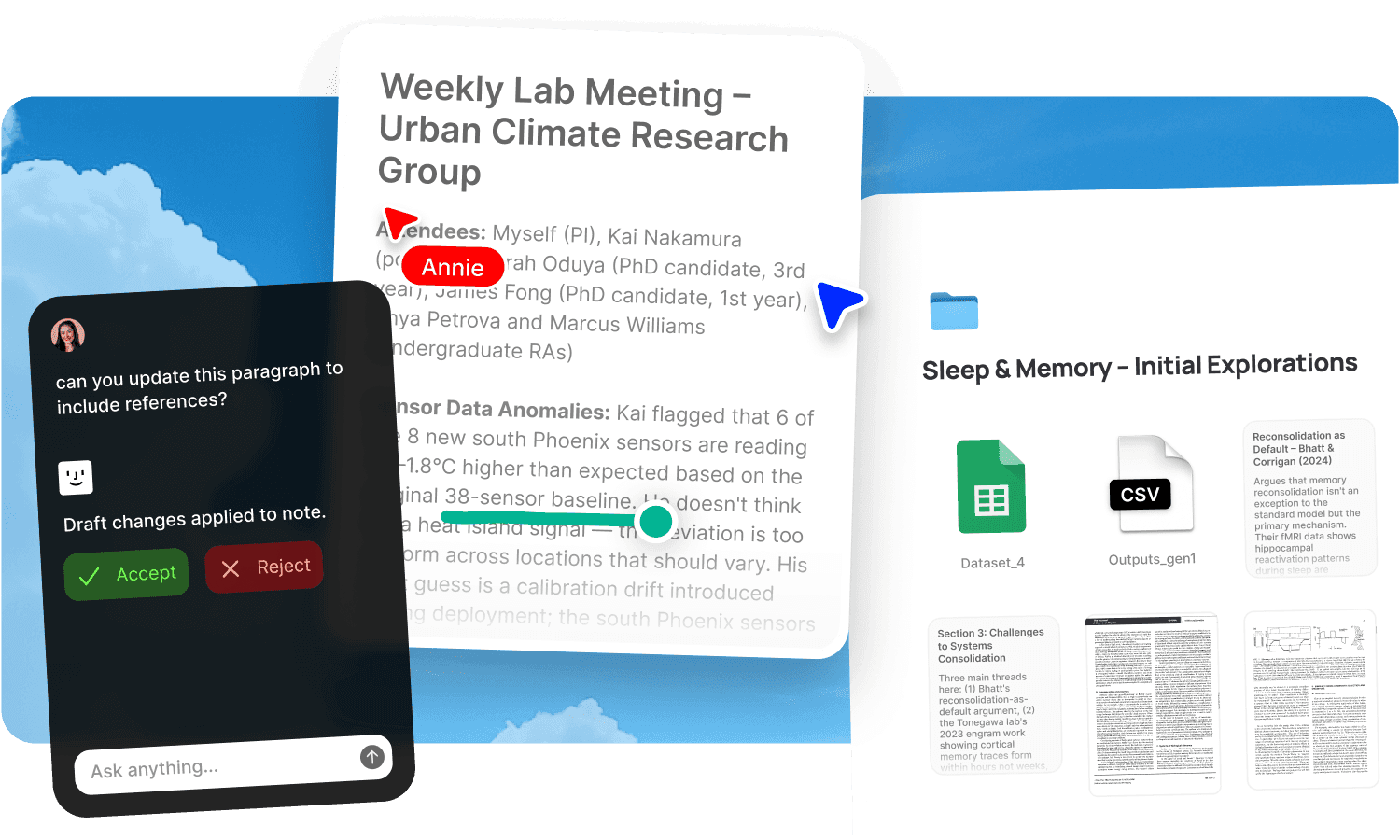
Your team's work is scattered across Google Drive, Slack, email, and someone's desktop. Client feedback gets lost in a thread nobody can find. Deliverables get duplicated because nobody knows which version is current. New hires spend weeks figuring out where things are. The creative work is good. The operational infrastructure is held together by institutional memory and goodwill, and both of those leave when people do.
Fabric gives your agency one workspace where every client project lives: files, briefs, feedback, approvals, meeting notes, and deliverables. AI agents handle the repetitive operational work. When someone leaves, nothing leaves with them.
One workspace per client
Every client gets their own searchable space. The brief, the references, the assets, the feedback, the deliverables, the meeting history, all in one place. AI search finds anything across client spaces by meaning. "What did the client say about the colour direction" finds the answer from both the feedback call transcript and the written annotations.
No more Slack archaeology to find what a client said three weeks ago. No more opening six folders to find the approved version. The full client context is searchable by anyone on the team.
Share polished galleries, not ugly Drive links
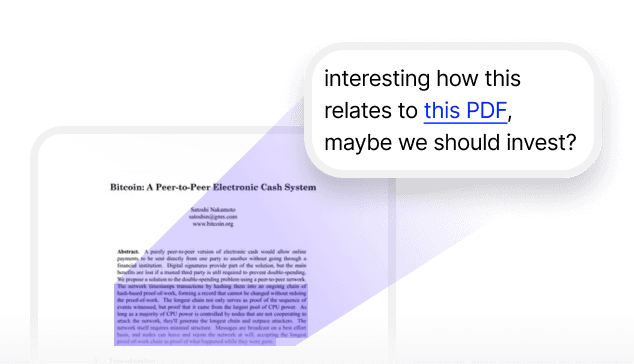
Publish deliverables, moodboards, and asset collections as clean, branded presentations with password protection. Clients get a professional sharing experience, not a Google Drive folder full of mysteriously named files. Link analytics show who's opened the material, when, and how long they spent. Create named tracking links per stakeholder.
Update the deliverable and the link serves the current version. No re-sending. No "here's v3 final FINAL."
AI agents handle the operational overhead
The work that multiplies with every client, the status reports, the meeting follow-ups, the deadline tracking, agents handle it:
Compile weekly client reports from project activity. The agent assembles the update and drops it in the client channel. No more Friday afternoon scramble.
Summarise every meeting into action items. The call transcript becomes a set of tasks with deadlines and assignees. Nobody has to write the meeting notes.
Flag overdue deliverables. An agent monitors project timelines and surfaces what's slipping before the client asks about it.
Draft follow-up emails from meeting transcripts in the account manager's voice. Review and send.
The client relationships stay personal. The administrative machinery runs in the background.
Feedback that stays attached to the work
Annotations let clients pin feedback to exact spots on deliverables: images, PDFs, documents, videos. Draw directly on images. Leave timestamped comments on video. The feedback is specific, attached to the work, and searchable, not scattered across email threads and Slack messages. For the full review workflow, see design feedback and review and approval.
When someone leaves, nothing leaves with them
The full client history is in the system, not in someone's head. Self-writing docs produce client relationship trackers from calls, messages, and channels. The new hire searches the client space, reads the self-written relationship tracker, and they're briefed. The AI assistant answers any question about any account from the full history.
For the full approach to preventing knowledge loss, see knowledge retention.
Visual search and creative ops
For creative agencies, AI search finds visual assets by colour, composition, and subject. Similar search finds visually related creative across clients. Smart organization handles filing automatically. The canvas supports moodboards with live Figma embeds. The full creative operations arc from brief to delivery lives in one workspace. See digital asset management and design projects.
Comparing creative ops tools? See the best creative ops platform and how Fabric compares to Air.
Get started
Give your agency one workspace per client and AI agents for everything else. Try Fabric free. See pricing for teams.
See also: Fabric for agencies for the full team workflow. Fabric for freelancers for individual contributors.
FAQs
Can every client have their own space?
Yes. Create a space per client with all files, briefs, feedback, deliverables, and meeting history. Each space is searchable and isolated.
Can agents compile weekly client reports?
Yes. Agents assemble reports from project activity and deliver them on schedule.
Can agents summarise meetings into action items?
Yes. An agent reads the call transcript, extracts action items, and creates tasks with deadlines and assignees.
Can agents flag overdue deliverables?
Yes. An agent monitors timelines and surfaces what's slipping before the client asks.
Can clients leave feedback on deliverables?
Yes. Annotations let clients pin comments to exact spots, draw on images, and leave timestamped comments on video.
Can we share work with clients via tracked links?
Yes. Publish with password protection and link analytics. See who's viewed the material and for how long.
What happens when a team member leaves?
The full client history is in the system. Self-writing docs maintain client relationship trackers. The replacement searches the client space and they're briefed.
Can we search for visual assets by colour?
Yes. AI search finds assets by colour, composition, and visual similarity across your library.
What tools does Fabric connect to?
Slack, Google Drive, Dropbox, Notion, Gmail, and meeting tools. See connections for the full list.
Is client data secure and separated?
Yes. Each client space is isolated. Fabric uses AES-256 encryption and is CASA Tier 2 compliant. Your data is never used to train AI models.