Canvas
Think visually.
Work spatially.
An infinite canvas for brainstorming, organizing ideas, and connecting your thoughts - with all your Fabric content ready to use.
Your thinking space.
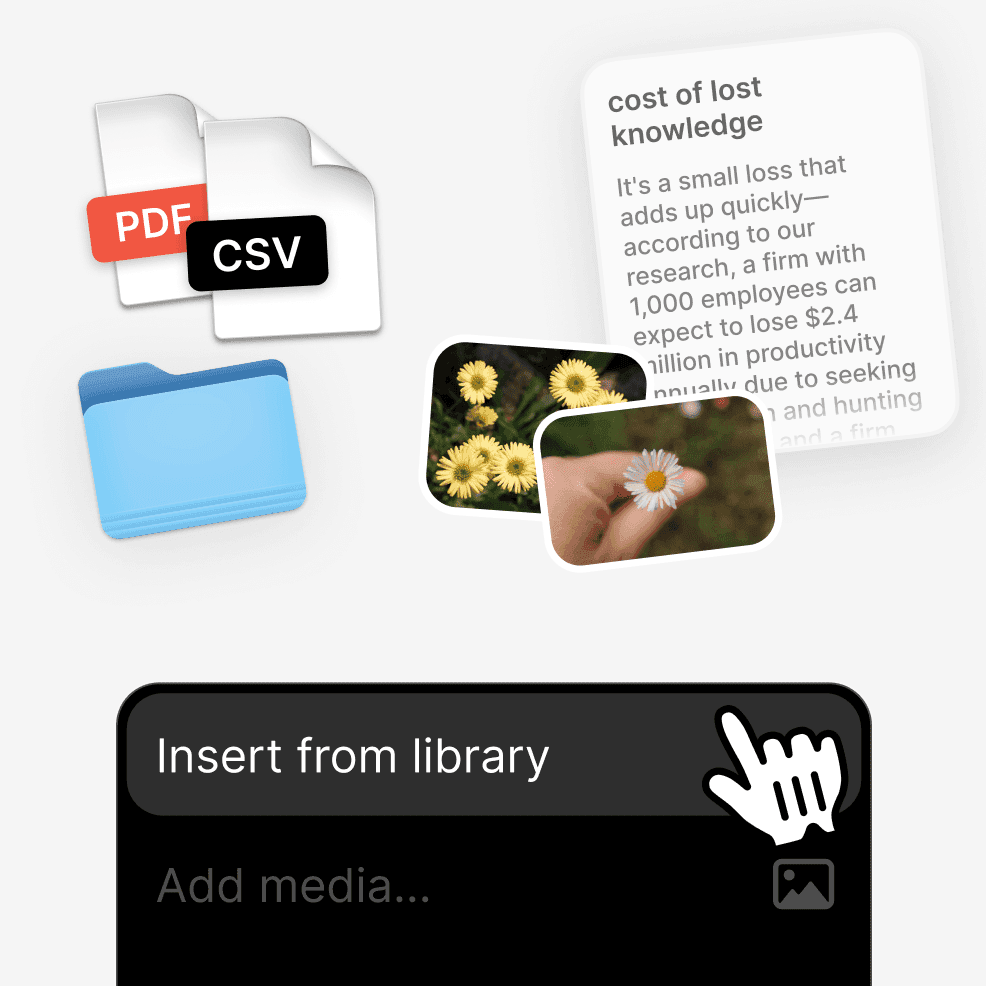
Add your Fabric content.
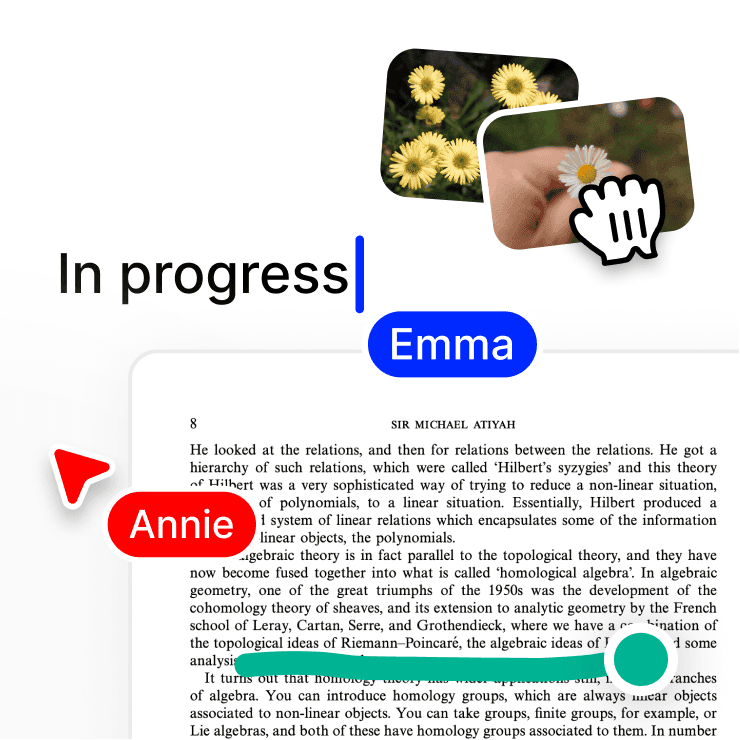
Drag files, notes, PDFs, or links from your library directly onto the canvas as preview cards (interactive windows coming soon).
Draw and write.
Add sticky notes, text boxes, images, arrows, shapes, or draw freeform.
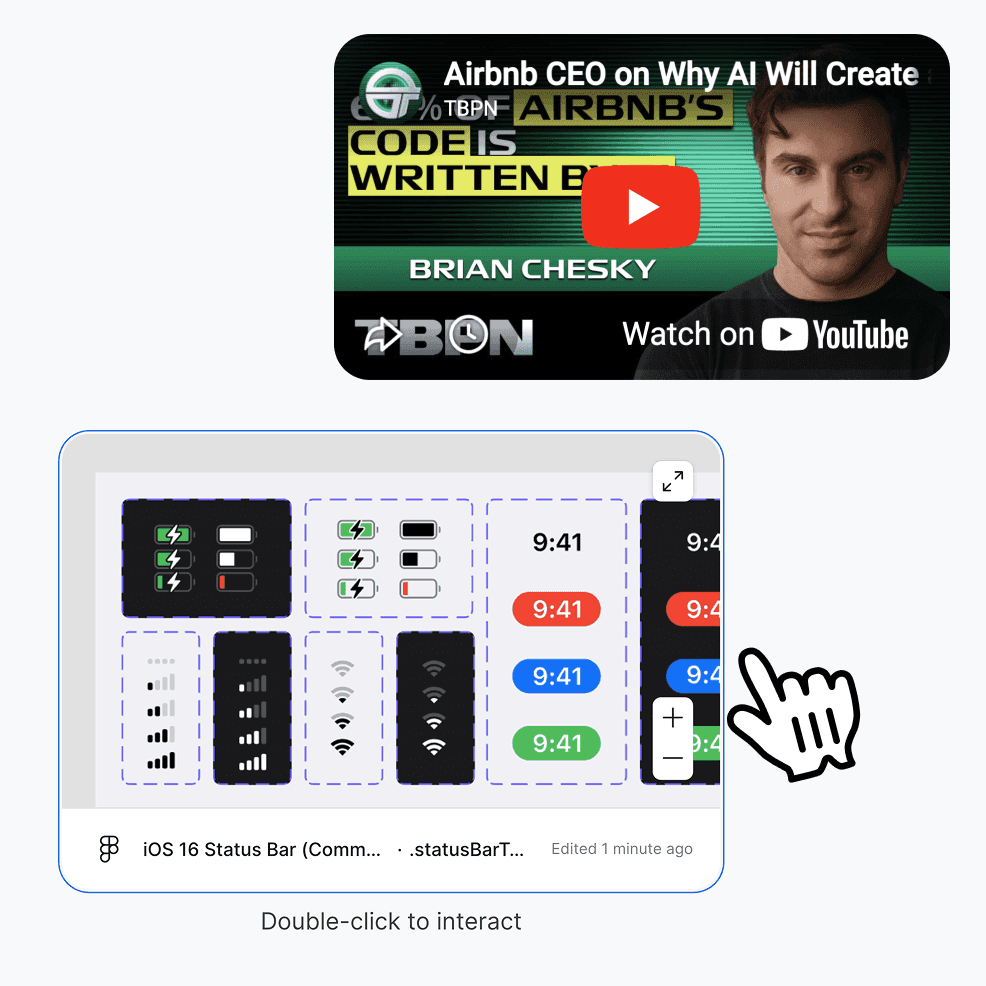
Live embeds.
Drop in Figma designs, YouTube videos, Google Maps, Slides, Spotify playlists, Replit code, and more that work right on the canvas.
Create and collaborate
Infinite space.
Room to spread out your thoughts.
Like a virtual desk with all your notes, documents and more.
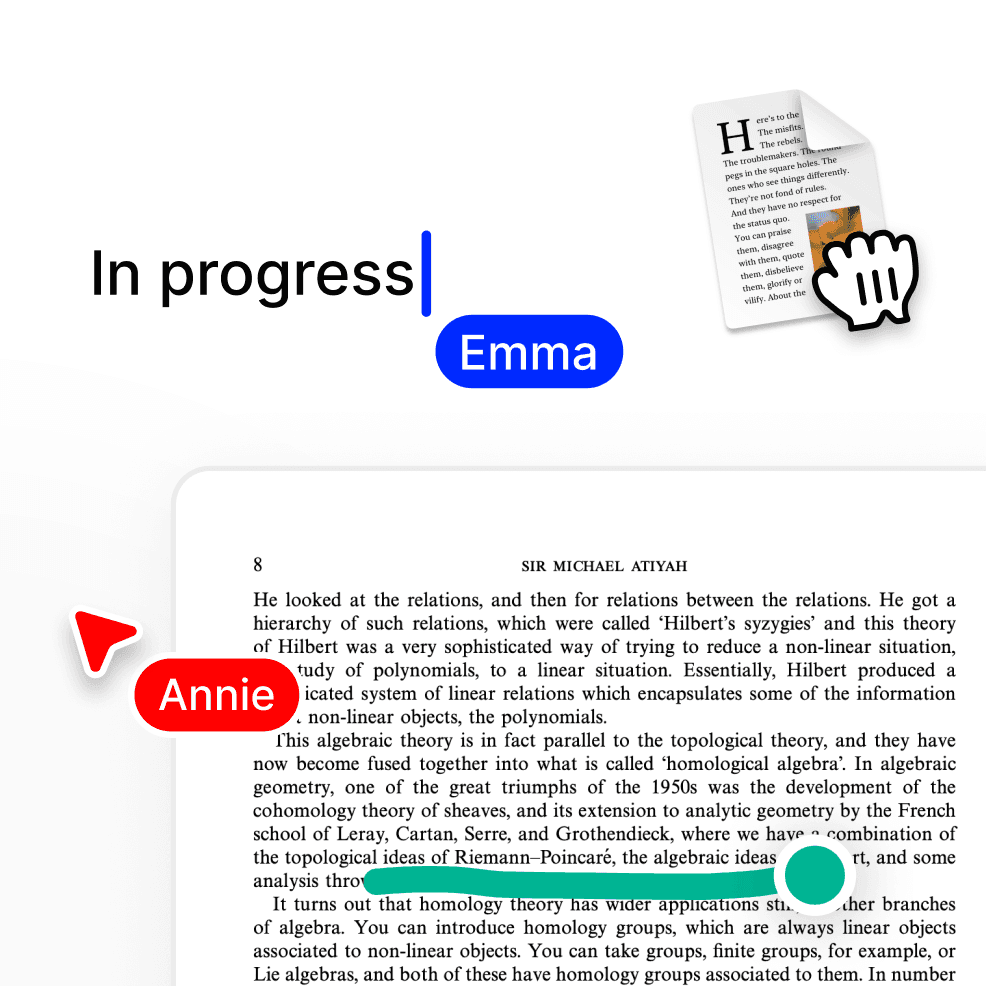
Real-time collaboration.
Work together with multiplayer cursors so everyone can contribute simultaneously.
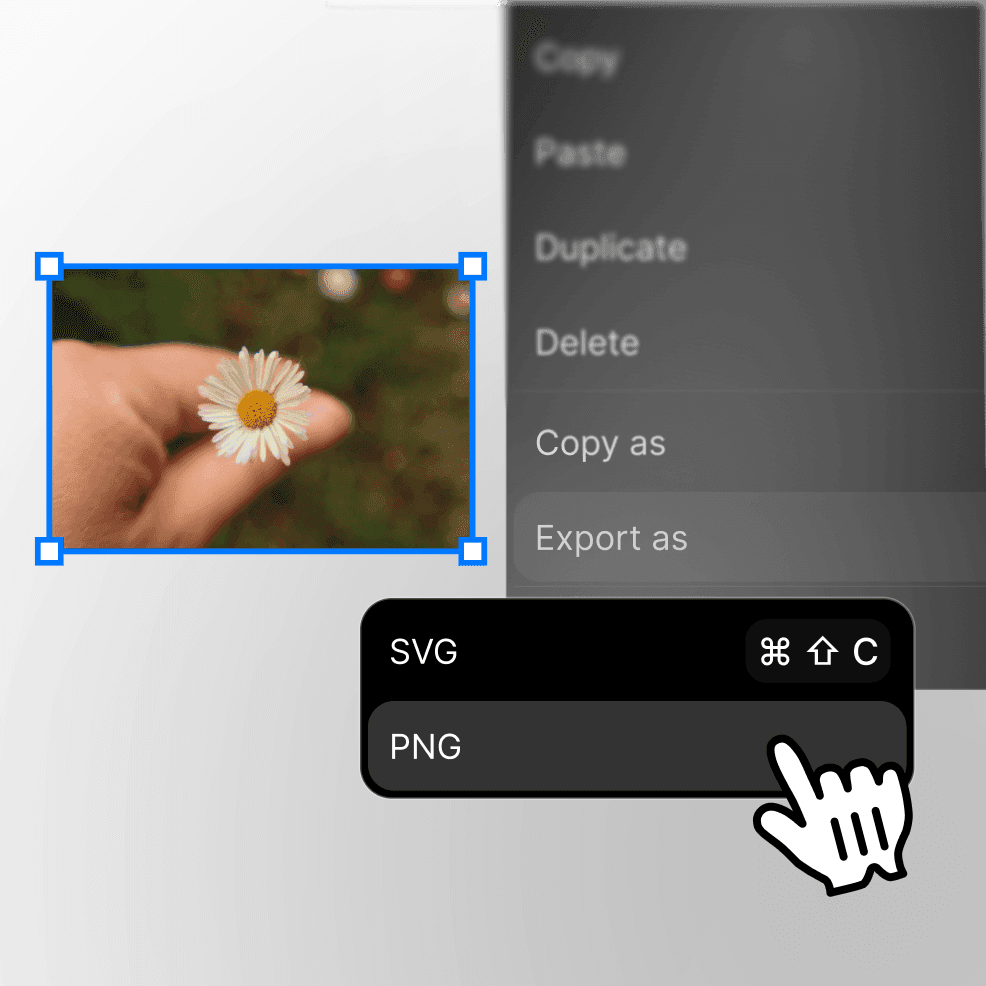
Export anything.
Save the entire canvas or individual sections as SVG or PNG files.
Use cases

Visual brainstorming.
Map out ideas spatially with your team, adding research files, reference images, and notes all in one visual workspace.

Research organization.
Arrange research papers, notes, quotes, and sources on a canvas to see connections and build your argument visually.

Project planning.
Lay out your project timeline, deliverables, reference materials, and inspiration boards in one connected visual space.

Study and learning.
Create visual study guides by arranging course materials, notes, diagrams, and resources in a way that shows how concepts connect.

Design exploration.
Collect inspiration, references, mockups, and feedback in one visual board where everything relates spatially.

Content planning.
Map out content calendars, article ideas, reference materials, and drafts on a visual board that shows the full picture.
Perfect for…

Visual thinkers.
Stop forcing spatial ideas into linear lists - organize your thoughts the way your brain actually works.

Creative teams.
Brainstorm together in real-time with everyone's cursors visible, adding ideas and building on each other's work.
Researchers and students.
Connect sources, quotes, notes, and ideas visually to understand complex topics and see relationships.
Product and design teams.
Gather inspiration, organize feedback, and map out ideas with design files and prototypes embedded right in the canvas.
Works seamlessly with other features.

Your library, visualized.
Everything in your Fabric workspace can be added to canvas - files open as interactive previews or full working windows.

AI Assistant integration.
Your AI assistant understands your canvas layouts and can help organize, connect, or explain the content on your boards.

Search across canvases.
Find any canvas by searching the content within it - text, file names, or even what's in embedded previews.

Annotations work here too.
Mark up files and add comments whether they're on a canvas or in your regular library view.
Related posts
FAQs
How is this different from other whiteboard tools?
Canvas is integrated with your entire Fabric library - every file, note, and piece of content can be added instantly without uploading or switching apps.
Can I work on a canvas with my team?
Yes, canvas supports real-time collaboration with multiplayer cursors so everyone can work together simultaneously.
What types of embeds can I add?
You can embed live, interactive content from: tldraw, Figma, Google Maps, Val Town, CodeSandbox, Codepen, Scratch, YouTube, Google Calendar, Google Slides, GitHub Gist, Replit, Felt, Spotify, Vimeo, Observable, and Desmos. These work directly on the canvas without leaving Fabric.
Can I export my canvas?
Yes, export the entire canvas or select specific sections as SVG or PNG files to share or use elsewhere.
Is there a limit to canvas size?
The canvas is very large and expands as you add content, giving you plenty of room to spread out your ideas and work.


