Made for creative teams
The context behind great creative work, in one place
Briefs, brand guidelines, mood boards, client feedback, revision history.
The context that makes creative work good, searchable in one place.
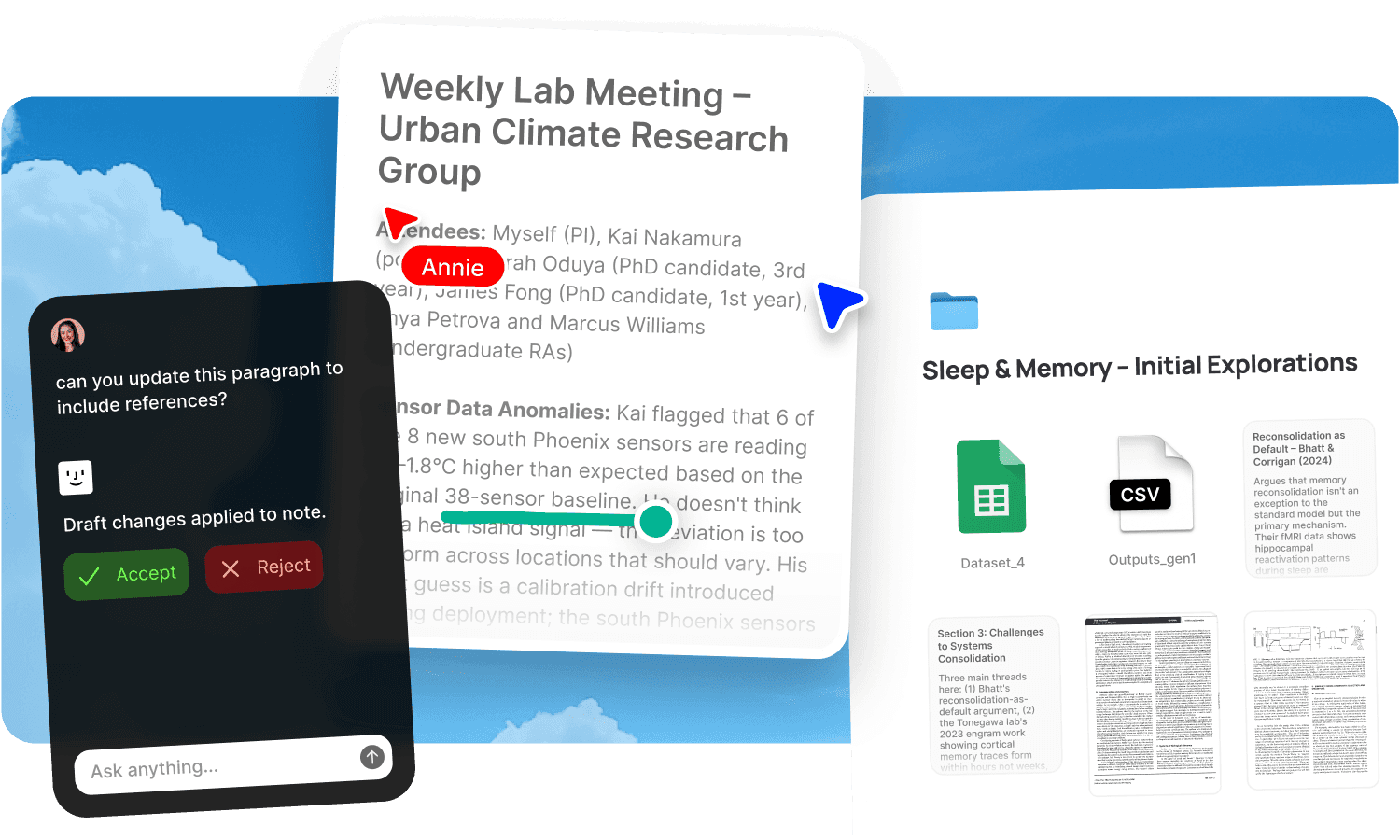
Briefs, brand guidelines, mood boards, client feedback, revision history, reference libraries, approved assets. The context that makes creative work good is scattered everywhere. The brief is in email. The guidelines are in a shared drive. The moodboard is in Figma. The feedback is in Slack. The approved assets are in a folder someone reorganised last week. When a designer starts a project, they spend the first hour gathering context that should already be at hand. When a creative director reviews work, they can't quickly check whether it matches the direction that was agreed. The creative thinking is strong. The information architecture around it is broken.
Creative operations is the infrastructure behind all of this: the systems that move a project from "we need this" to "it's live." How briefs get written and shared, how references get collected, how feedback gets gathered from multiple stakeholders, how approvals get tracked, and how finished work gets delivered and measured. Most teams handle these steps across five to eight disconnected tools, and the gaps between those tools are where context gets lost, feedback gets scattered, and revision rounds multiply.
Fabric puts the full arc in one workspace. AI search finds visual assets by colour, composition, and subject. Self-writing docs track project decisions and client context. Agents handle coordination. The creative work stays human. The creative ops infrastructure runs itself.
Visual search across your entire asset library
AI search finds visual assets the way creative teams actually look for them: by what they look like, not what they're called. Ask "the colour palette from the spring campaign" or search by actual colour using a picker or a description like "forest green." Similar search finds visually related assets across your full library: drop in a reference and find everything with a similar look, composition, or mood.
The search also works across non-visual content. Ask "what did the client say about the brand voice" and get cited answers from meeting transcripts, email threads, and brief documents, linked to the exact source.
The AI assistant synthesises across sources. Ask it to pull together every piece of client feedback on the visual direction, summarise the brand guidelines, or find the approved version of a specific asset. It cites everything.
Your asset library, streaming from the cloud
Creative teams generate and manage large volumes of files: photography, video, design files, brand assets, and deliverables. Infinite Drive is a cloud drive where stored files take zero local disk space. It streams files on demand in real time, so any asset opens instantly with no download wait and no external hard drives to manage. Every team member accesses the same library from any device. Shared team folders give designers, art directors, and account managers access to the latest versions without uploading to a separate service.
Self-writing docs for client and project context
Self-writing docs connect to your Slack and meetings and produce living documentation:
A client relationship tracker maintaining deal history, meeting summaries, decisions, deliverables, and open items, assembled from client calls, messages, and team channels. Full context before every conversation without anyone updating a spreadsheet.
A decision log capturing creative direction choices, brand decisions, and approval milestones as they happen in meetings and reviews. When someone asks "why did we go with this direction," the reasoning is documented.
A changelog tracking project milestones, deliverables, and revisions across the team's work.
The docs reflect what was actually discussed and decided. Not what someone reconstructed for a status update.
Agents that pull references, track deadlines, and update folders
Agents act on your behalf:
One reads an incoming brief, pulls the most relevant past campaigns, summarises the client's feedback patterns, and drafts a first pass. The creative direction stays yours. The context gathering doesn't have to be.
Another watches your project board and sends a reminder in Slack when a deliverable is approaching deadline.
Another takes approved final assets and updates the shared client folder, so the handoff doesn't depend on someone remembering to do it.
Moodboards and reference boards on canvas
The canvas is an infinite spatial workspace for arranging references, assets, and ideas. Build moodboards by dragging material from your library. The canvas supports live embeds from Figma, YouTube, Spotify, and other services, so reference clips and designs are viewable alongside still references.
Real-time collaboration means the team can build boards together with multiplayer cursors. Publish finished boards as shareable links with password protection and link analytics for client presentations.
For the full visual reference workflow, see moodboards and inspiration.
Feedback pinned to the work
Annotations let clients and teammates pin comments to exact spots on any design file, image, PDF, or document. Draw directly on images to show what you mean. Leave timestamped comments on video and audio. The feedback is spatial and specific, not described in a separate email.
Track review status with tasks and reminders. For formal review cycles, see review and approval. For design-specific feedback with full context, see design feedback.
Tracked sharing for every deliverable
Publish any creative deliverable with password protection and link analytics. See who's opened the deliverable and how long they spent on each page. Create individually named tracking links per stakeholder. Update the file and the link serves the current version.
Knowledge that compounds across projects
The real payoff of creative ops in one workspace isn't just today's project running smoothly. It's that the team's knowledge compounds. The moodboard from the last campaign informs the next one. The client feedback patterns across projects are searchable. The research you saved six months ago surfaces when the AI recognises it's relevant to what you're working on now. Smart organization handles filing with AI-generated tags, dynamic collections that populate automatically, and colour recognition that lets you search assets by palette. The explorer provides a spatial view of your library for serendipitous discovery. Nothing disappears into a tool silo. Everything connects.
Who on the team uses Fabric
Designers manage references and assets for design projects. Video editors collect mood reels and visual direction. Content creators plan and draft with content planning workflows. Music creators build sonic and visual direction boards. Marketers track campaigns and competitive research. For team asset management, see digital asset management.
Get started
Give your creative team one searchable workspace where every brief, reference, and decision is findable. Try Fabric free. See pricing for teams.
Comparing tools? See the best creative ops platform comparison and how Fabric compares to Air.
FAQs
Can we search for assets by colour or visual similarity?
Yes. AI search finds assets by colour name, description, or picker. Similar search finds visually related assets across your library.
Can agents pull relevant past work for a new brief?
Yes. Agents can read an incoming brief, pull the most relevant past campaigns and brand guidelines, summarise client feedback patterns, and draft a first pass.
What are self-writing docs?
Self-writing docs connect to your Slack, meetings, and workspace activity and produce documentation automatically: client relationship trackers, decision logs, and changelogs. They write themselves from your actual conversations and work.
Can we annotate and draw on design files?
Yes. Annotations let anyone pin comments to exact spots on any file. Draw directly on images. Leave timestamped comments on video and audio.
Can we build moodboards collaboratively?
Yes. The canvas supports real-time collaboration with multiplayer cursors. Drag references from your library and arrange them spatially together.
Can we share deliverables with tracking?
Yes. Publish with password protection and link analytics. See who's viewed the work and how long they spent.
Does the client tracker update automatically?
Yes. The client relationship tracker assembles from client calls, messages, and team channels. Full context before every conversation without manual CRM updates.
Can new team members find past creative context?
Yes. AI search makes the full history of briefs, decisions, feedback, and assets searchable from day one. New hires start with context rather than spending their first week asking.
What tools does Fabric connect to?
Fabric connects to Slack, Google Drive, Dropbox, Notion, Gmail, Figma (via canvas embeds), and meeting tools. See connections for the full list.
Is our creative work secure?
Yes. Fabric uses AES-256 encryption and is CASA Tier 2 compliant. Your team's data is never used to train AI models.
What is creative ops and how does Fabric handle it?
Creative operations is the infrastructure that moves a project from brief to delivery: reference collection, briefing, feedback, approvals, asset management, and tracked sharing. Most teams split this across five to eight tools. Fabric puts the full arc in one workspace where every step is searchable and connected. See the best creative ops platform comparison.
Does the team's creative knowledge compound over time?
Yes. Every reference, moodboard, feedback pattern, and project decision becomes part of a searchable library. The research from six months ago surfaces when the AI recognises it's relevant to today's project. Smart organization and the explorer make the library more useful as it grows.
How is this different from a DAM or a shared drive?
A DAM stores approved assets. A shared drive stores files by folder. Fabric adds meaning-based search (including colour and visual similarity), self-writing documentation from your meetings and Slack, agents that pull references and track deadlines, annotations pinned to exact spots on files, and tracked sharing with analytics. The difference is between storing creative work and having a living creative ops workspace where context, feedback, and assets are all searchable and connected.