Built for film and media students
Fabric for film and media students
Reference films, shot lists, scripts, production notes, visual references. Fabric handles video alongside documents. AI tutor that knows your film theory readings and can discuss technique.
Reference films, shot lists, scripts, production notes, visual references, storyboards, lecture slides, theory readings, production logs, sound design notes. Film and media students work across video, images, audio, and text, and the challenge is connecting the theory from a lecture to the technique in a reference film to the production work you're doing. The reference clip is in a playlist. The theory reading is in a PDF. The production note is in a shared doc. The feedback from the screening is a memory that's already fading. None of the tools connect what you're watching to what you're reading to what you're making.
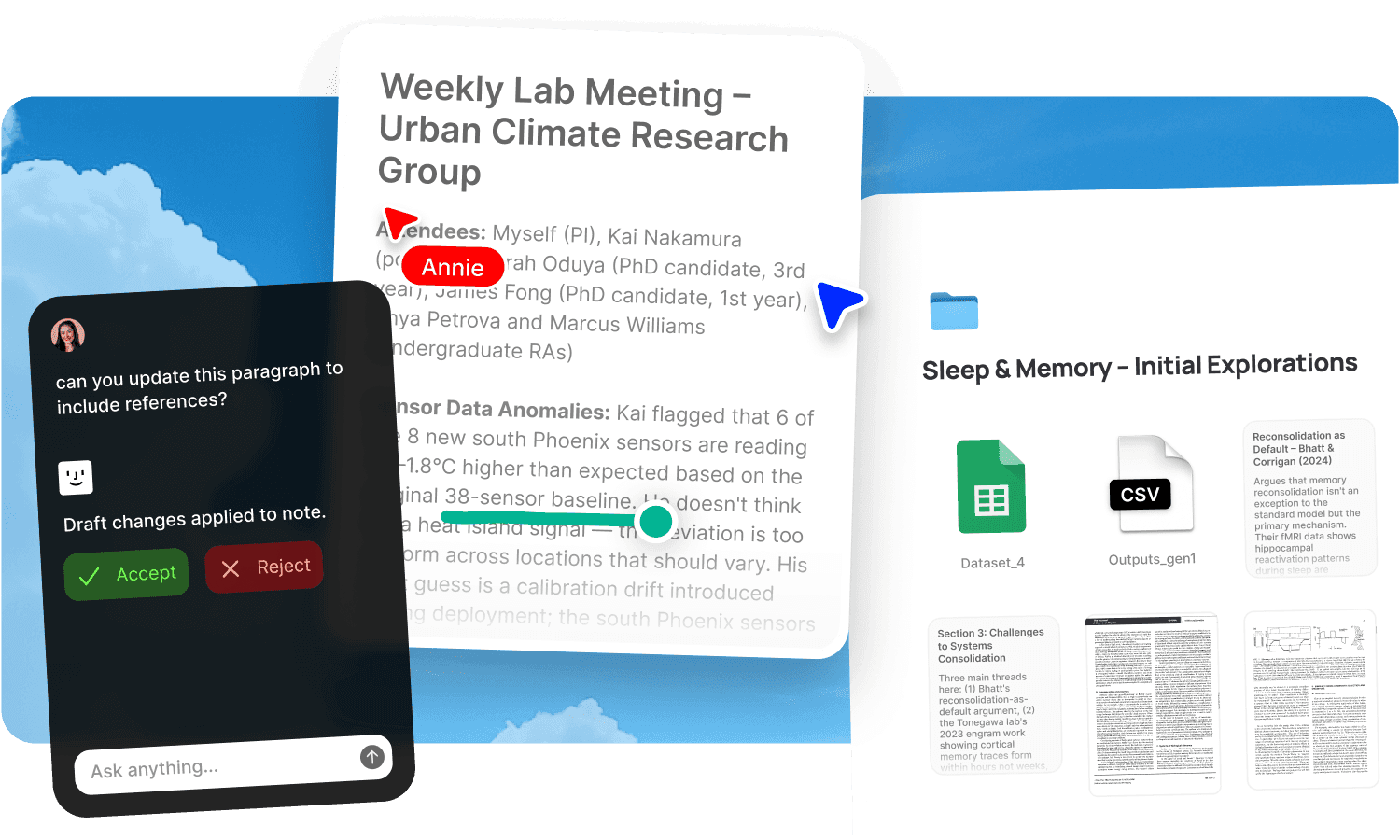
Upload your materials to Fabric. The AI assistant handles video alongside documents. "Explain the concept of suture theory using my week 6 reading." "Find every reference I've saved with a similar visual style." "What feedback did we get on the rough cut?" AI tutor that knows your film theory readings and can discuss technique using your saved references.
An AI tutor for theory and production
The AI assistant works from your theory readings, production notes, lecture slides, scripts, and transcribed feedback sessions. Ask it to explain a theoretical concept using examples from your programme. Ask it to connect a filmmaking technique to the theory that describes it. Ask it to compare directorial approaches across the films on your viewing list. Ask it to quiz you on the key theorists and movements from your film studies modules.
The assistant has memory across sessions. It knows which films you've studied, which theory you've covered, and which production you're working on.
Visual search and reference discovery
Similar search finds visually related references across your library. Drop in a still from a reference film and find everything with a similar composition, lighting, or mood. AI search finds material by description: "low-key lighting with shallow depth of field" or "handheld documentary-style footage" returns matching references. The explorer surfaces connections across your saved visual references.
Canvas for pre-production and shot planning
The canvas lets you build shot boards, arrange storyboard frames, pin up visual references, and plan productions spatially. It supports live YouTube embeds so reference clips are playable alongside stills and notes. Real-time collaboration supports group production planning. For the full visual reference workflow, see moodboards.
Record and transcribe feedback sessions
AI voice notes record and transcribe lectures, screenings, feedback sessions, and critique discussions. Audio and video transcription makes lecture recordings and video references searchable by what was said. The tutor's feedback on your edit, the lecturer's analysis of a sequence, the guest director's insights, all captured and searchable. See lecture notes and videos.
Annotate scripts, storyboards, and readings
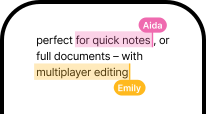
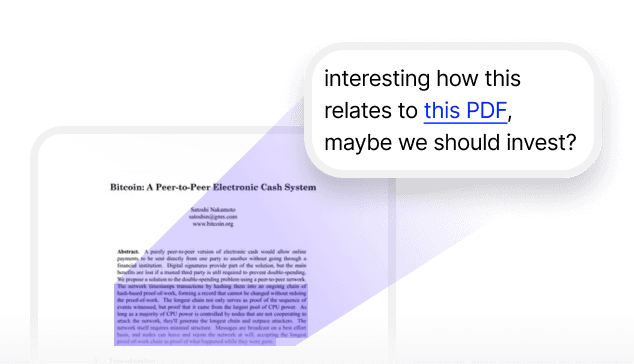
Annotations let you mark up scripts, storyboards, theory readings, and production documents with searchable notes. Mark a key scene in a script. Note the cinematographic technique in a reference still. Flag the theoretical argument that connects to your production concept.
Write alongside your research and references
Draft essays, production reports, and critical analyses in notes and docs with your theory readings, production notes, and visual references searchable alongside. When you need to cite a theorist or reference a film technique, search without leaving the draft.
Get started
Upload your materials and get a tutor that connects your theory to your practice. Try Fabric free.
See also: Fabric for students. Studying and exam prep. Moodboards. Visual inspiration. For working filmmakers, see Fabric for video editors.
Comparing tools? See the best AI study app and the best moodboard app.
FAQs
Can the AI discuss film theory using my readings?
Yes. The AI assistant works from your assigned theory texts and discusses technique, theory, and history using your programme's materials.
Can I search for visual references by similarity?
Yes. Similar search finds visually related material across your library. Drop in any still and find everything with a similar look.
Can Fabric handle video alongside documents?
Yes. Video, images, PDFs, and notes are all searchable in the same workspace. Audio and video transcription makes spoken content searchable.
Can I use the canvas for shot planning?
Yes. The canvas supports storyboard layout, visual reference boards, and production planning with live video embeds.
Can I record screening feedback?
Yes. AI voice notes record and transcribe any session with timestamps.
Can I annotate scripts and storyboards?
Yes. Annotations let you mark up scripts, storyboards, and readings with searchable notes.
Does it remember which films I've studied?
Yes. The assistant has memory across sessions and knows your viewing list and production context.
Is my data private?
Yes. Fabric uses AES-256 encryption and is CASA Tier 2 compliant. Your data is never used to train AI models.