Built for art and design students
Fabric for art and design students
Visual references, portfolios, critique notes, artist research, process documentation. Fabric's visual search and canvas are built for this. AI tutor that discusses your saved references.
Visual references, portfolios, critique notes, artist research, process documentation, material samples, lecture slides, exhibition reviews, studio photographs. Art and design students collect and produce more visual content than any other discipline, and the challenge is finding, connecting, and presenting it. The reference you saved from a gallery visit is in your camera roll. The artist research is in a document. The critique feedback is in your memory. The process documentation you need for the portfolio is scattered across three apps. The visual connections between your references and your own work exist in your head but not in any tool.
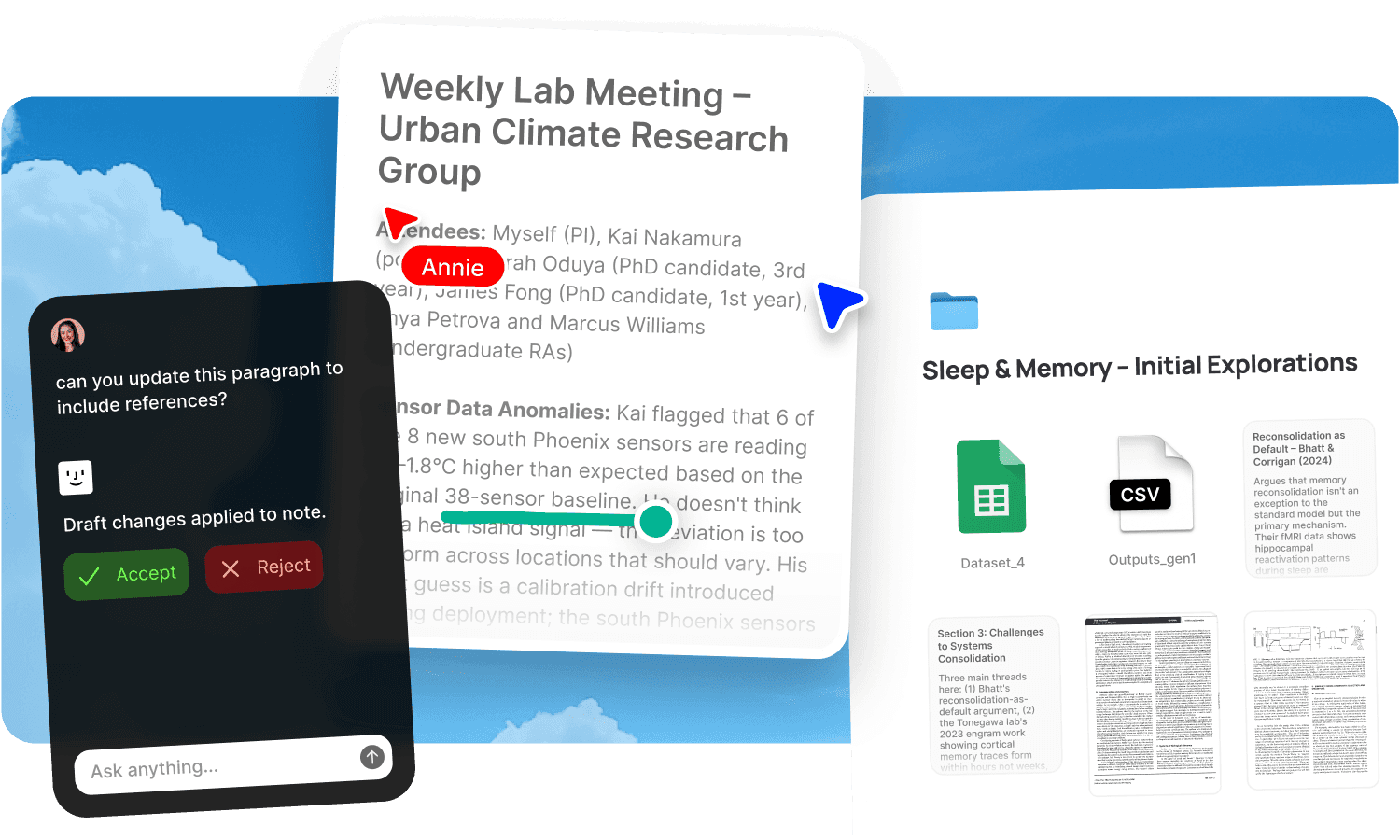
Upload your materials to Fabric. The AI assistant discusses your saved references and helps develop your critical vocabulary. Visual search finds similar references across your library by colour, composition, and mood. The canvas is your digital studio wall.
An AI tutor for critical analysis and research
The AI assistant works from your artist research, lecture slides, critique notes, theory readings, and your own process documentation. Ask it to discuss a reference in terms of the critical frameworks from your programme. Ask it to compare artistic approaches across the references you've saved. Ask it to help you articulate what your work is doing using the language of your discipline. Ask it to quiz you on art history, theory, or the practitioners you've studied.
The assistant has memory across sessions. It knows your project context, your references, and your critical development over time.
Visual search across your reference library
AI search finds references by colour, composition, subject, and description. Similar search finds visually related content across your entire collection. Drop in one of your own studio photographs and find every reference with a similar quality. Search by colour to find everything in a specific palette. The explorer surfaces visual connections across projects and semesters.
Canvas as your studio wall
The canvas is an infinite spatial workspace for arranging references, process documentation, and ideas. Build mood boards for a project. Arrange a visual essay. Present work in progress for a critique. Lay out the development of an idea from reference through iteration to final piece. Real-time collaboration supports group crits and studio work. The canvas draws from your library, so building a board means arranging what you've already collected.
For the full visual reference workflow, see moodboards and design projects.
Record crits and capture everything
AI voice notes record and transcribe critique sessions, lectures, and studio tutorials. The tutor's feedback, the visiting artist's perspective, the group crit discussion, all captured and searchable. Photograph work on the mobile app. Save references from the web with the web clipper. Forward exhibition information to email-to-note. Everything feeds the same searchable library. See lecture notes and visual inspiration.
Annotate references and process work
Annotations let you mark up images, readings, and process documentation with searchable notes. Note what drew you to a reference. Mark the technique you want to explore. Flag the feedback from a crit that shaped the next iteration. Your annotations are searchable across your full library.
Build your portfolio in context
Your portfolio development happens in the same workspace as your references, research, and process. The journey from initial reference through experimentation to final piece is documented and searchable. When you need to articulate your process for a portfolio statement, the evidence is already there.
Get started
Upload your references and get a tutor that helps you see and articulate what your work is doing. Try Fabric free.
See also: Fabric for students. Fabric for designers. Moodboards. Design projects.
Comparing tools? See the best moodboard app and the best AI study app.
FAQs
Can I search references by colour or visual similarity?
Yes. AI search finds images by colour, composition, and description. Similar search finds visually related content across your library.
Can I use the canvas as a studio wall?
Yes. The canvas is an infinite spatial surface for arranging references, process work, and ideas.
Can the AI help with critical vocabulary?
Yes. The AI assistant discusses your references and helps you articulate your analysis using the frameworks from your programme.
Can I record studio crits?
Yes. AI voice notes record and transcribe critique sessions with timestamps.
Can I photograph work on my phone?
Yes. The mobile app lets you photograph studio work, save references, and search your library from your phone.
Can I annotate references with notes about why I saved them?
Yes. Annotations let you add searchable notes to any image, document, or reference.
Does it remember my project context?
Yes. The assistant has memory across sessions and knows your references, feedback, and development over time.
Is my data private?
Yes. Fabric uses AES-256 encryption and is CASA Tier 2 compliant. Your data is never used to train AI models.