Made for agencies
Fabric for UI/UX design agencies
Every client project generates hundreds of screens, research notes, and feedback threads.
Fabric keeps the whole design process searchable, from initial research through to final handoff.
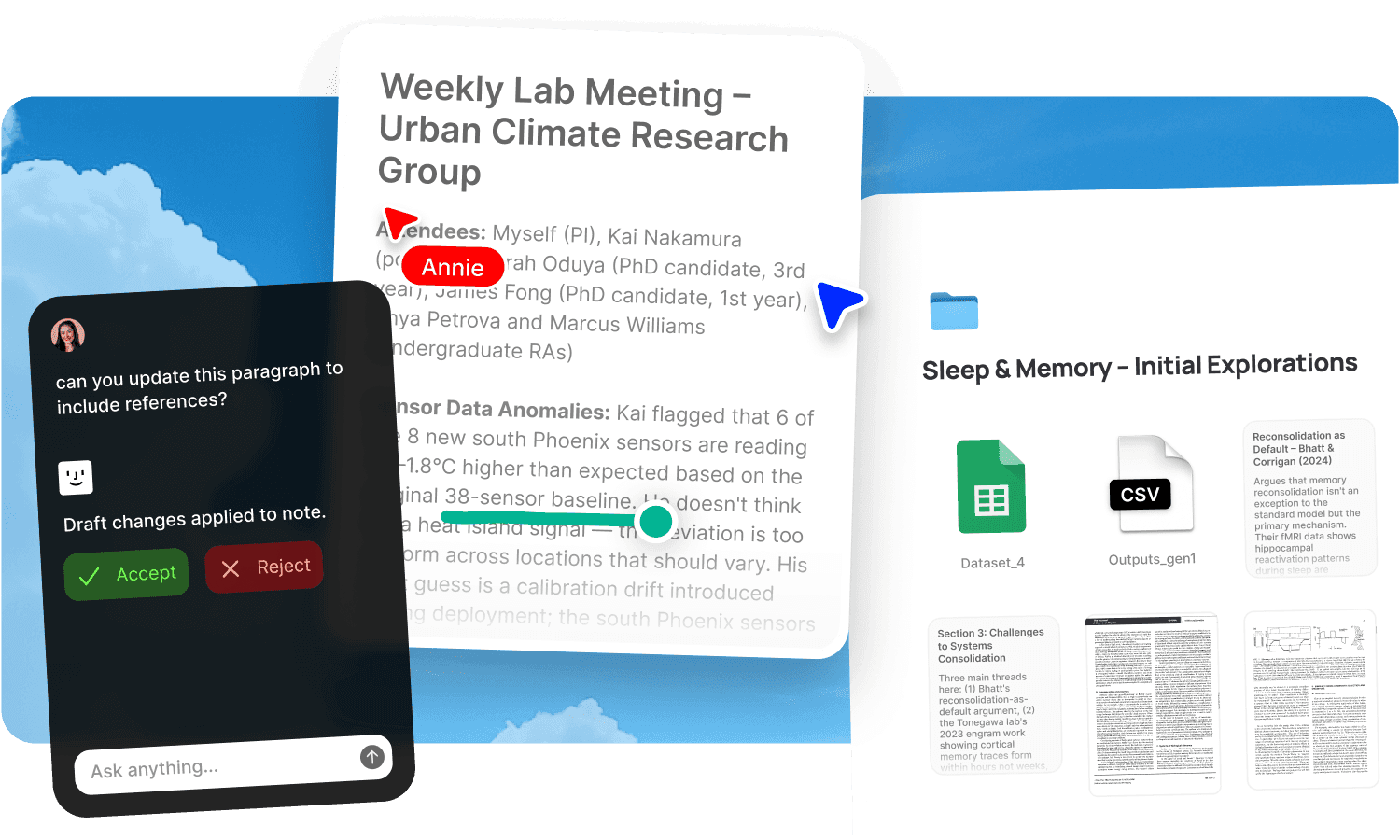
Every client engagement starts with research and ends with handoff, and the space between is a mess of tools. User interviews recorded in one app. Research findings synthesised in a Google Doc. Wireframes in Figma. Client feedback in email threads, Loom videos, and Slack messages. Design system documentation in Notion. Usability testing results in a spreadsheet. By the time you're iterating on the fourth round of revisions, the research that should inform the decisions is buried three tools deep and nobody goes back to check it.
The challenge isn't the design work. It's the context around it. UI/UX projects are research-heavy, and the research loses its influence the moment it's filed somewhere nobody searches. Fabric keeps the whole design process searchable in one workspace, from initial user research through to client handoff.
User research that stays findable
User interview recordings are transcribed by audio and video transcription and searchable by what was said. "What did users say about the checkout flow" finds the relevant moments across every interview. Research findings, personas, journey maps, and usability test results live alongside the design work they inform. AI search connects the research to the design decisions it supports.
The AI assistant synthesises across research. Ask it to identify patterns from user interviews, compare feedback across testing sessions, or find every user who mentioned a specific pain point. The research stays active throughout the project, not just the discovery phase.
Client feedback in one searchable thread
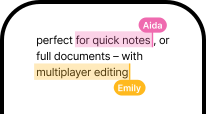
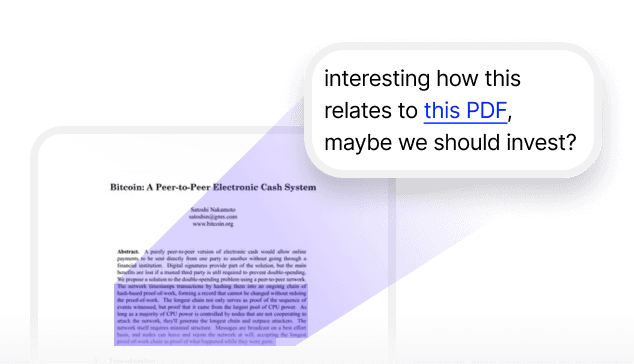
Client feedback arrives via email, Loom, Slack, and live meetings. Annotations let clients pin comments directly on screens, wireframes, and prototypes. Draw on images to mark specific areas. Leave timestamped comments on video walkthroughs. Forward email feedback to email-to-note. Record feedback calls with AI voice notes.
Every piece of feedback is searchable in one place. "What did the client say about the navigation" finds the annotation on the wireframe, the comment from the Loom video, and the note from the call. No cross-referencing email and Slack to reconstruct what was agreed.
Design system documentation that lives with the work
Design system docs, component guidelines, and pattern libraries are searchable alongside the projects that use them. Self-writing docs keep system documentation current from your team's Slack and meetings. When a component decision changes, the documentation reflects it.
Polished sharing, not Drive links
Publish deliverables, research presentations, and design rationale with password protection and link analytics. Clients get a professional sharing experience. You see who's reviewed the material and how long they spent.
Account handoffs without knowledge loss
When a designer leaves or a project changes hands, the full context is in the system. Research findings, design decisions, client preferences, and feedback history are all searchable. The new designer asks the AI assistant "what was the rationale for the current navigation pattern" and gets a cited answer from the research, the client discussions, and the team's decision log.
Who uses Fabric for UI/UX agency work
Designers managing research-heavy client projects. User researchers keeping findings connected to design decisions. Product managers on the client side accessing project context. Agency owners maintaining quality across multiple engagements.
For the full agency workflow, see Fabric for agencies. For the design project lifecycle, see design projects. For review workflows, see design feedback.
Get started
Keep the whole UI/UX design process searchable from research to handoff. Try Fabric free. See pricing for teams.
FAQs
Can I search across all user research for a project?
Yes. AI search reads inside interview transcripts, research docs, and usability test results and searches by meaning.
Can clients leave feedback directly on screens?
Yes. Annotations let clients pin comments to exact spots on any screen or wireframe, draw on images, and leave timestamped comments on video.
Can I record and transcribe client feedback calls?
Yes. AI voice notes record without a meeting bot. The transcript is searchable alongside other feedback.
Can the AI synthesise across user interviews?
Yes. The AI assistant identifies patterns, compares responses, and surfaces relevant findings from across every interview.
Can I share deliverables with tracked links?
Yes. Publish with password protection and link analytics.
Does design system documentation stay current?
Yes. Self-writing docs update from your team's Slack and meetings.
What happens when someone leaves a project?
The full research, feedback, and decision history is searchable. The AI answers questions about the project from the complete record.
Can I search for feedback from Loom videos?
Yes. Video is transcribed and searchable alongside annotations, email feedback, and call notes.
What tools does Fabric connect to?
Slack, Google Drive, Dropbox, Notion, Gmail, and meeting tools. See connections.
Is client data secure?
Yes. Fabric uses AES-256 encryption and is CASA Tier 2 compliant. Your data is never used to train AI models.
Explore how different agencies use Fabric
Design agencies
Branding agencies
Web design agencies
Video production agencies
Social media agencies