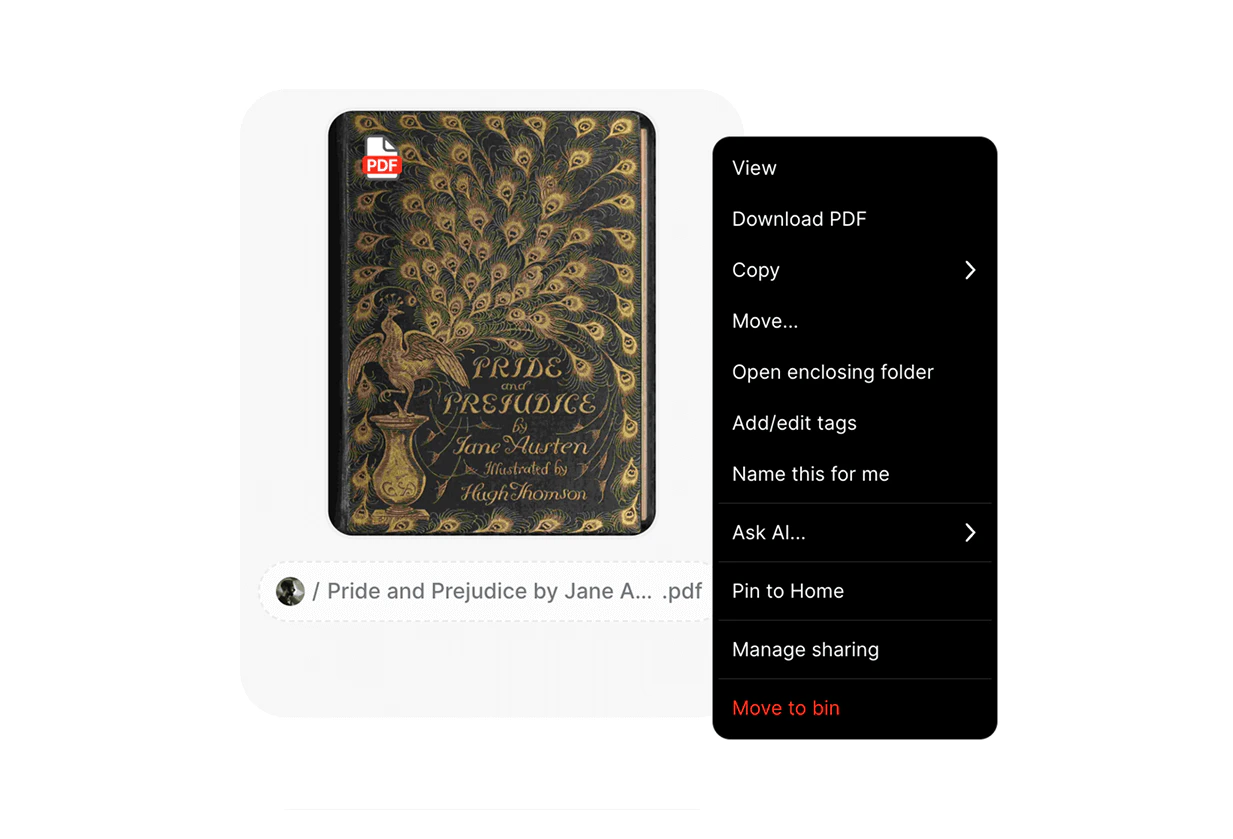
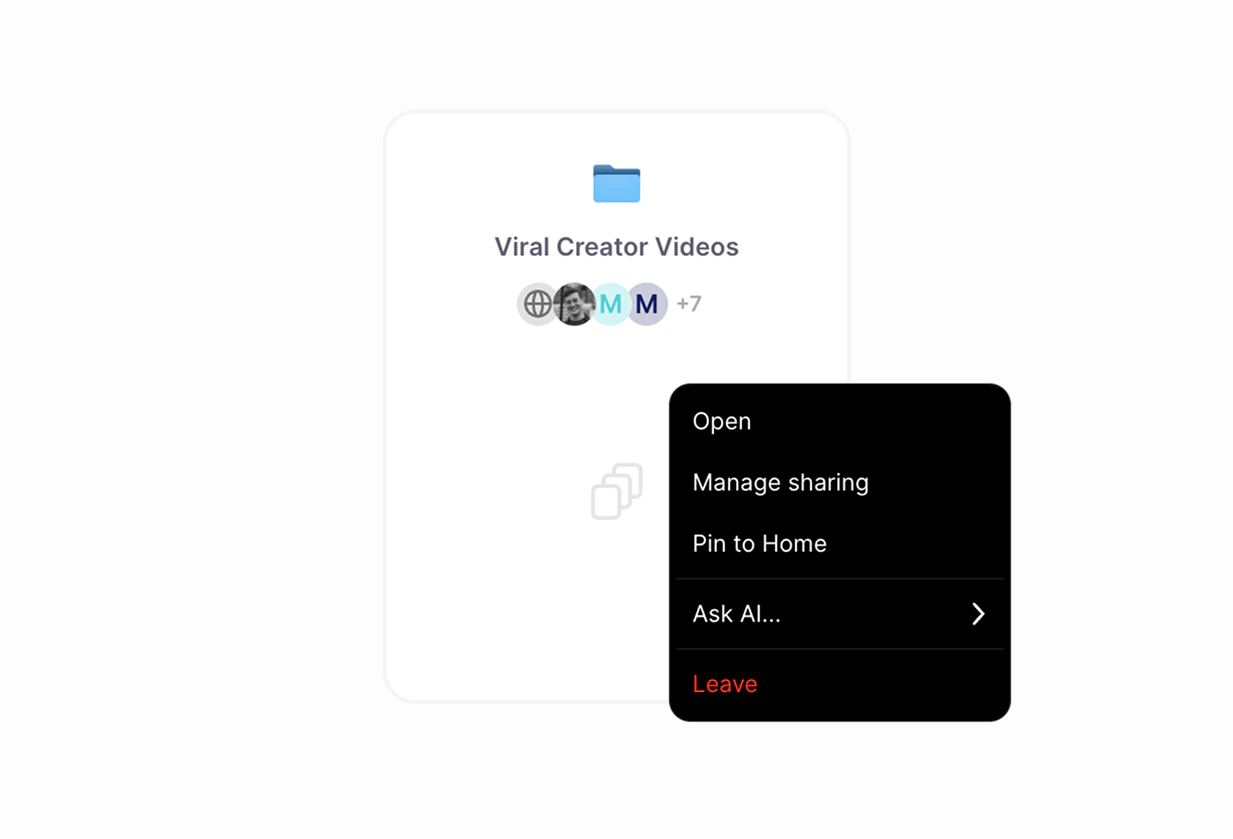
In Fabric, you can right-click any item or space to see a menu of options you can perform on it. Depending on the item, you’ll be offered different options, for example, if it’s a bookmark, then one option will be to visit the URL of the bookmark.Context menus also work when multiple items have been selected, or in an empty space.
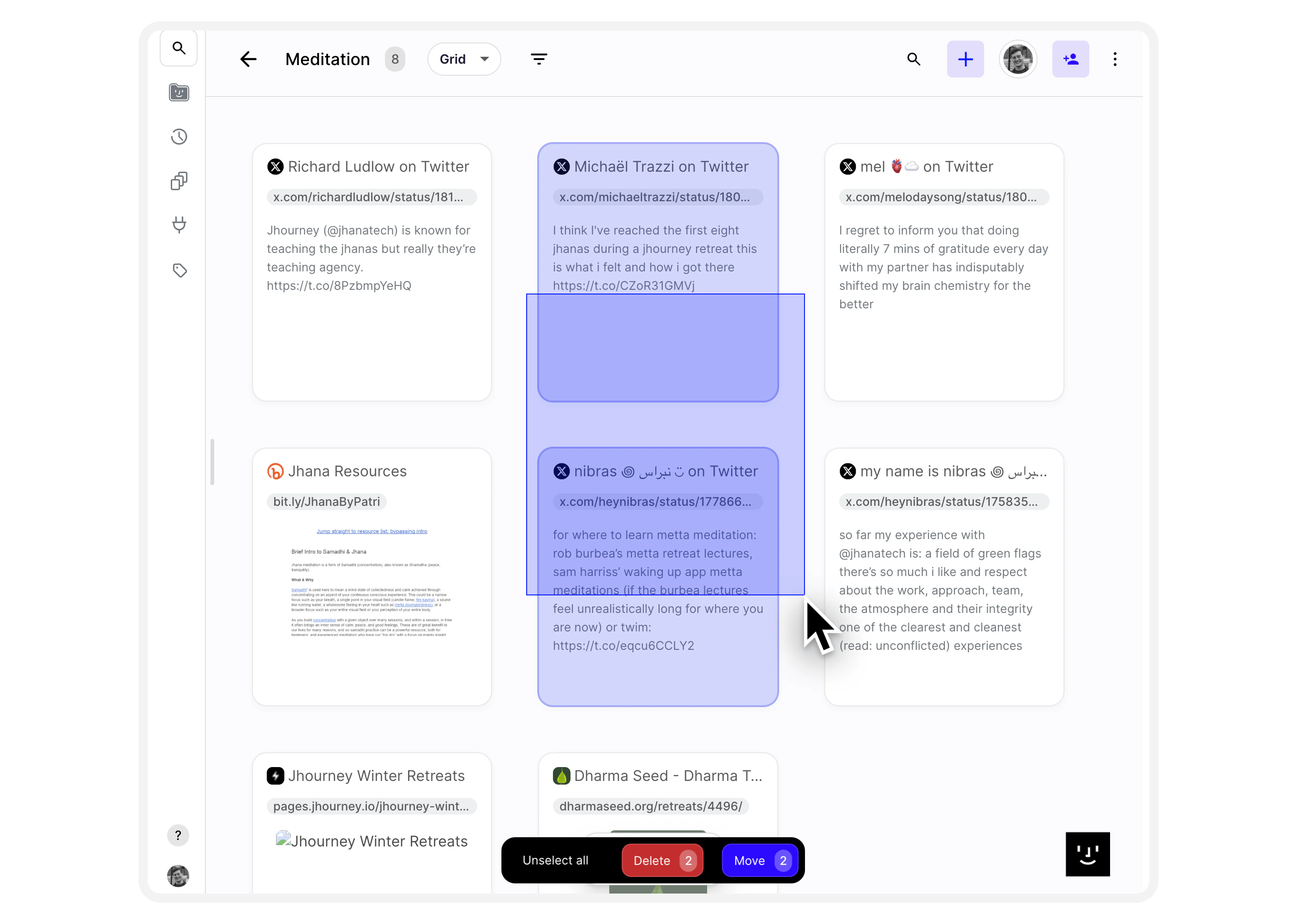
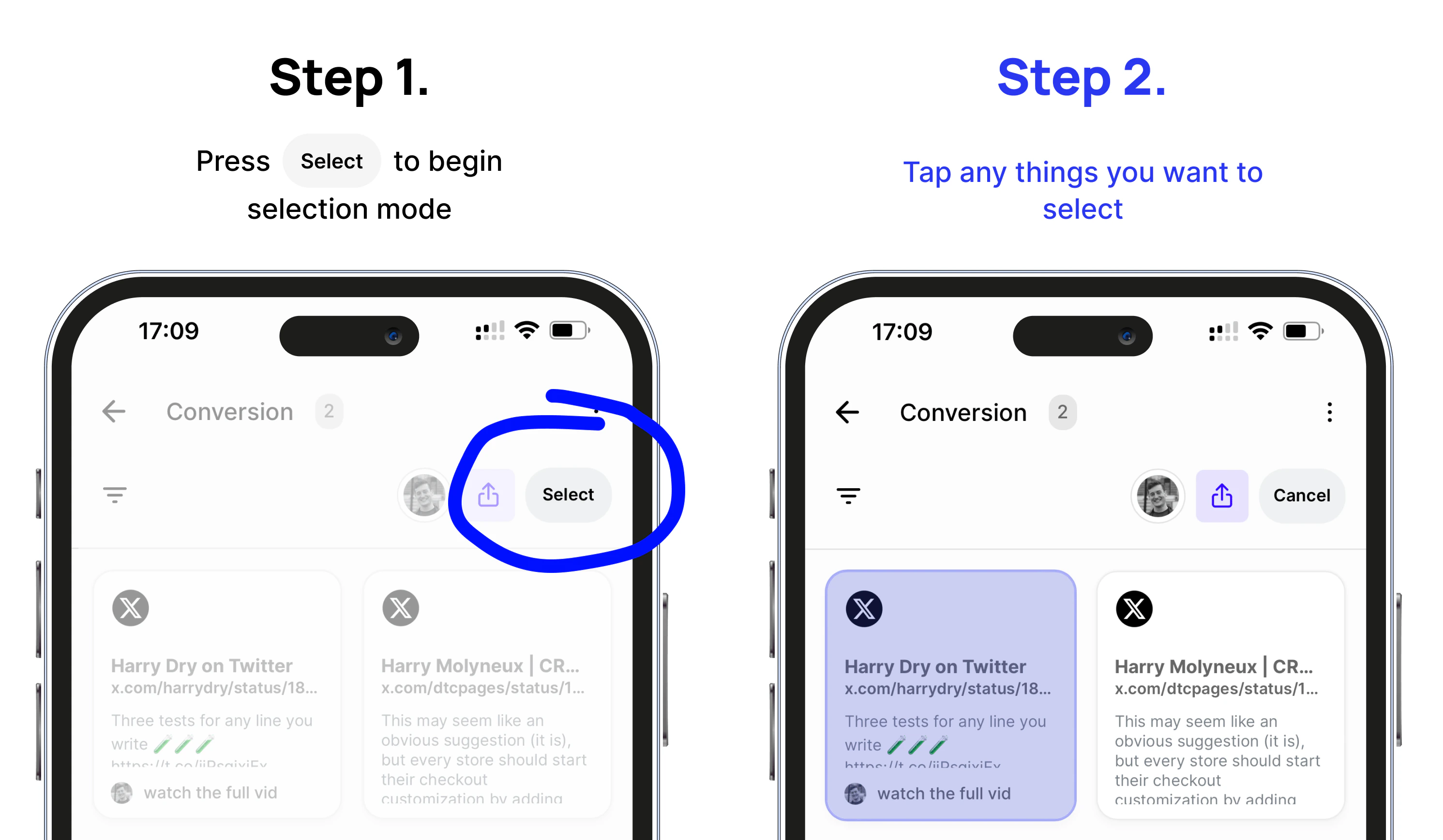
Perform bulk actions by holding CMD (Ctrl on Windows) or shift+clicking, or even just simply dragging across multiple cards. They will become selected and you can right-click to perform bulk actions on them.
Simply hold ⌘ or Shift (or Ctrl on Windows) and click to select, or click again to un-select from the current selection.
You can also simply drag your mouse to select multiple items or spaces easily.Once selected, you can use the context menu or the floating bar at the bottom of the screen to perform actions with your selection (share, tag, move, delete).