Comparisons

Best ways to organise research in 2026
Saving research is easy. Making sense of it is the hard part.
Log in
Last updated April 2026
You don't have a saving problem. You have a connecting problem. The PDF you read last month relates to the article you saved yesterday, but no tool told you that. The notes you took during a seminar link to the paper your advisor mentioned, but only in your head. Research doesn't fail because you can't find things. It fails because you can't see how they fit together.
Here are five tools researchers use to organise their work. They're ordered by how much they help you connect what you've collected.
Quick comparison
Heptabase | Obsidian | Capacities | Notion | ||
|---|---|---|---|---|---|
Pricing | Pro $8.99/mo annual, Premium $17.99/mo. No free plan | Free (core app). Sync $4-5/mo, Publish $8-10/mo | Free (unlimited notes, 5GB), Pro $9.99/mo annual | Free, Plus $10/user/mo | |
How it connects research | Automatic. Memory Engine extracts, enriches, and maps relationships across everything you save | Manual. Arrange cards on whiteboards, link bidirectionally | Manual. Bidirectional links, graph view. You create every connection | Manual. Object types, bidirectional links, knowledge graph | Manual. Pages, databases, relations. You build the structure |
AI | Built-in AI assistant across multiple models. Contextual to your entire library. Ask questions about any file. Included at every tier | AI Tutor explains sources, researches with citations. Credits limited on Pro. Unlimited on Premium | No native AI. Community plugins (variable quality) | AI assistant on Pro. Summarise, research, analyse | AI on Plus ($10/mo). Agents, Q&A, meeting notes |
Content types | PDFs, images, video, audio, docs, links, ePubs, slides, spreadsheets, emails | Cards, PDFs, YouTube, audio, images | Markdown files. Everything else as attachments | Text objects, images, files as attachments | Pages, databases, embedded files |
Search | Semantic, visual, colour, inside-document, inside-video, cross-platform | Full-text across cards. Fast | Full-text across markdown files. Fast | Text search, smart queries on Pro | Keyword search. AI Q&A on Plus |
PDF handling | Automatic extraction, indexed to the page, searchable, AI-queryable | Annotation with highlights. Highlight-to-card workflow | PDFs as attachments. Not indexed | PDFs as attachments. Not indexed | PDFs as attachments. Not indexed |
Spatial canvas | Freeform canvas, real-time multiplayer | Whiteboards with cards, mind maps, tables, kanban. Central to the product | Canvas (added later, community plugin originally) | No | No |
Setup time | Save something. It works | Hours learning the whiteboard workflow | Hours configuring plugins, themes, workflows | Moderate. Learn object types and linking | Hours building databases, templates, relations |
Collaboration | Real-time co-editing, annotations on any media, comments, chat, shared drives | Real-time whiteboard collaboration | No real-time collaboration | None. Single-user | Real-time co-editing, comments, teamspaces |
Publishing | One-click with analytics, password protection, stakeholder links | None | Obsidian Publish $8-10/mo. No analytics | Publish notes. No analytics | Notion Sites. Custom domains $8-10/mo extra |
Offline | Desktop app with local folder sync. AI and search require connectivity | Full offline. Offline-first | Full offline. Local-first | Full offline | Limited offline |
Platforms | Web, iOS, Android, desktop, Chrome extension | Desktop, iOS, Android, web | Desktop, iOS, Android | Web, desktop, iOS, Android | Web, iOS, Android, Windows, macOS |
Fabric
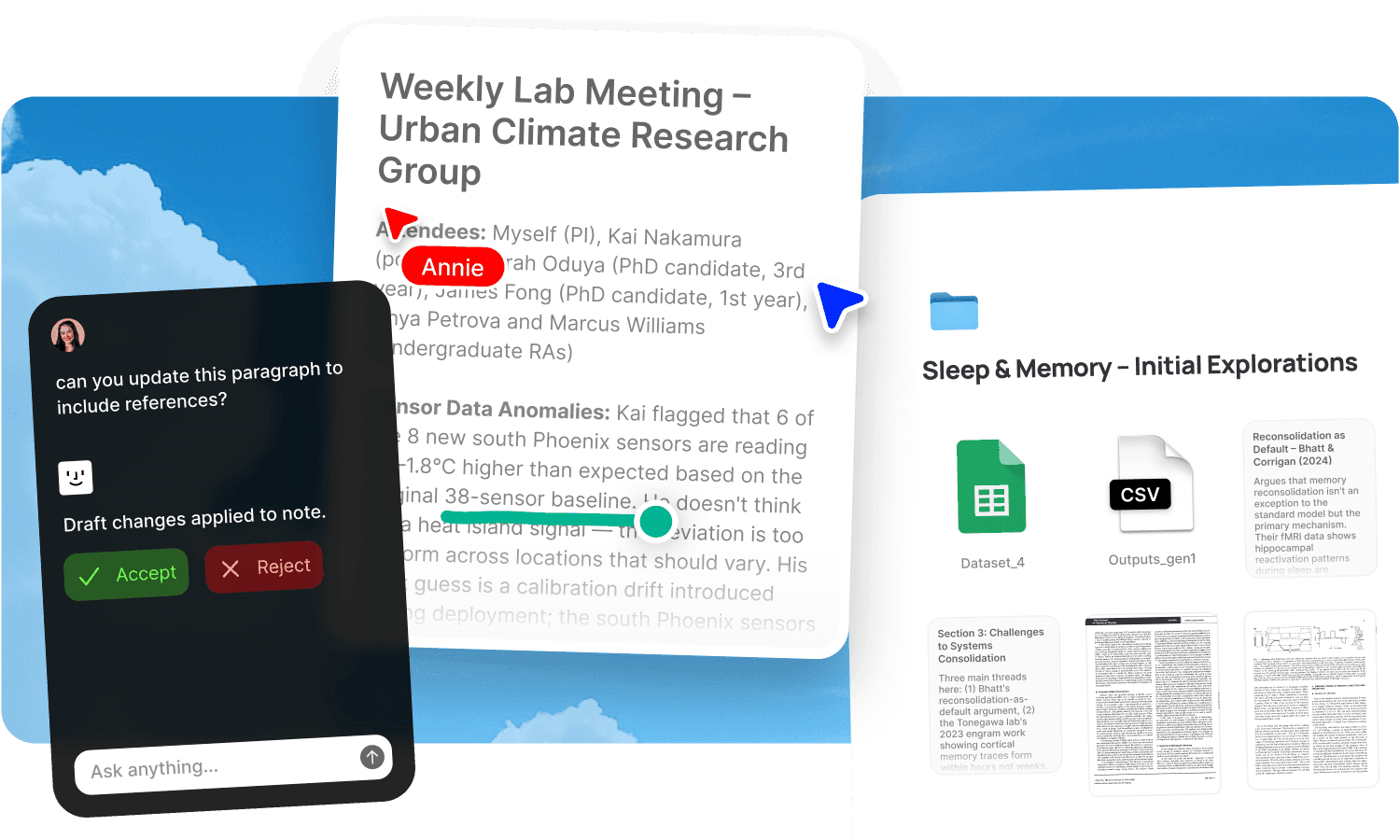
Fabric is an AI workspace that understands your research without you organising it first. For researchers, it's the difference between filing papers and having an assistant who's read all of them.
What makes it different: You save a PDF. Fabric reads it, extracts the content, indexes it to the page, and maps relationships to everything else in your library. You save a lecture recording. Fabric transcribes it, generates a summary, and connects it to the papers you've been reading. You clip an article from the web with the Chrome extension. It joins the same connected library. You don't link anything manually. You don't tag anything. You don't build a schema. The Memory Engine does the connecting.
The AI assistant works across your entire library. You can ask "what have I read about neural plasticity in the last three months?" and get an answer that draws from PDFs, saved articles, lecture transcripts, and your own notes. Semantic search finds content by meaning. Visual search finds similar images. In-document search finds the exact page in a PDF or the timestamp in a recording. Cross-platform search pulls from Google Drive, Notion, and Dropbox alongside your Fabric library.
Colour search, spatial canvas for visual thinking, real-time collaboration with annotations on any content type, publishing with analytics. Available on every device. No setup.
Fabric is built for researchers who collect from diverse sources and want the connections to emerge from the material, not from their own filing system. Learn more about how researchers use Fabric.
Where it sits: Fabric is the right choice if you want your research understood and connected automatically, across all content types. If you prefer building a knowledge graph by hand, the tools below offer that.
Heptabase
Heptabase is a visual knowledge management tool. You create cards, arrange them on whiteboards, and build connections between ideas by placing them spatially.
What it does for researchers: The whiteboard is the thinking tool. Read a paper, create cards from your highlights, place them on a board, draw connections between concepts. Over time, the spatial arrangement reveals structure. The AI Tutor explains sources and researches topics with citations. PDF annotation with a highlight-to-card workflow is well suited to academic reading. Full offline access. Fast search across cards.
Where it stops: Every connection is manual. If you don't link it, the system doesn't know it's related. No semantic search. No visual or colour search. No search inside PDFs beyond text you've highlighted. Limited content types: cards, PDFs, YouTube, audio, images. No collaboration beyond shared whiteboards. No publishing. AI credits are limited on Pro ($8.99/month). Premium ($17.99/month) for unlimited AI. No free plan.
Best for: Researchers who think visually and learn by arranging ideas spatially. The manual linking is part of the thinking process, not overhead. Works well for PhD students building conceptual frameworks.
Obsidian
Obsidian is a local-first markdown editor with bidirectional links and a graph view. You build your own research system from scratch using 1,600+ community plugins.
What it does for researchers: Bidirectional links create a knowledge graph you navigate and query. The graph view visualises connections across your notes. Full local ownership of your data as plain markdown files. Huge plugin ecosystem for citation management (Zotero integration), kanban boards, dataview queries, and more. Free core app. Full offline access. Extremely fast.
Where it stops: No native AI. Community AI plugins exist but vary in quality and maintenance. No content understanding: PDFs, images, and recordings are attachments, not indexed content. No semantic search. Every connection is one you created by hand. The setup investment is significant: 5-10 hours configuring plugins and workflows before the system starts working. No real-time collaboration. No publishing analytics.
Best for: Researchers who enjoy building systems, think in markdown, and want full local data ownership. The graph view is satisfying once you've invested in linking. The learning curve is the price of the flexibility.
Capacities
Capacities is an object-based note-taking app. Instead of pages in folders, you create typed objects: a paper, a person, a concept, a project. Objects link bidirectionally.
What it does for researchers: Object types give structure to your library without traditional folders. A paper links to an author links to a concept links to a project. Daily notes capture ongoing thinking. The AI assistant on Pro summarises and analyses your content. Generous free tier (unlimited notes, 5GB). Full offline access. Clean, thoughtful interface.
Where it stops: Content types are limited to text and attachments. No native handling of video, audio, or PDFs as searchable, indexed content. No semantic search. No visual or colour search. No collaboration. Single-user only. No spatial canvas. No publishing with analytics. Connections exist because you typed and linked them.
Best for: Solo researchers who want a structured personal knowledge base with typed objects and don't need collaboration, diverse content types, or automatic content understanding.
Notion
Notion is a block-based workspace that many researchers use to organise their academic life: reading lists, paper databases, project boards, literature reviews.
What it does for researchers: Relational databases are powerful for managing reading lists, linking papers to authors, topics, and projects. Multiple views (table, board, gallery, calendar) on the same data. Real-time collaboration for research groups. Templates get you started. The AI on Plus ($10/month) can summarise and answer questions about your Notion pages.
Where it stops: Notion doesn't understand your files. PDFs, recordings, and images are attachments, not indexed content. Search is keyword-based (AI Q&A on Plus improves this but only for content written in Notion). Every connection exists because you built the database relation. The system requires ongoing maintenance. Many researchers spend more time maintaining their Notion than doing their research. And it requires the Plus plan for AI.
Best for: Research groups that need shared databases, project management, and structured collaboration. Less suited to solo researchers who want the tool to do the organising.
How to choose
If you want connections to emerge from your content without manual linking, tagging, or database design: Fabric. The Memory Engine maps relationships automatically across all content types. Your private research tutor.
If you think by arranging ideas visually and the act of connecting cards on a whiteboard is part of your process: Heptabase.
If you want to build your own system with maximum control and local data ownership: Obsidian. Allow plenty of time for the setup.
If you want typed objects (paper, author, concept) and a structured personal knowledge base: Capacities.
If you need shared databases for a research group with relational structure: Notion.
If you're not sure: Ask yourself whether you want to build the system or use one. If the idea of designing a personal knowledge architecture sounds exciting, try Heptabase or Obsidian. If it sounds like a distraction from the real research, try Fabric.
What most "organise your research" articles miss
Most articles about research organisation focus on structure: how to build a folder system, which tagging taxonomy to use, how to design a Zettelkasten in Obsidian. Structure matters. But it's a means to an end, and the end isn't a beautiful graph or a well-organised database. The end is understanding.
The real question isn't "where do I put this paper?" It's "how does this paper connect to what I already know?" Most tools make you answer that question yourself, manually, for every piece of content, forever. Fabric answers it for you. Every file you save is automatically connected to everything else. The AI sees relationships you haven't noticed. Semantic search finds things by meaning, not by how you filed them.
A well-maintained Obsidian vault or Heptabase whiteboard is beautiful. But the maintenance is the cost. For researchers who want to spend their time on the research, not the system, automatic understanding is the better trade.
FAQs
Can Fabric handle academic PDFs?
Yes. Fabric extracts and indexes PDF content automatically, making it searchable to the page and available to the AI. You can ask questions about a PDF, search inside it, and the AI connects it to everything else in your library.
Does Fabric replace Zotero?
Fabric doesn't generate citations in APA, MLA, or other academic formats. For bibliography management and citation formatting, keep Zotero or a similar reference manager. Fabric replaces the knowledge management layer: storing, understanding, searching, and connecting your research material.
Is Fabric free?
Fabric has a free tier with limited storage and AI.
Which is best for PhD students?
It depends on the workflow. Fabric is best for students who collect diverse material (papers, lectures, articles, recordings) and want it all connected and AI-queryable. Heptabase is best for students who build conceptual frameworks visually. Obsidian is best for students who want total control and local data ownership. All three work. The question is whether you want to build the system or let the system build itself.
Which supports collaboration?
Fabric and Notion both support real-time collaboration. Fabric adds annotations on any content type, threaded comments, and shared drives. Notion has shared databases and page co-editing. Heptabase has shared whiteboards. Obsidian and Capacities are single-user.
Can I search inside a PDF without opening it?
In Fabric, yes. In-document search finds the exact page. The AI can answer questions about the PDF's contents without you opening it. In the other tools, PDFs are attachments you open and read manually (Heptabase lets you annotate them, but search is limited to highlighted text).
Do any of these connect my research automatically?
Only Fabric. The Memory Engine maps relationships across everything you save without manual linking, tagging, or database design. Every other tool on this list requires you to create connections by hand.
Compare similar apps and tools:
Evaluating other options? See more comparisons:


Explore more comparions:
Evaluating other options? See more comparisons: