4.6

3K+ app ratings

4.6

3K+ app ratings

Made for Video Editors

Fabric for video editors

Your footage, streaming from the cloud. Every clip searchable.

A cloud drive where your footage takes zero local disk space. Files stream on demand in real time, so they open instantly with no download wait and no hard drives to carry. Every clip is searchable by what was said, what it looks like, or what it means.


Your footage, everywhere, with no external drives

Video projects generate more files than almost any other kind of creative work. Reference footage, storyboards, scripts, shot lists, mood reels, music options, sound effects, graphics, colour references, client briefs, feedback notes, and dozens of versions of the edit itself. Most of this lives on external hard drives that have to travel with you, and the clip you need is on the drive you left at the studio.

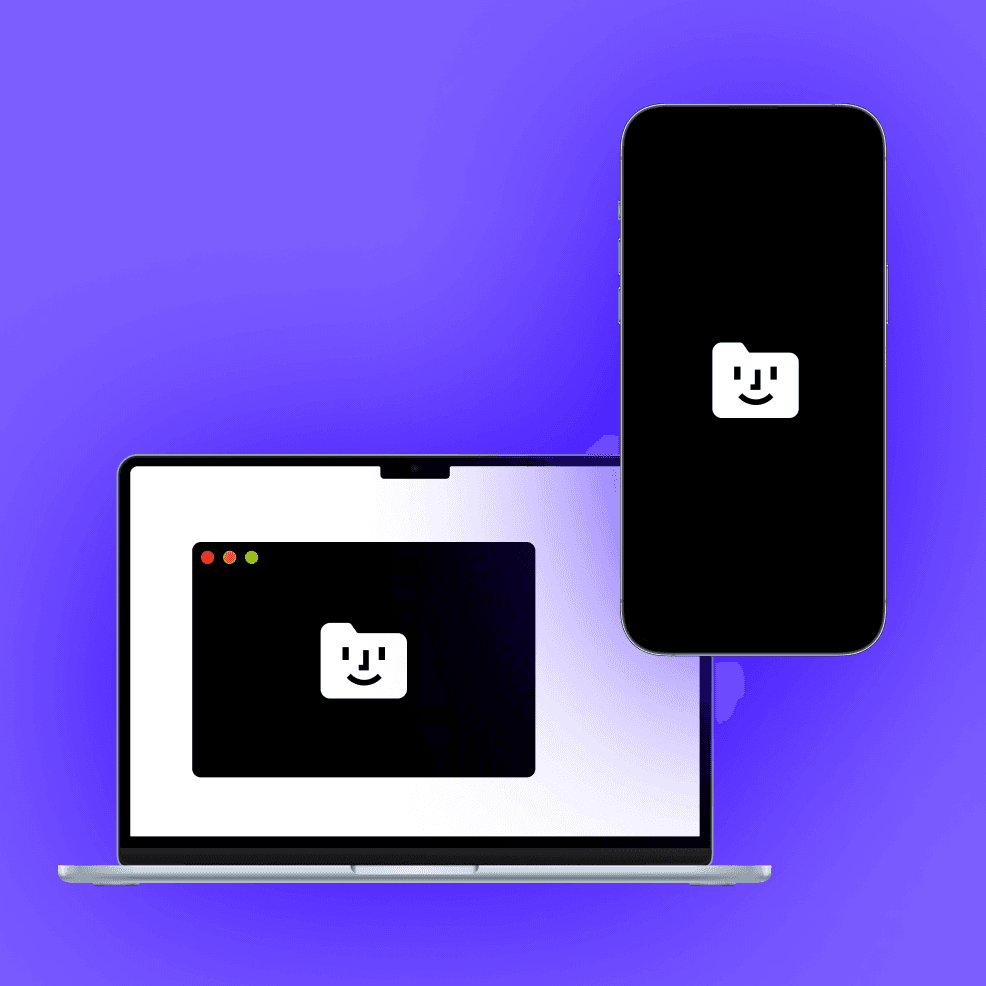
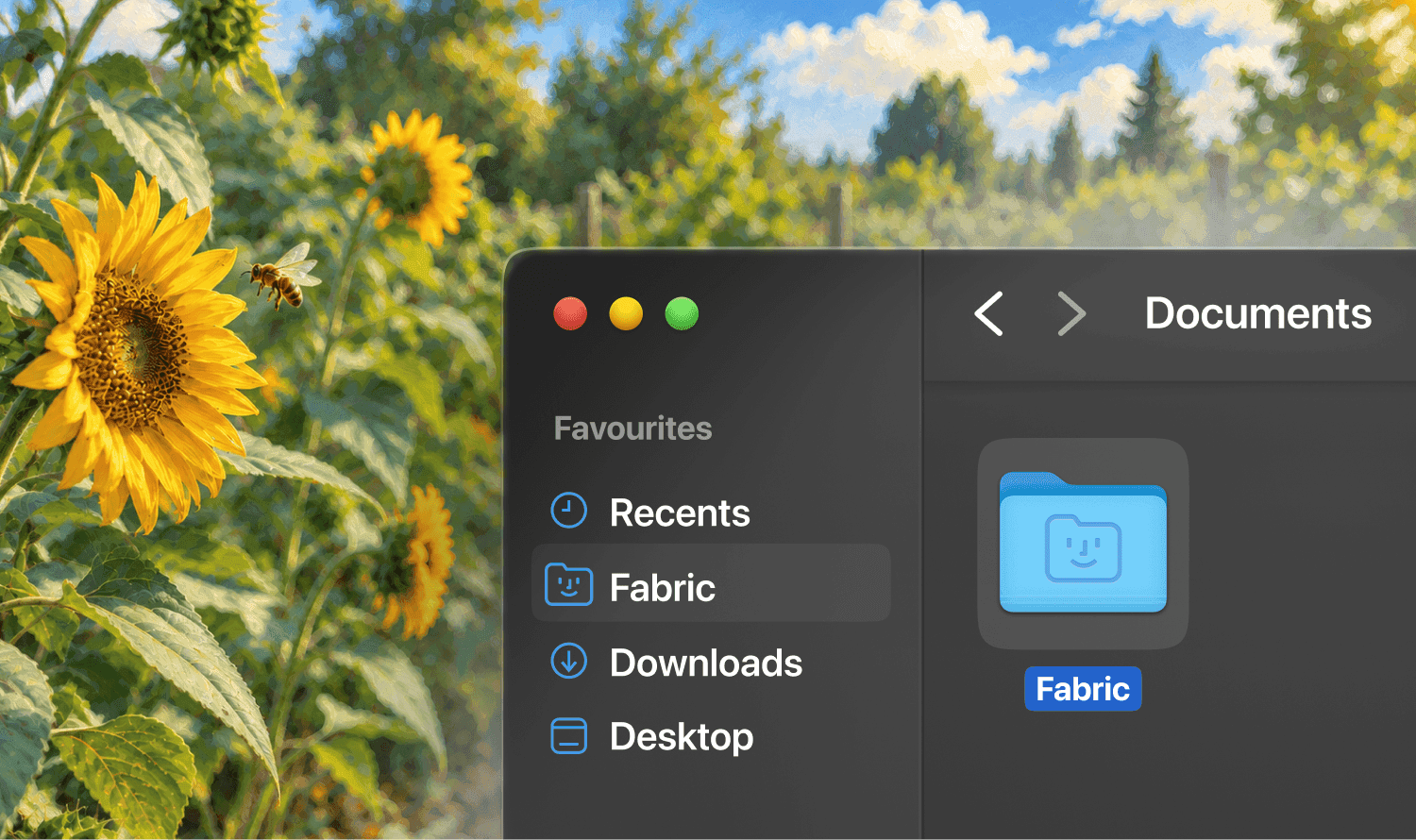
Fabric's Infinite Drive is a cloud drive where stored files take zero local disk space. It appears as a mounted drive in Finder or Explorer and streams files on demand in real time. Open a 20 GB ProRes file and it plays instantly with no download wait. Your footage, project files, references, and exports are accessible from any machine without syncing, without copying, and without carrying hard drives between locations.

This changes the physical workflow of video editing. Your laptop at a coffee shop has the same access to your full footage library as your workstation at the studio. A director on set can pull up any take from any shoot without waiting for a transfer. An editor working remotely opens the same project files as the team in the office. The footage streams, so there is no delay between deciding to look at a clip and watching it.

Selective folder backup lets you choose what lives in the cloud and what stays local. Cross-device access means files saved from your phone on set are instantly available on your editing workstation. Shared team folders give producers, directors, and colourists access to the latest versions without sending links or uploading to a separate service. Infinite Drive replaces Dropbox, Google Drive, and the stack of hard drives on your shelf.


Search inside video and audio

The most time-consuming search in video editing is looking for a specific moment across hours of footage. You remember what was said, or roughly when it happened, but finding it means scrubbing through clips until you recognise it. With days of material across multiple projects, this adds up to hours of wasted time every week.

Fabric's audio and video transcription turns every video and audio file into searchable text. Dialogue, interviews, voiceovers, narration, and production audio are all transcribed and indexed. Search "the moment where the founder talks about their childhood" and find the exact clip and the exact timestamp, across any project, without scrubbing. The transcript links directly to the timecode, so you jump straight to the moment.

AI search works across transcripts, scripts, notes, storyboards, and every other file type in your workspace. Ask a question in plain language and find the answer across your full library. The AI assistant can summarise what is in a set of interview clips, pull together every mention of a specific topic across footage, or help you locate the B-roll that matches a mood you are trying to build.


Find footage by how it looks

Visual references resist keyword search. You remember the shot: golden hour, shallow depth of field, a figure walking through a corridor. But it is filed under "Day_03_Clip_047.mov" and no amount of typing will surface it.

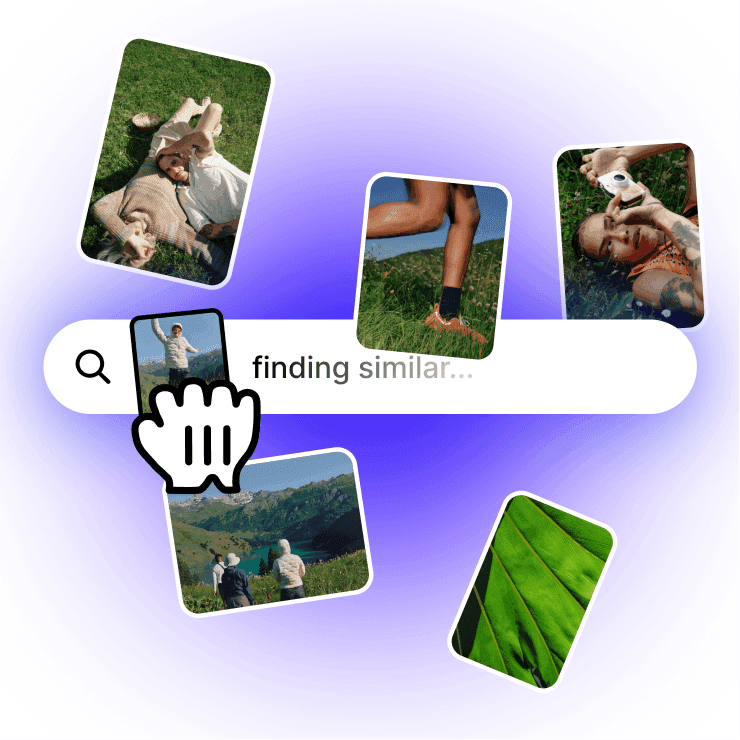
Similar search finds visually similar material across your entire library. Drop in a frame and find everything with a similar look, composition, or colour. Search by colour to pull every reference in a specific palette. Describe the mood in words and find matching material across images, stills, and saved video references. Smart organization adds colour recognition and automatic tagging, so assets are categorised as you add them without manual filing.

The explorer gives you a spatial view of your full library, showing how clips, references, and projects relate by meaning and visual similarity. Hop between related items to follow chains of connection you would not have found through folder browsing.


Client review with annotations and tracking

The feedback loop on video work is where the most time gets lost. A client watches a cut and sends notes by email: "around the 2-minute mark, the transition feels abrupt" or "the music is too loud in the middle section." You spend time matching vague time references to specific moments. Multiple rounds of feedback arrive through different channels. Versions multiply.

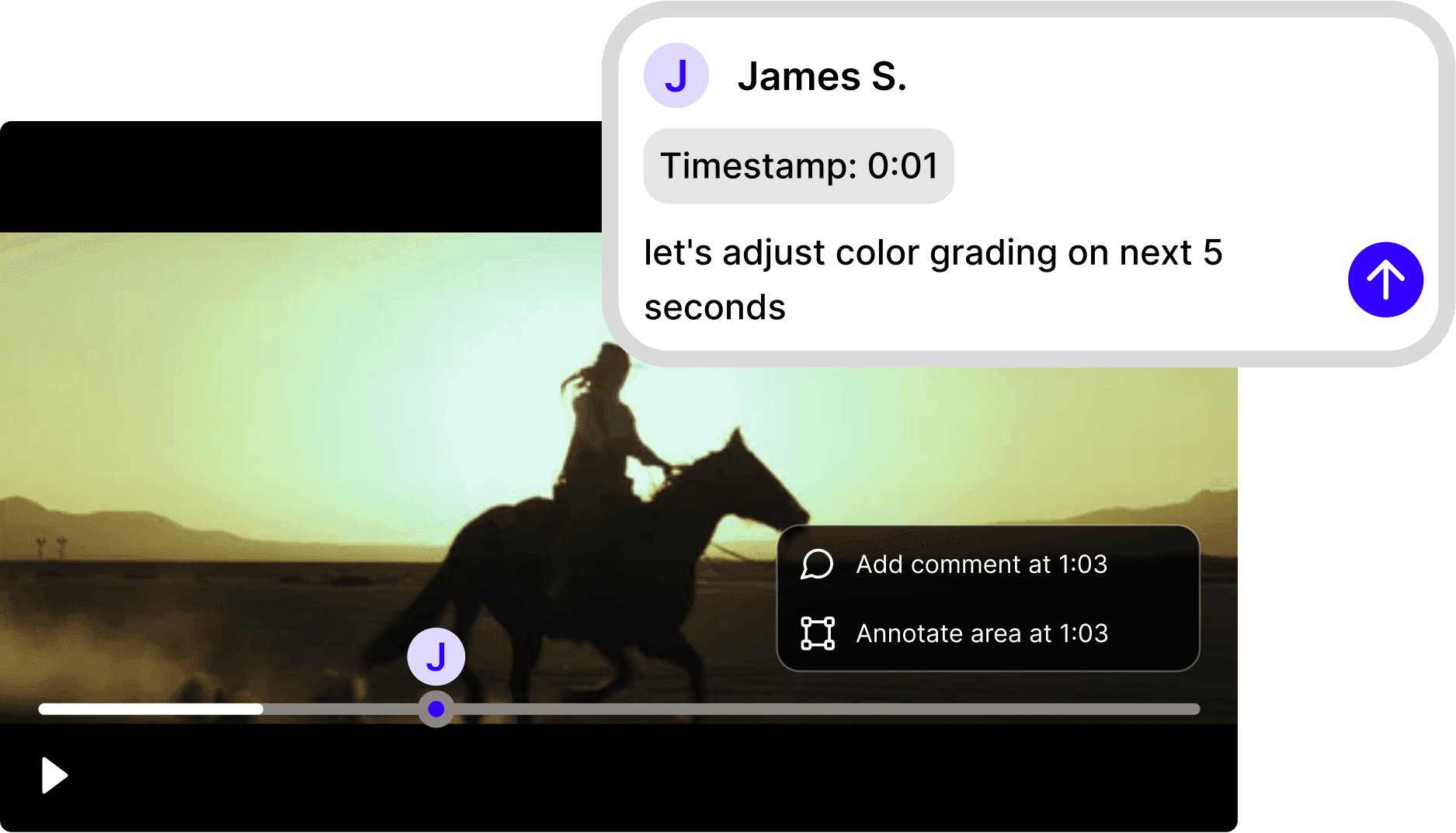
Annotations let clients and collaborators pin comments to specific spots on documents, storyboards, and reference images. Draw directly on frames to circle a problem area. Leave timestamped comments on video and audio. For written feedback on scripts and treatments, comments attach to the exact line. Combined with tasks and reminders, you track what is addressed and what is outstanding across each round of revision.

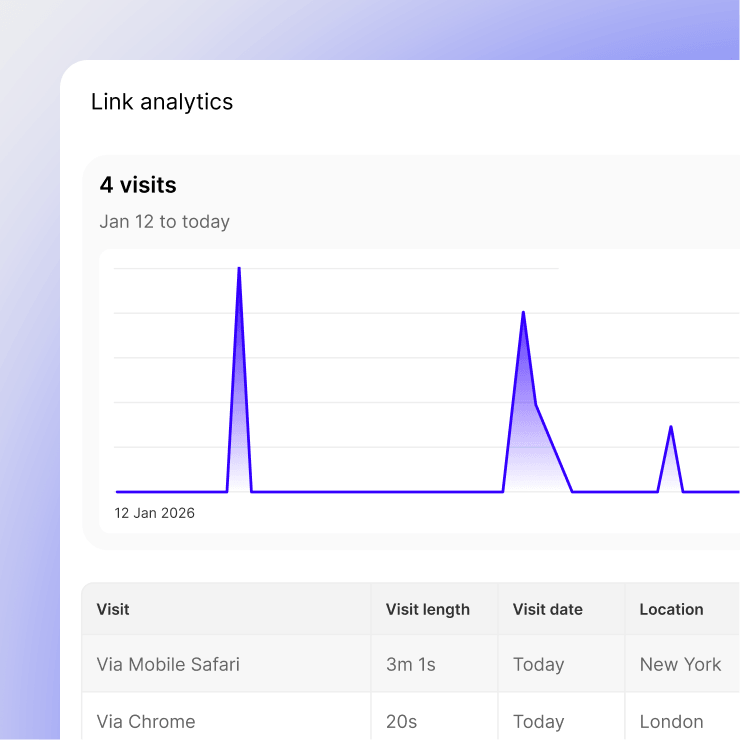
Publish cuts, reference boards, and deliverables with password protection and link analytics. Create named tracking links per client stakeholder. Know who has watched the latest cut, when, and how long they spent. Follow up with the person who has not reviewed it rather than emailing the whole group. Update the source file and the link serves the current version.


Mood reels and reference boards on canvas

The pre-production phase runs on references: films, commercials, music videos, photography, colour palettes, title treatments, animation styles. Collecting them is easy. Finding and presenting them later is where it falls apart.

Build mood reels and reference boards on the canvas. Drag images, video stills, links, and notes from your library and arrange them spatially. The canvas supports live embeds from YouTube, Vimeo, and other services, so reference clips are playable alongside still references. Share the board with clients or the production team via a published link with optional password protection.


Capture references anywhere

The mobile app lets you photograph references, record voice notes with automatic transcription, and save links on set or on location. Everything syncs to your project workspace and is searchable alongside all your other materials.

The handwriting scanner turns photos of handwritten shot lists, storyboard sketches, and production notes into structured digital documents. The original photo is preserved alongside the clean digital version. A director's scribbled notes from set become searchable text in the project space.

The web clipper saves visual references from any website in one click. RSS feeds automatically pull new content from filmmaking blogs, equipment review sites, and industry sources into your library.


Self-writing docs and agents for production workflows

Self-writing docs connect to your Slack channels, meeting recordings, and workspace, then automatically produce and maintain production documentation. A running record of what was decided in each production meeting, what changed in the edit, and what feedback came in from the client, all without anyone stopping to write it down.

Agents handle the operational overhead that multiplies across projects. One reads the production call transcript, extracts action items, and creates tasks with the right assignees and deadlines. Another drafts the post-session status update for the client. Another assembles a weekly project summary from all activity across your workspace. Dispatch agents from Slack or Discord or by email via their own AI email inbox.


Connections, MCP, and API

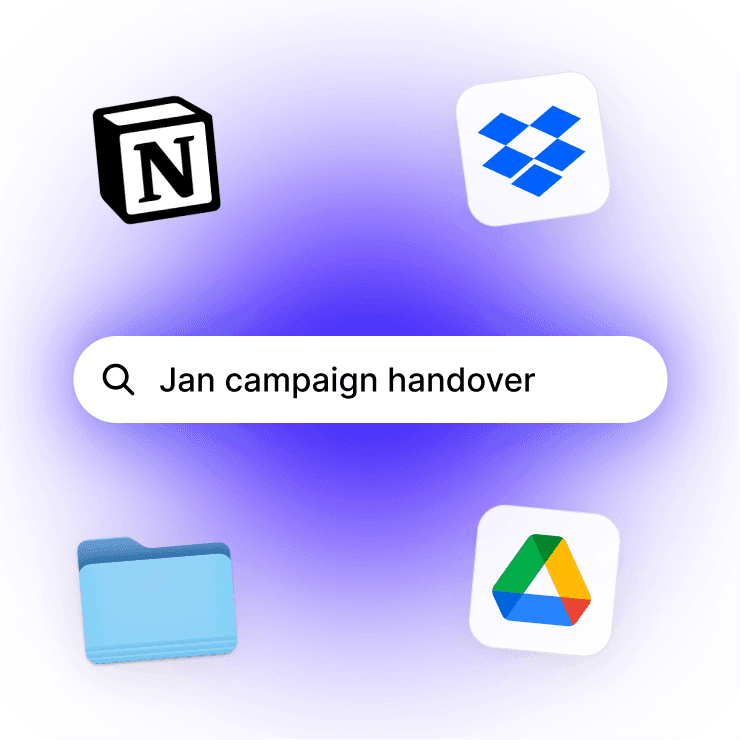
Fabric connects to Google Drive, Dropbox, Notion, Gmail, Slack, and 50+ other apps. Bring in existing project files, reference libraries, and asset folders from wherever they currently live. Connected content becomes searchable alongside everything in Fabric.

The MCP server lets you access your Fabric workspace from any MCP-compatible tool. The API opens programmatic access to search, file management, tagging, and more for custom integrations with your post-production pipeline.


Project organisation without the overhead

Video projects have a natural structure: pre-production, production, post-production, delivery. Within each phase, material accumulates fast. Most editors maintain elaborate folder hierarchies that make sense during the project and are impossible to navigate afterward.

Fabric lets you organise with spaces and kanban boards for project stages while relying on search for retrieval. A project space holds everything: the brief, the storyboard, the script, the references, the footage transcripts, the client feedback, and the deliverables. Smart organization adds automatic tagging and metadata so material is categorised as you add it.

When a future project needs something from a past one, search your full library by meaning or visual similarity. The reference footage from two years ago is as findable as the clips you imported yesterday.


Use cases for video editors

The workflows video editors run in Fabric: building moodboards and reference boards with visual and colour search, running design projects from concept through delivery, managing client work with per-project spaces and tracked sharing, review and approval of cuts and deliverables with annotations, content planning for series and multi-video projects, brainstorming concepts on the canvas, capturing meeting notes from production calls, and managing a long-term digital asset library of footage and references.


A video editor's day in Fabric

Morning. You are starting a new brand film. You search your library for "warm, cinematic interview lighting with shallow depth of field" and find reference stills from three past projects plus a saved commercial you bookmarked last year. You drag the best onto a canvas mood board. Every clip is streaming from Infinite Drive, so nothing needs downloading first.

Mid-morning. You are looking for a specific moment in yesterday's interview footage. You search "the part where she talks about moving to Berlin" and the transcription takes you to the exact timestamp. No scrubbing.

Afternoon. The client reviews the latest cut. They leave annotations on the storyboard pinned to specific scenes. You see the feedback in context: "this transition needs to breathe more" is attached to the exact frame, not described in an email.

Late afternoon. You publish the revised cut with a tracked link per client contact. The creative director and the brand manager each get their own link. Tomorrow you will see who watched it.

End of day. You save some B-roll stills that caught your eye while editing. They go into your reference library, searchable by visual similarity for the next project that needs something similar. An agent reads the day's production meeting transcript and files the action items as tasks with deadlines.


Get started

Put your footage, references, scripts, and client feedback in one searchable workspace with a cloud drive that replaces your hard drives. Try Fabric free. See pricing for teams.

For creative team workflows, see Fabric for creative teams. For agency-style client management, see Fabric for agencies. For video production agencies, see Fabric for video production agencies. For audio and music production, see Fabric for music creators.

Comparing tools? See how Fabric compares to Frame.io, LucidLink, MASV, and WeTransfer.


FAQs

What is Infinite Drive and how does it work for video editors?

Infinite Drive is a cloud drive where stored files take zero local disk space. It appears as a mounted drive in Finder or Explorer and streams files on demand in real time. Open a large ProRes or RAW file and it plays with no download wait. Your footage is accessible from any machine without external hard drives, syncing, or file transfers.

Can I edit directly from Infinite Drive?

Infinite Drive streams files on demand in real time, so they open instantly with no download wait, even for demanding work like video editing. Your NLE reads the files from the mounted drive. For the heaviest real-time workflows, you can selectively sync specific project files for local playback while keeping the rest of your library streaming from the cloud.

Does Infinite Drive replace my external hard drives?

For most video editors, yes. Your footage library lives in the cloud and streams on demand. You access the same files from your studio workstation, your laptop on location, or your home setup. No more carrying drives between locations, labelling them, or wondering which drive has which project.

Can I search inside video and audio transcripts?

Yes. Audio and video transcription turns every video and audio file into searchable text. Find a specific moment by searching what was said, without scrubbing through footage. Results link directly to the timecode.

Can I find footage by visual similarity?

Yes. Similar search finds visually similar material across your library. Drop in a frame or a reference image and find everything with a similar look, composition, or colour.

Can I search for footage by colour or mood?

Yes. AI search finds material by colour, visual similarity, and meaning. Describe the mood or visual style in words and find matching references across your library.

Can I build mood reels and reference boards?

Yes. The canvas lets you arrange images, video stills, links, and notes spatially. It supports live embeds from YouTube, Vimeo, and other services, so reference clips play alongside still references.

Can clients leave feedback on cuts and storyboards?

Yes. Annotations let clients pin comments to specific spots on storyboards, scripts, and reference images. Draw on frames to circle specific areas. Leave timestamped comments on video and audio. Feedback is specific and attached to the work, not floating in an email.

Can I share cuts with clients and track who watched?

Yes. Publish with password protection and link analytics. Create named tracking links per client contact and see who watched, when, and for how long.

Can I capture references from my phone on set?

Yes. The mobile app lets you photograph references, record voice notes with automatic transcription, save links, and scan handwritten shot lists. Everything syncs to your project workspace.

Can I use Fabric alongside Premiere, Final Cut, or DaVinci Resolve?

Yes. Fabric is not an editing tool. It is the workspace around the edit: references, scripts, storyboards, client feedback, transcripts, and project assets. Your NLE handles the timeline. Fabric holds everything else, and Infinite Drive streams the footage your NLE reads.

Is my footage and client material secure?

Yes. Fabric uses AES-256 encryption and is CASA Tier 2 compliant. Project material is private by default. Published links can be password-protected for controlled client access. Your data is never used to train AI models.

Can I import existing project files from Google Drive or Dropbox?

Yes. Fabric connects to Google Drive and Dropbox. Bring in existing project files, reference libraries, and asset folders. You can also sync files from your desktop and back up photos from iOS and Android.


For video editorsMD


Teams agenciesMD


Teams agencies design ui uxMD


Teams agencies design graphic designMD


Teams agencies design motion designMD


Teams agencies design product designMD


Teams agencies design industrial designMD


Teams agencies design packaging designMD


Teams agencies design print designMD


Teams agencies design illustrationMD


Teams agencies design 3d designMD


Teams agencies branding brand identityMD


Teams agencies branding brand strategyMD


Teams agencies web design framerMD


Teams agencies web design webflowMD


Teams agencies web design wordpressMD


Teams agencies web design shopifyMD


Teams agencies web design squarespaceMD


Teams agencies web design ecommerceMD


Teams agencies web design saasMD


Teams agencies photography weddingMD


Teams agencies photography commercialMD


Teams agencies photography real estateMD


Teams agencies photography productMD


Teams agencies photography portraitMD


Teams agencies photography fashionMD


Teams agencies video production corporateMD


Teams agencies video production music videosMD


Teams agencies video production commercialsMD


Teams agencies video production documentaryMD


Teams agencies video production weddingMD


Teams agencies social media tiktokMD


Teams agencies social media instagramMD


Teams agencies social media content creationMD


Teams agencies marketing seoMD


Teams agencies marketing performanceMD


Teams agencies marketing contentMD


Teams agencies marketing emailMD


For your agent skillsMD


For your code snippetsMD


For your api docsMD


For your error logsMD


For your architecture diagramsMD


For your book highlightsMD


For your movie notesMD


For your course notesMD


For your newsletter clippingsMD


For your reddit savesMD


For your linkedin postsMD


For your meal plansMD


Uploadsfabric-features.md, fabric-features.rtf+1


Web search


Wait – there’s more...

Fully encrypted

Everything in Fabric is encrypted in transit (SSL) and at-rest (AES-256).

@sara let’s talk about this company on monday

Leave sticky notes on the internet

Make lasting notes on any website – for the next time you or a friend visits.

Kanban

Track the progress of your work or projects.

Recap

AI summaries, in your email inbox. A recap of everything you’ve saved, created or captured.

A powerful writing tool

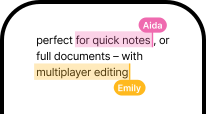
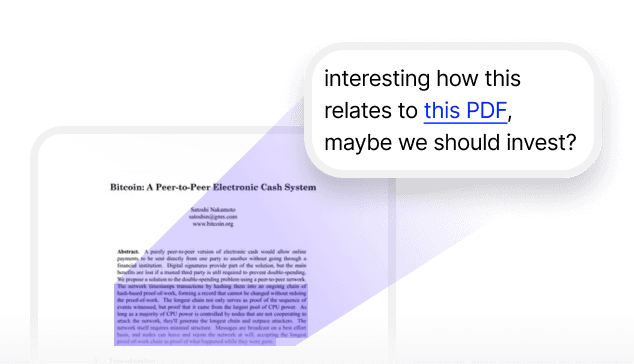
A full markdown text editor with real-time collaborative editing.

Annotate anything

Write notes on top of any file, link or note.

Task

Tasks

Create todos on any folder or file, and get more done, all inside Fabric.

Reminders

Snooze any file or link, and come back to it at a more convenient time.

Chat

Chat and comment with team-mates or friends in real-time, inside any document, folder or workspace.

Wait – there’s more...

Fully encrypted

Everything in Fabric is encrypted in transit (SSL) and at-rest (AES-256).

@sara let’s talk about this company on monday

Leave sticky notes on the internet

Make lasting notes on any website – for the next time you or a friend visits.

Kanban

Track the progress of your work or projects.

Recap

AI summaries, in your email inbox. A recap of everything you’ve saved, created or captured.

A powerful writing tool

A full markdown text editor with real-time collaborative editing.

Annotate anything

Write notes on top of any file, link or note.

Task

Tasks

Create todos on any folder or file, and get more done, all inside Fabric.

Reminders

Snooze any file or link, and come back to it at a more convenient time.

Chat

Chat and comment with team-mates or friends in real-time, inside any document, folder or workspace.

Wait – there’s more...

Fully encrypted

Everything in Fabric is encrypted in transit (SSL) and at-rest (AES-256).

@sara let’s talk about this company on monday

Leave sticky notes on the internet

Make lasting notes on any website – for the next time you or a friend visits.

Kanban

Track the progress of your work or projects.

Recap

AI summaries, in your email inbox. A recap of everything you’ve saved, created or captured.

A powerful writing tool

A full markdown text editor with real-time collaborative editing.

Annotate anything

Write notes on top of any file, link or note.

Task

Tasks

Create todos on any folder or file, and get more done, all inside Fabric.

Reminders

Snooze any file or link, and come back to it at a more convenient time.

Chat

Chat and comment with team-mates or friends in real-time, inside any document, folder or workspace.

The workspace that thinks with you.

Ready when you are.

The workspace that thinks with you.

Ready when you are.

The workspace that thinks with you.

Ready when you are.