Notes and documents

Write anything 10x faster.

Write anything
10x faster.

Your research, drafts, and writing all in one place, with AI.


So you can focus on what matters: your ideas.

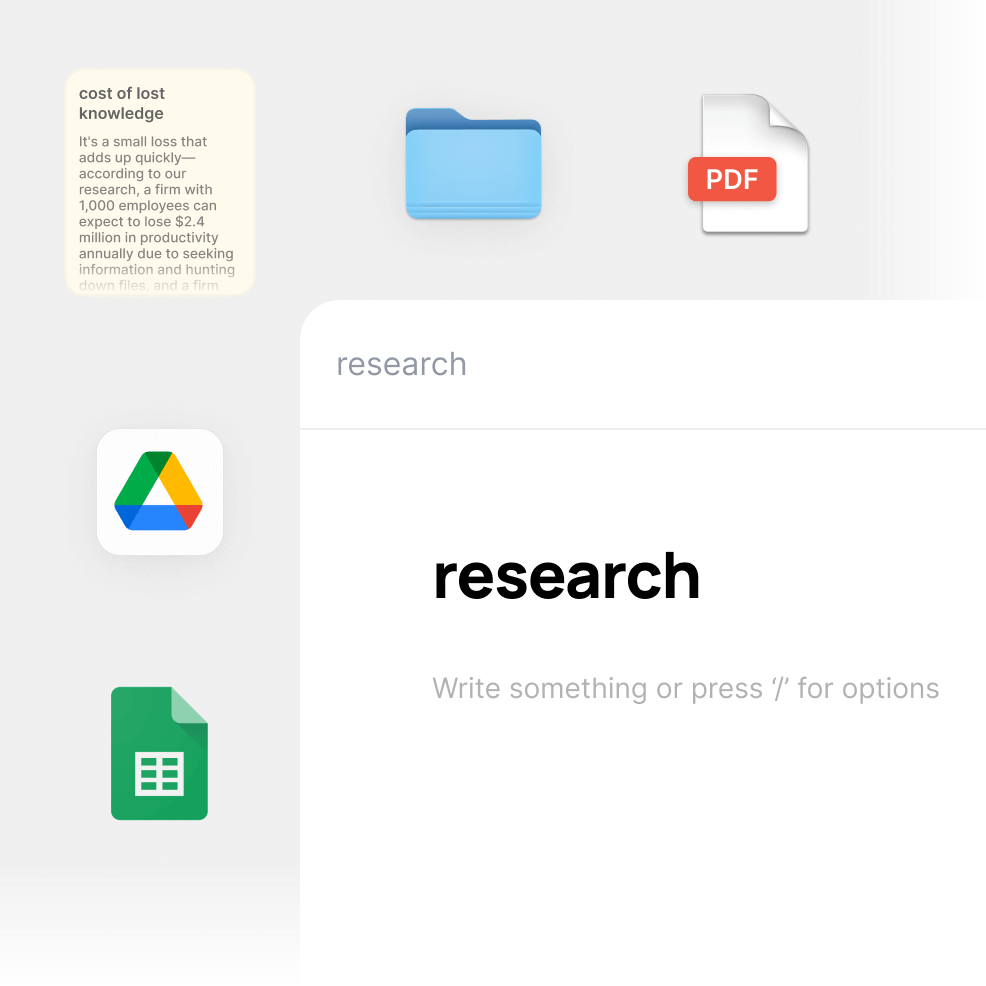
Everything in one place.
Write where your research and files are.

Everything in one place.

Write where your research and files are.

Designed for flow.

Write, pull in info and research, and get AI help all in the same editor.

Keep your focus and finish projects faster than ever.

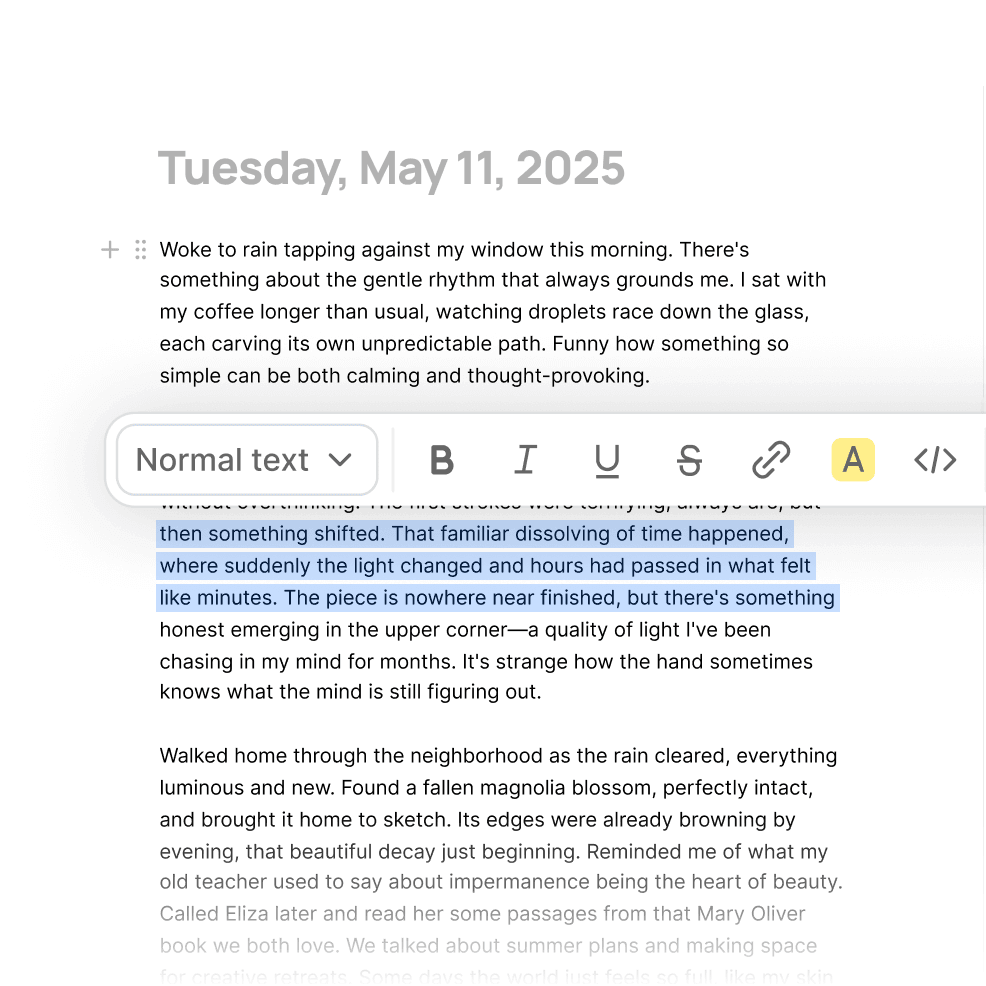
A world-class writing experience.

A beautifully minimal text editor that gives your ideas room to grow and flourish.

Link between your notes.

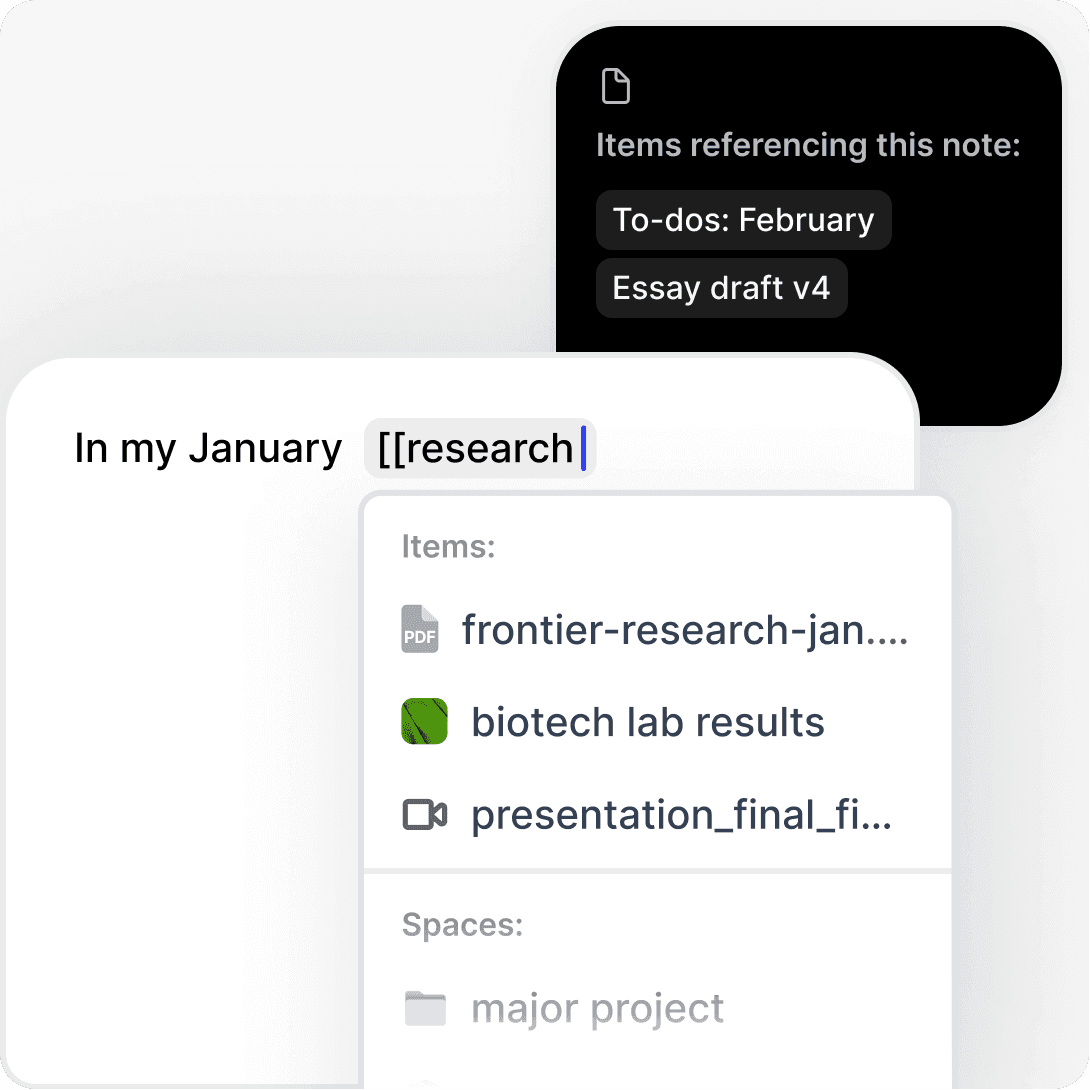
Hop between content that cross-references each other.


Never lose a reference.


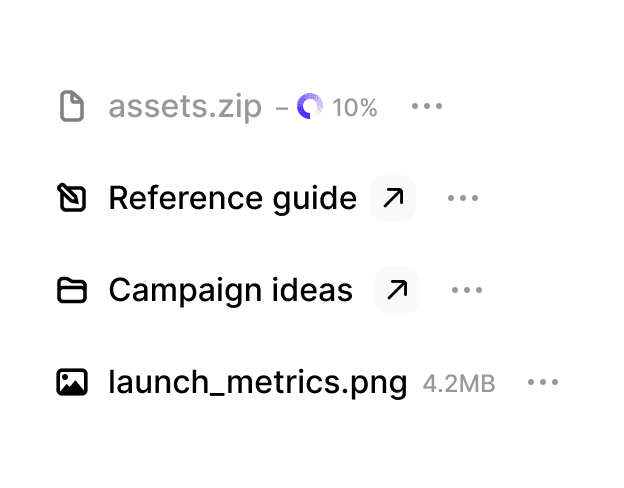
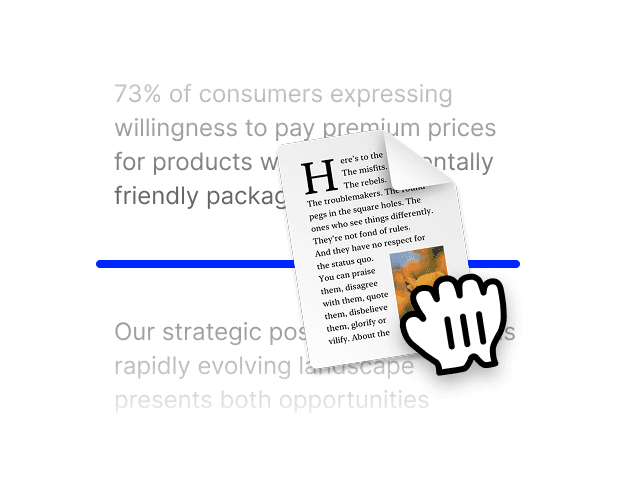
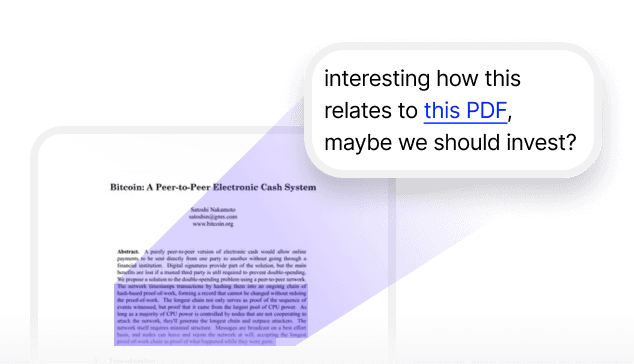
Effortlessly embed or link to another file, note or anything else.

"The collaborative features transformed how our team works on documentation. We've cut our documentation time in half while improving quality."

"The collaborative features transformed how our team works on documentation. We've cut our documentation time in half while improving quality."

Marcus Jamie Rodriguez, Technical Writer

With an assistant that can edit your document directly.

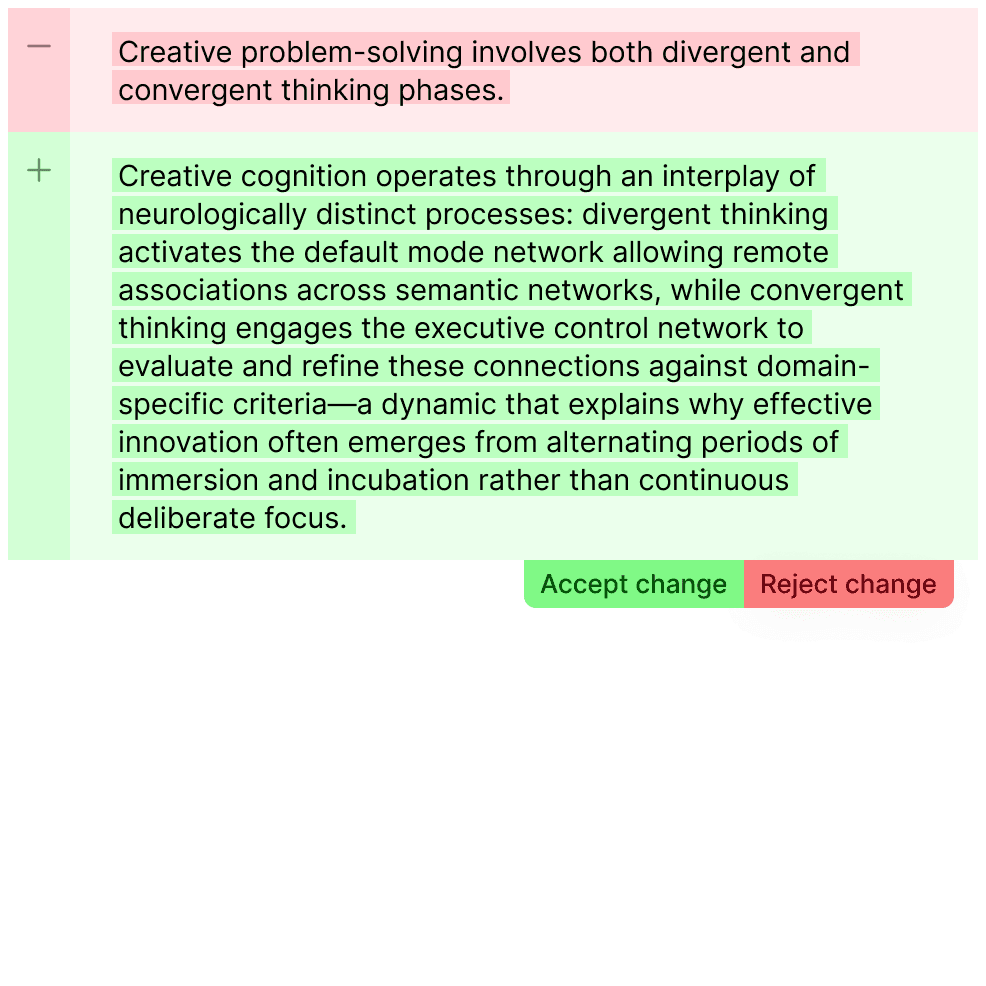
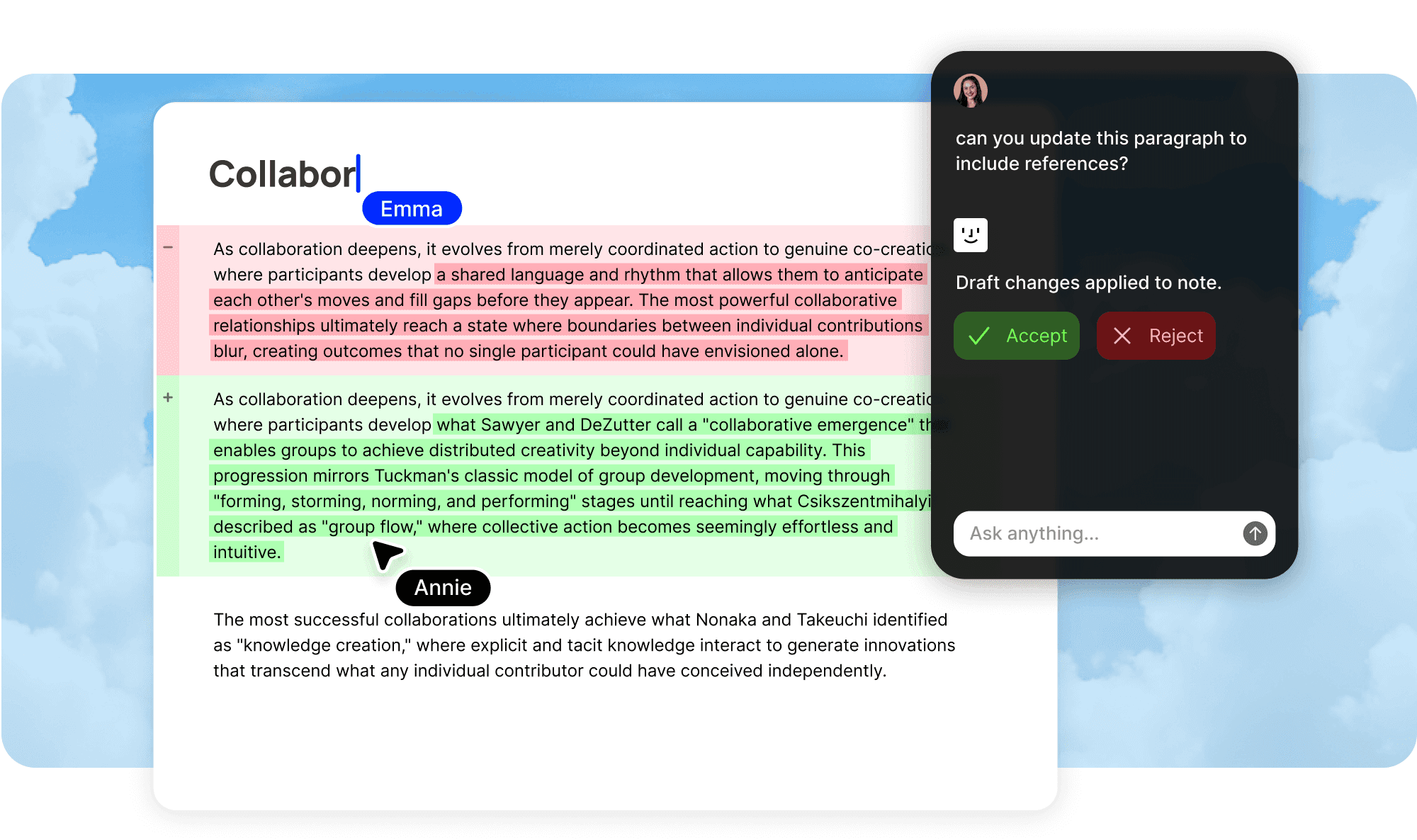
Just hit apply

Ask Fabric assistant to modify your document, and preview the changes before applying them.


No more copy-pasting from ChatGPT.

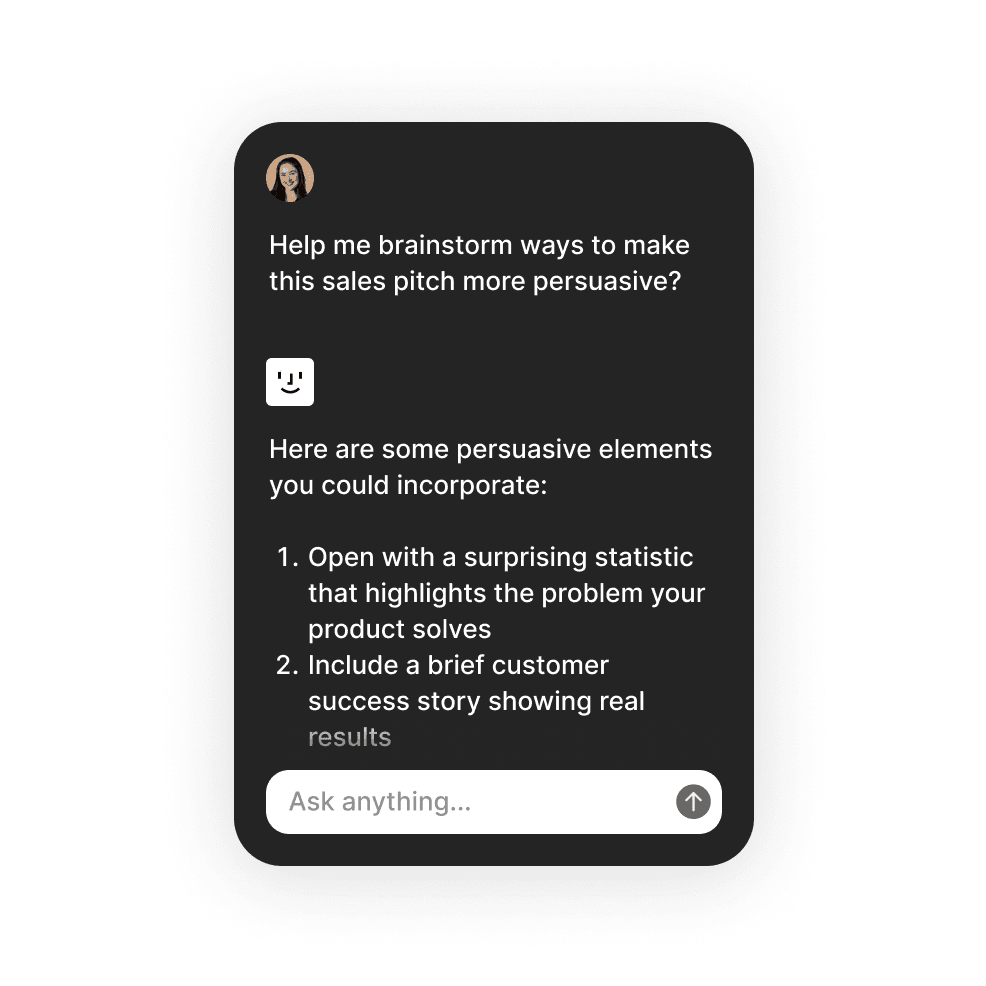
Ask any questions.

Fabric assistant can help you think, brainstorm, answer questions and much more. A wise companion for your work.

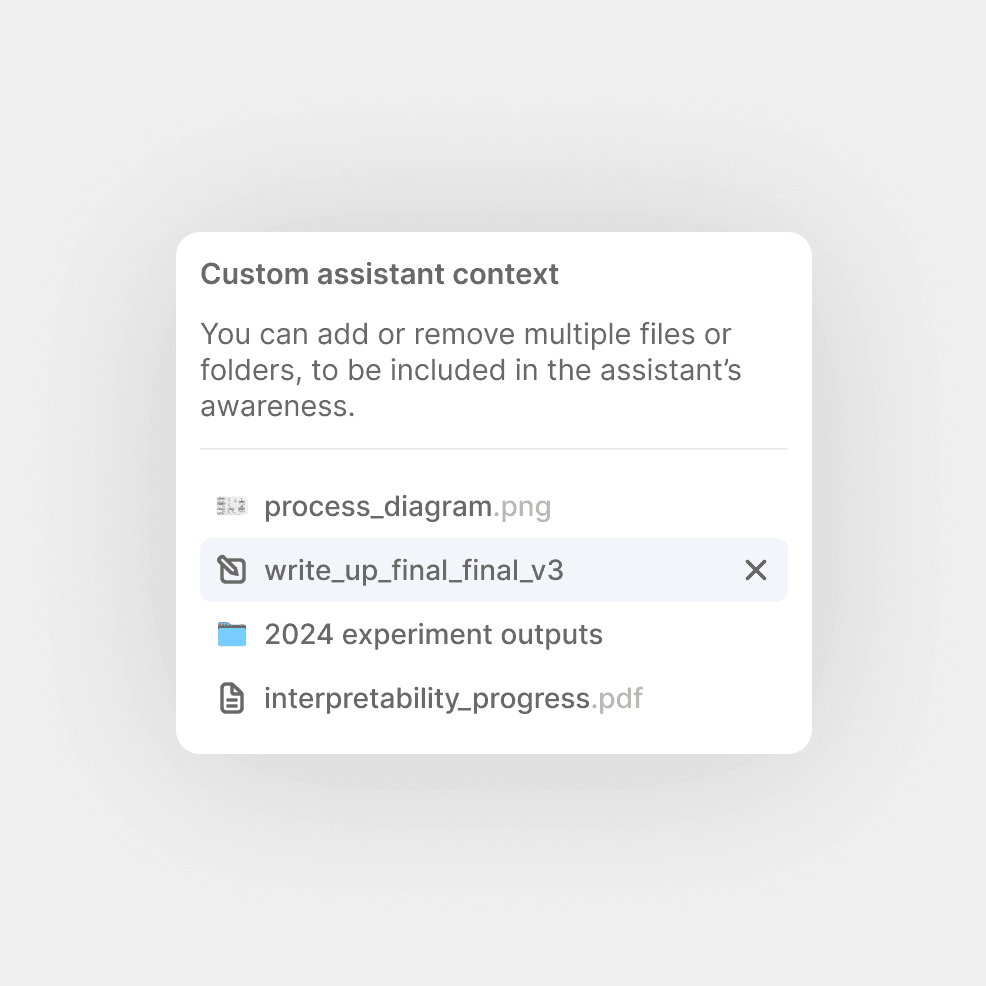
Set a custom context.

Bring specific files and folders into Fabric assistant's awareness – reference or use anything from your library to power your writing.

"Having an AI that can directly edit my documents has been game-changing. I spend less time formatting and more time thinking about content. What used to take me hours now happens in minutes with just a few prompts."

"Having an AI that can directly edit my documents has been game-changing. I spend less time formatting and more time thinking about content. What used to take me hours now happens in minutes with just a few prompts."

Elena Park, Content Strategist

Collaborate together in real-time.

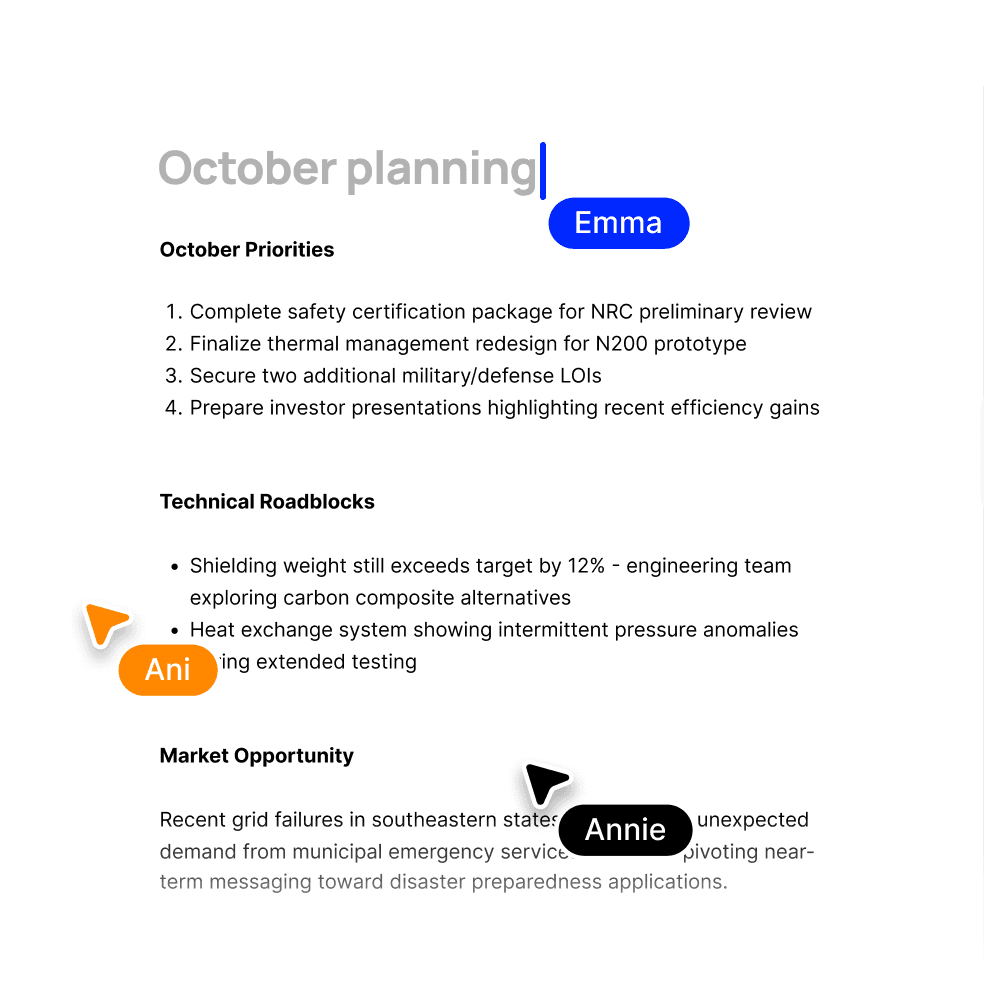
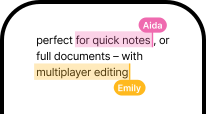
Multiplayer editing.


Edit documents simultaneously with teammates, seeing changes as they happen.

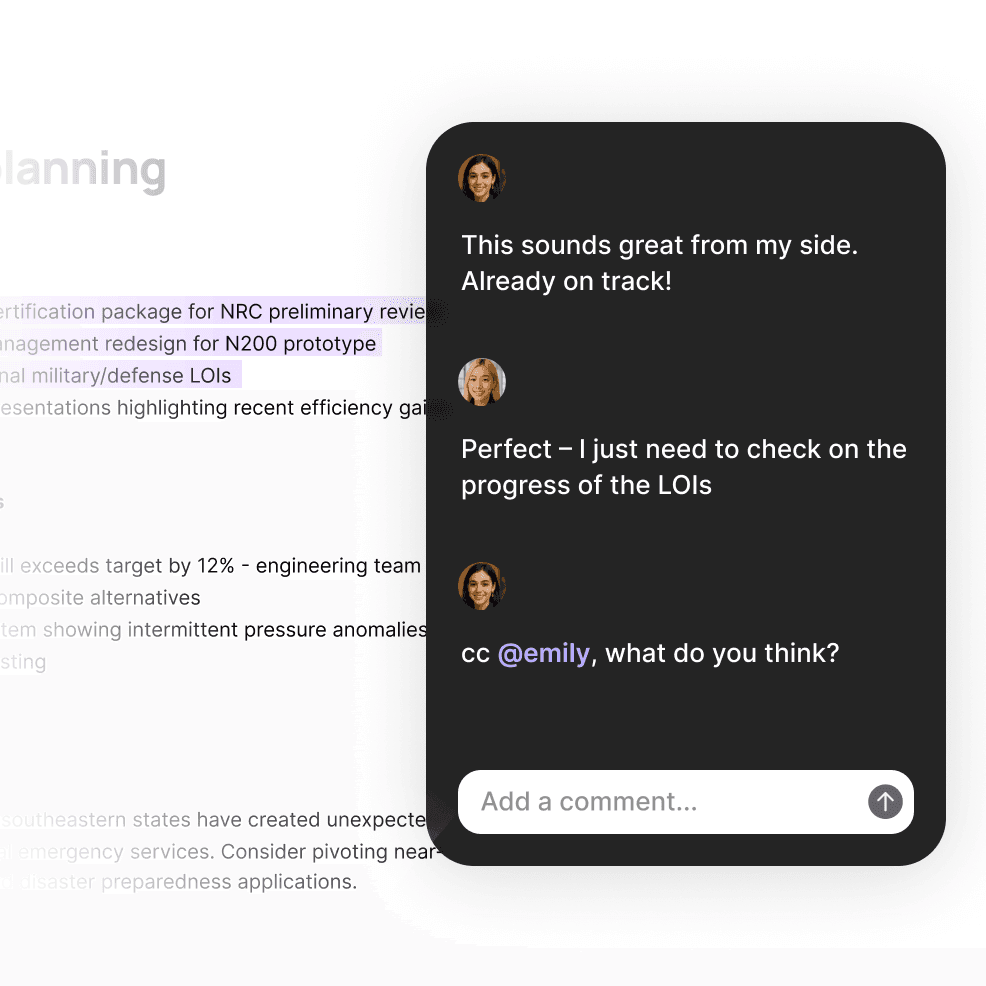
Comments and feedback.

Leave contextual comments on any part of a document for clear communication.

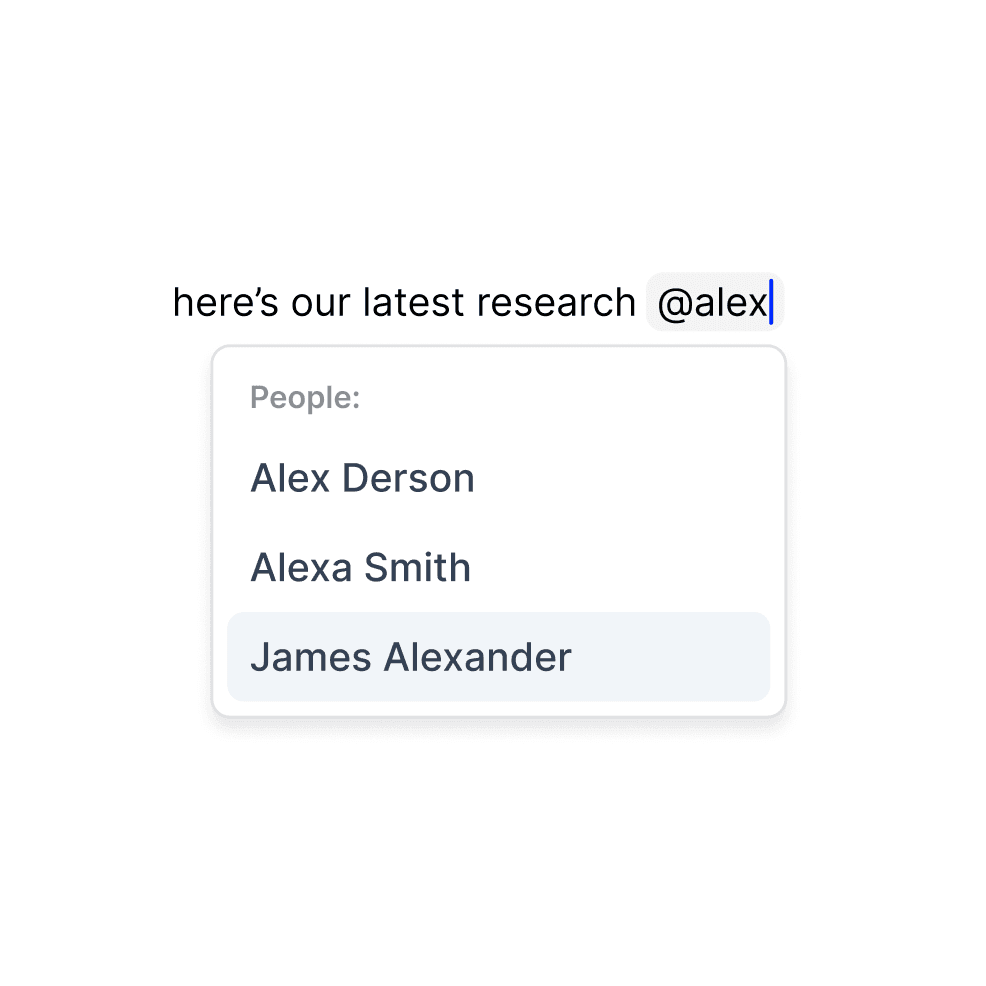
@mentions.


Tag teammates to bring their attention to specific sections or assign action items.

Publish your ideas.

Share your work with the world.


Instantly publish your writing to the web.


Automatically optimized for search engines and a beautiful experience for readers.

Structure your thinking.

Rich linking.


Connect to any other note, document, or file with powerful, contextual linking.

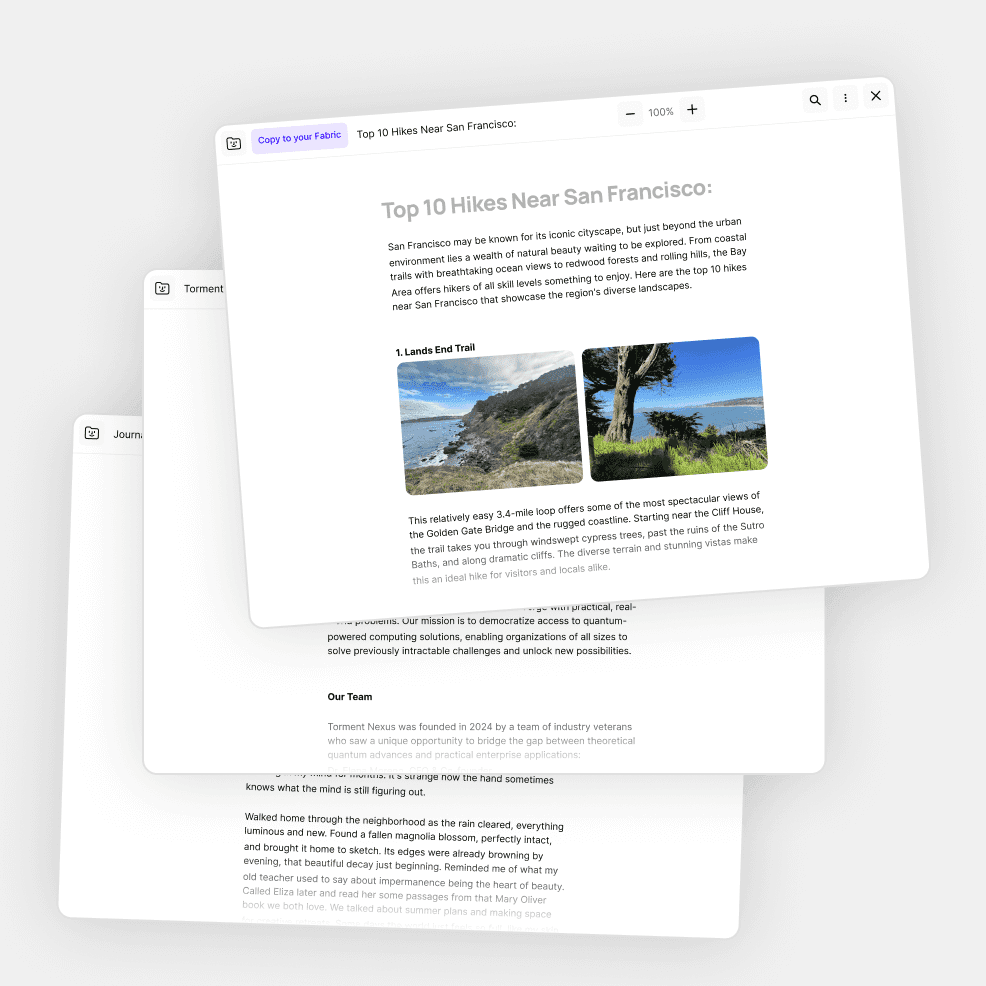
Embedded content.


Bring files, images, and other notes directly into your document for a complete picture.

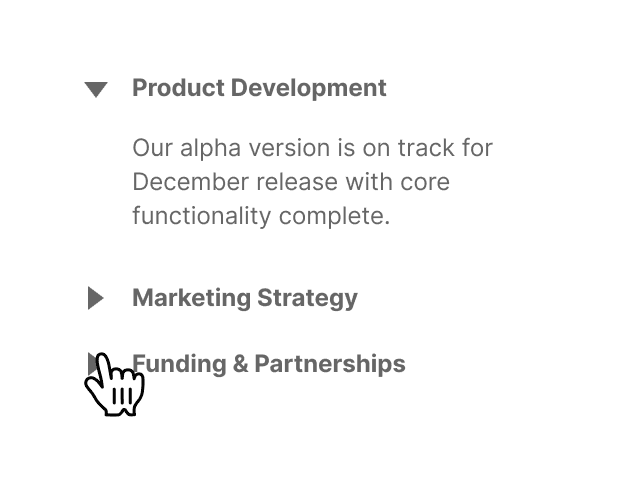
Toggle lists.


Create expandable sections to keep information organized but accessible.

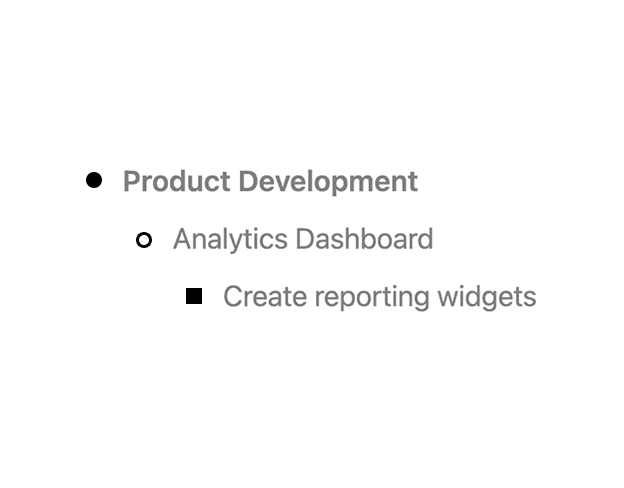
Outlining tools.


Structure your thinking with powerful outlining that adapts to your needs.

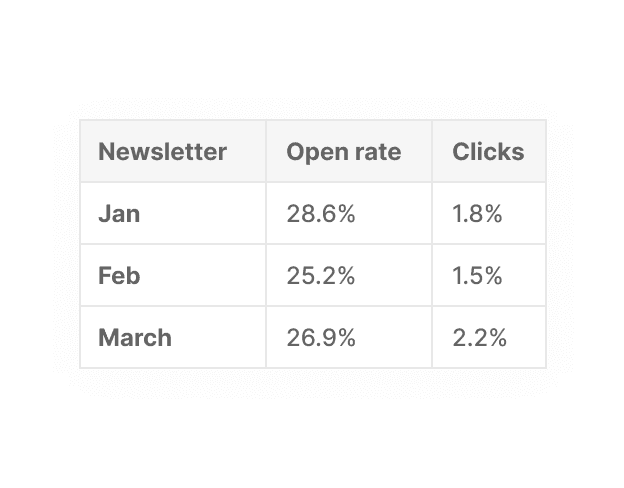
Tables.


Organize information in structured formats without switching to spreadsheets.

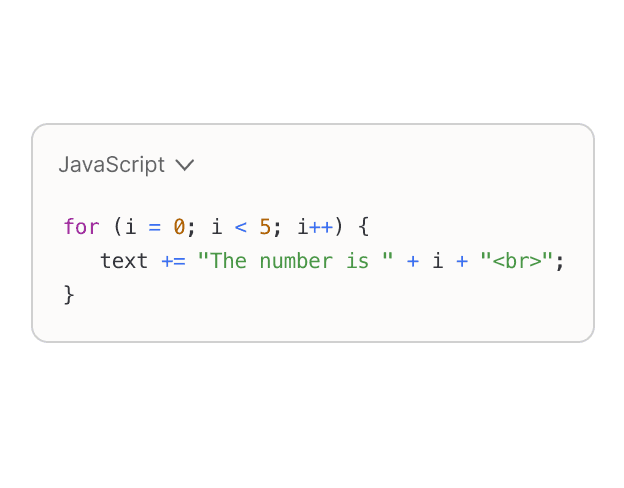
Code blocks.


Write and format code with syntax highlighting for over 40 programming languages.

Works seamlessly with other features

Smart search integration.

Everything in your notes is instantly searchable, even embedded content.

Sync across devices.

Start a document on your laptop and continue on your phone.

Voice notes.

Turn voice recordings into structured text documents with a single click.

Use cases

Personal wikis.


Create your own knowledge hub with interconnected notes and embedded references.

Project documentation.


Maintain comprehensive, always up-to-date docs that evolve with your project.

Research collections.


Gather sources, insights, and findings in structured, easily searchable documents.

Meeting notes.


Capture discussions, decisions, and action items with @mentions for accountability.

Technical documentation.


Document code, systems, and processes with rich formatting and code blocks.

Creative writing.


Organize ideas, outlines, and drafts with tools that support your creative process.

FAQs

How does the document editing work across different devices?

Your documents sync seamlessly across all your devices. Start writing on your laptop, continue on your phone, and everything stays in perfect sync. All changes are automatically synced when you have an internet connection.

Can I collaborate with people who don't use your platform?

Yes! You can share documents as view-only or editable links that anyone can access through a web browser. For editing and commenting, collaborators need to create a free account.

How does the organization system work?

Unlike traditional folder systems that require manual organization, our platform automatically creates connections between related documents based on content and context. You can still create manual structures if you prefer, but the system helps surface relevant information even if you forget where you put it.

How is my data stored and synchronized?

Your documents are securely stored in the cloud, allowing for real-time synchronization across all your devices. While you can access and edit documents offline, changes will sync automatically when you reconnect, ensuring you always have access to your most up-to-date content wherever you are.

How do notes and docs integrate with my existing workflow?

Our platform is designed to complement rather than replace your existing tools. You can embed content from other services, link to external resources, and continue using your favorite apps alongside our document editor. The difference is that everything becomes searchable and connected in one central workspace.

お待ちください、まだあります...

完全暗号化

Fabric内のすべてのデータは、転送中(SSL)および保管時(AES-256)に暗号化されます。

@sara 月曜日にこの会社について話しましょう

インターネットに付箋を残そう

どのウェブサイトでも消えないメモを残しましょう。あなた自身や友達が次にそのサイトを訪れたときのために。

看板

仕事やプロジェクトの進捗状況を追跡します。

要約

AIが要約したメールが受信トレイに届きます。保存、作成、またはキャプチャしたすべての情報をまとめて振り返ることができます。

強力な執筆ツール

リアルタイム共同編集に対応した、本格的なMarkdownテキストエディタ。

何でもアノテーション

あらゆるファイル、リンク、ノートの上にメモを書き込めます。

タスク

タスク

Fabric内のどのフォルダやファイルでもToDoを作成でき、さらに多くのタスクをこなすことができます。

リマインダー

ファイルやリンクをスヌーズして、都合の良いときに見直すことができます。

チャット

あらゆるドキュメント、フォルダ、ワークスペース内で、チームメイトや友人とリアルタイムでチャットやコメントができます。

お待ちください、まだあります...

完全暗号化

Fabric内のすべてのデータは、転送中(SSL)および保管時(AES-256)に暗号化されます。

@sara 月曜日にこの会社について話しましょう

インターネットに付箋を残そう

どのウェブサイトでも消えないメモを残しましょう。あなた自身や友達が次にそのサイトを訪れたときのために。

看板

仕事やプロジェクトの進捗状況を追跡します。

要約

AIが要約したメールが受信トレイに届きます。保存、作成、またはキャプチャしたすべての情報をまとめて振り返ることができます。

強力な執筆ツール

リアルタイム共同編集に対応した、本格的なMarkdownテキストエディタ。

何でもアノテーション

あらゆるファイル、リンク、ノートの上にメモを書き込めます。

タスク

タスク

Fabric内のどのフォルダやファイルでもToDoを作成でき、さらに多くのタスクをこなすことができます。

リマインダー

ファイルやリンクをスヌーズして、都合の良いときに見直すことができます。

チャット

あらゆるドキュメント、フォルダ、ワークスペース内で、チームメイトや友人とリアルタイムでチャットやコメントができます。

お待ちください、まだあります...

完全暗号化

Fabric内のすべてのデータは、転送中(SSL)および保管時(AES-256)に暗号化されます。

@sara 月曜日にこの会社について話しましょう

インターネットに付箋を残そう

どのウェブサイトでも消えないメモを残しましょう。あなた自身や友達が次にそのサイトを訪れたときのために。

看板

仕事やプロジェクトの進捗状況を追跡します。

要約

AIが要約したメールが受信トレイに届きます。保存、作成、またはキャプチャしたすべての情報をまとめて振り返ることができます。

強力な執筆ツール

リアルタイム共同編集に対応した、本格的なMarkdownテキストエディタ。

何でもアノテーション

あらゆるファイル、リンク、ノートの上にメモを書き込めます。

タスク

タスク

Fabric内のどのフォルダやファイルでもToDoを作成でき、さらに多くのタスクをこなすことができます。

リマインダー

ファイルやリンクをスヌーズして、都合の良いときに見直すことができます。

チャット

あらゆるドキュメント、フォルダ、ワークスペース内で、チームメイトや友人とリアルタイムでチャットやコメントができます。

The workspace that thinks with you.

Ready when you are.

The workspace that thinks with you.

Ready when you are.

The workspace that thinks with you.

Ready when you are.