Bullet Journal
A flexible system for tracking tasks, events, and notes in one place. Adapt it to how your mind works.
About
What is the Bullet Journal template?
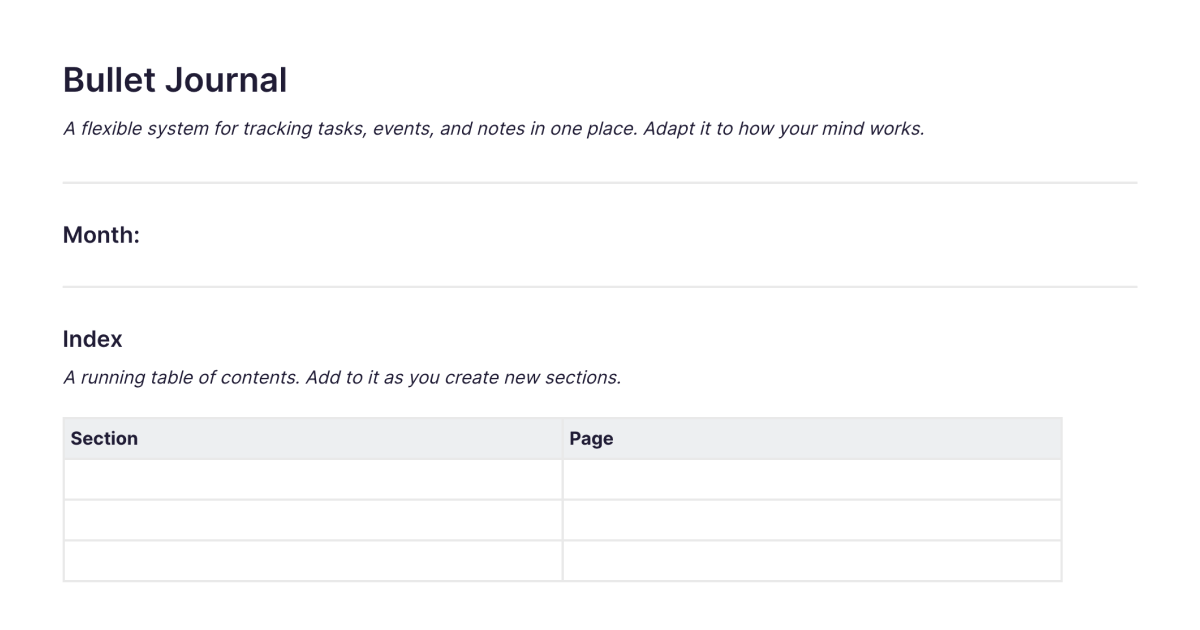
The Bullet Journal template is a ready-made setup for keeping a bullet journal in Fabric, the flexible system for tracking tasks, events, and notes in one place. It comes with the three logs already laid out, daily, monthly, and future, along with the rapid-logging notation, so you can start capturing straight away instead of drawing the structure yourself. You add it to your workspace once and duplicate it whenever you want a fresh setup. As the method intends, it's a starting point to adapt to how your mind works, not a fixed form.
What's laid out for you
The three logs. A daily log for capturing tasks, events, and notes as they come up; a monthly log with a calendar and a list of what you mean to do; and a future log for things further out. They're arranged the way the method describes, ready to fill in.
The notation. The rapid-logging key, a bullet for a task, an X for done, a dash for a note, a circle for an event, and the migration marks, is laid out so you can log quickly without memorising symbols first. Adapt or extend it as you like; the method encourages exactly that.
The structure is there so you don't spend your first session building a notebook. What you do with it is yours.
A bullet journal that's also searchable
A paper bullet journal has two well-known costs: the notebook fills up and becomes hard to search, and the migration process, copying open tasks forward, is effortful enough that it's the first thing to slip. Keeping the system in Fabric eases both.
Everything you log is searchable by meaning, so the index a paper journal needs is unnecessary, you find a past entry or a collection by describing it, not by flipping pages. For time-sensitive items, you can set tasks and reminders so the things that have to happen on a date don't depend on you re-copying them by hand. And because it's a Fabric note, an entry can hold more than text: drop in a voice note, a photo, or a screenshot, and it stays part of the same journal. Over time the AI assistant can read across your logs and surface what you'd miss day to day, like the task you've migrated five times without doing.
How to use it
Add it once. Install the template from the store and it's in your workspace.
Set up your logs. Add what you know about the coming months to the future log, set up the current month, and start today's daily log.
Rapid-log through the day. Capture tasks, events, and notes as they arise, using the notation or your own adaptation of it.
Migrate, and let search do the rest. At the end of the day and the month, review what's open and carry forward what still matters. When you need an old entry, search for it rather than scrolling.
Learn the method, and adapt it
This template gives you the system ready to use; if you want the full method, the notation in depth, how the logs work together, the migration process, and the thinking behind it, the bullet journal method guide is the complete walkthrough. The method was created by Ryder Carroll in part to manage his own ADHD, and it remains a strong fit for ADHD minds that want a capture-first system flexible enough to bend to how they actually work.
Frequently asked questions
What is the Bullet Journal template?
It's a free Fabric setup with the daily, monthly, and future logs and the rapid-logging notation already laid out, so you can keep a bullet journal without building the structure from scratch. You add it once and duplicate it when you want a fresh start.
How do I use it?
Set up your logs, then rapid-log tasks, events, and notes through the day, and migrate what's open at the end of the day and month. Each copy is a normal Fabric note, so everything you log is searchable and can hold text, voice, and images.
Is it free?
Yes. The Bullet Journal template is free to add and use.
Does it include the bullet journal notation?
Yes. The rapid-logging key, task, completed, note, event, and the migration marks, is laid out for you. You can use it as it comes or adapt it, which the method actively encourages.
Can I change the structure?
Yes. The template is a starting point, not a fixed form. Add collections, drop the future log if you don't need it, change the notation, the bullet journal method is built around personalising it to how you work.
How is a digital bullet journal different from a paper one?
The system is the same; what changes is that everything is searchable, so you don't need a paper index, and reminders can carry time-sensitive items rather than relying on manual copying. The one thing paper offers that digital doesn't is the reflective feel of writing by hand. The bullet journal guide covers this trade-off in full.
Can I find old entries and collections later?
Yes. Everything is searchable by meaning across your whole library, so a daily entry or a collection from months ago is findable by describing it, no index required.
Is the bullet journal good for ADHD?
The method was created in part to manage ADHD, and its capture-first daily log and flexible structure suit many ADHD minds. The hard part, the daily migration habit, is exactly where reminders help. See more on ADHD-friendly approaches.
Can I use it on my phone?
Yes. With the mobile app you can rapid-log, record a voice note, or snap a photo on the go, and it syncs across your devices.
Where can I learn the full method?
The bullet journal method guide is a complete walkthrough of the notation, the logs, migration, collections, and where the system fits alongside other methods.
What is Fabric?
Fabric is an AI workspace for your projects, ideas, and files.
Save anything – PDFs, images, links, notes, voice memos, videos – and search across all of it by meaning, not just keywords. Think visually on an infinite canvas, connect your tools like Gmail, Google Drive, Notion, and Figma, and work alongside a personal AI assistant that knows your work, remembers your context, and gets smarter the more you use it.
Available on web, iOS, Android, and desktop.
