> ## Documentation Index
> Fetch the complete documentation index at: https://fabric.so/llms.txt
> Use this file to discover all available pages before exploring further.
# AI usage
> How AI usage works in Fabric.
 ## What uses AI in Fabric?
When you use Fabric, certain actions require AI processing, analysis, or response. The more tokens, the more AI usage consumed.
Chatting with the AI Assistant is the most obvious example, but creating a new file/note also uses some AI to understand the content, make it searchable and more.
**The size and type of an Assistant query also directly affects the amount of AI used:**
* If it's a long document or media file.
* If the query requires the Assistant fetching and analyzing lots of files/items.
* If the query requires the Assistant to make many tool calls (e.g. multiple web searches).
* If the query requires reasoning.
**Note:** Connections may create many items inside your Fabric on your behalf – this is a common drain on AI usage, and being selective in what gets synced will make a big difference.
E.g. if you connect a Google Drive with 10k files... that's **a lot** of AI analysis and processing that needs to happen.
***Things that use a very very small amount of AI:***
* Automatic renaming
* Performing a search
* Generating tag and location suggestions
***
It's also noteworthy that different models do consume more or less AI usage than others. You can see a comparison of this on the [Choosing a model page](/guide/AI-and-assistant/choosing-a-model)
***
## When does my AI usage reset?
Your AI usage resets on the 1 month anniversary of the paid plan subscription (or your account creation date, if on a free plan).
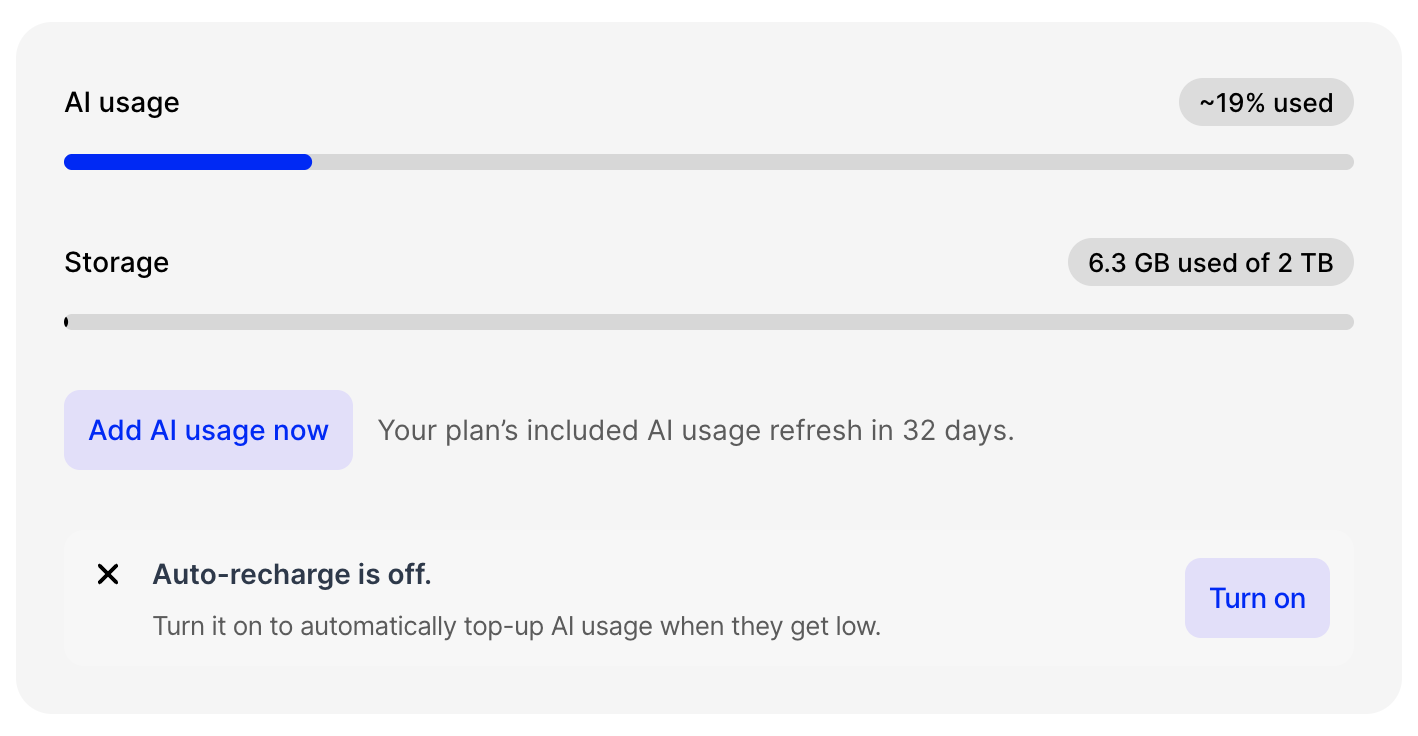
You can always see how many days are left until next reset inside your Account screen.
***
## Topping up
On your [Usage](https://fabric.so/settings/usage-and-billing) screen or the [Plans](https://fabric.so/pricing) page, you can see options for topping up your AI usage.
You can choose to top up just this one time, or for it to happen automatically when your AI usage quota falls under a certain percentage.
## What uses AI in Fabric?
When you use Fabric, certain actions require AI processing, analysis, or response. The more tokens, the more AI usage consumed.
Chatting with the AI Assistant is the most obvious example, but creating a new file/note also uses some AI to understand the content, make it searchable and more.
**The size and type of an Assistant query also directly affects the amount of AI used:**
* If it's a long document or media file.
* If the query requires the Assistant fetching and analyzing lots of files/items.
* If the query requires the Assistant to make many tool calls (e.g. multiple web searches).
* If the query requires reasoning.
**Note:** Connections may create many items inside your Fabric on your behalf – this is a common drain on AI usage, and being selective in what gets synced will make a big difference.
E.g. if you connect a Google Drive with 10k files... that's **a lot** of AI analysis and processing that needs to happen.
***Things that use a very very small amount of AI:***
* Automatic renaming
* Performing a search
* Generating tag and location suggestions
***
It's also noteworthy that different models do consume more or less AI usage than others. You can see a comparison of this on the [Choosing a model page](/guide/AI-and-assistant/choosing-a-model)
***
## When does my AI usage reset?
Your AI usage resets on the 1 month anniversary of the paid plan subscription (or your account creation date, if on a free plan).
You can always see how many days are left until next reset inside your Account screen.
***
## Topping up
On your [Usage](https://fabric.so/settings/usage-and-billing) screen or the [Plans](https://fabric.so/pricing) page, you can see options for topping up your AI usage.
You can choose to top up just this one time, or for it to happen automatically when your AI usage quota falls under a certain percentage.